Conference Studio Setup
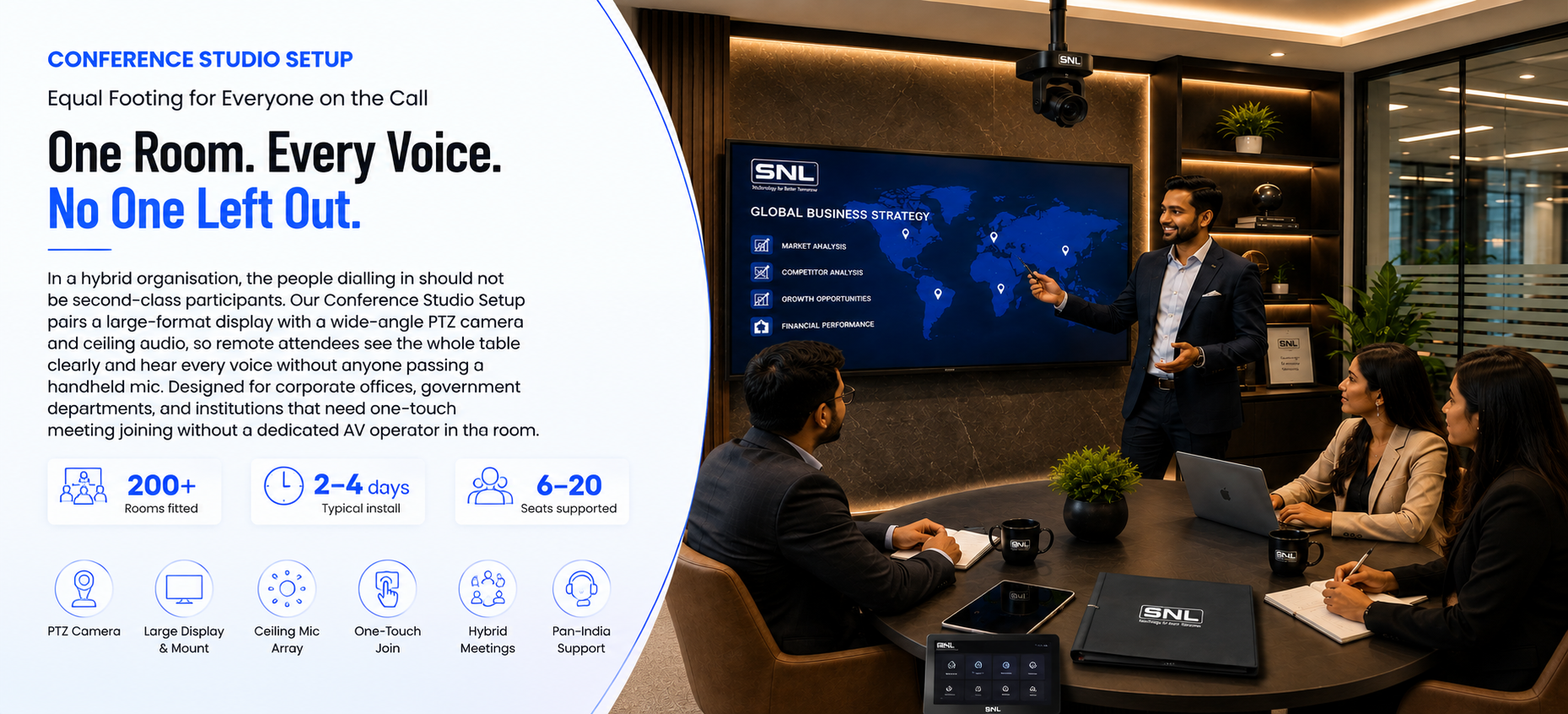
In a hybrid organisation, the people dialling in should not be second-class participants. Our Conference Studio Setup pairs a large-format display with a wide-angle PTZ camera and ceiling audio, so remote attendees see the whole table clearly and hear every voice without anyone passing a handheld mic. Designed for corporate offices, government departments, and institutions that need one-touch meeting joining without a dedicated AV operator in the room.
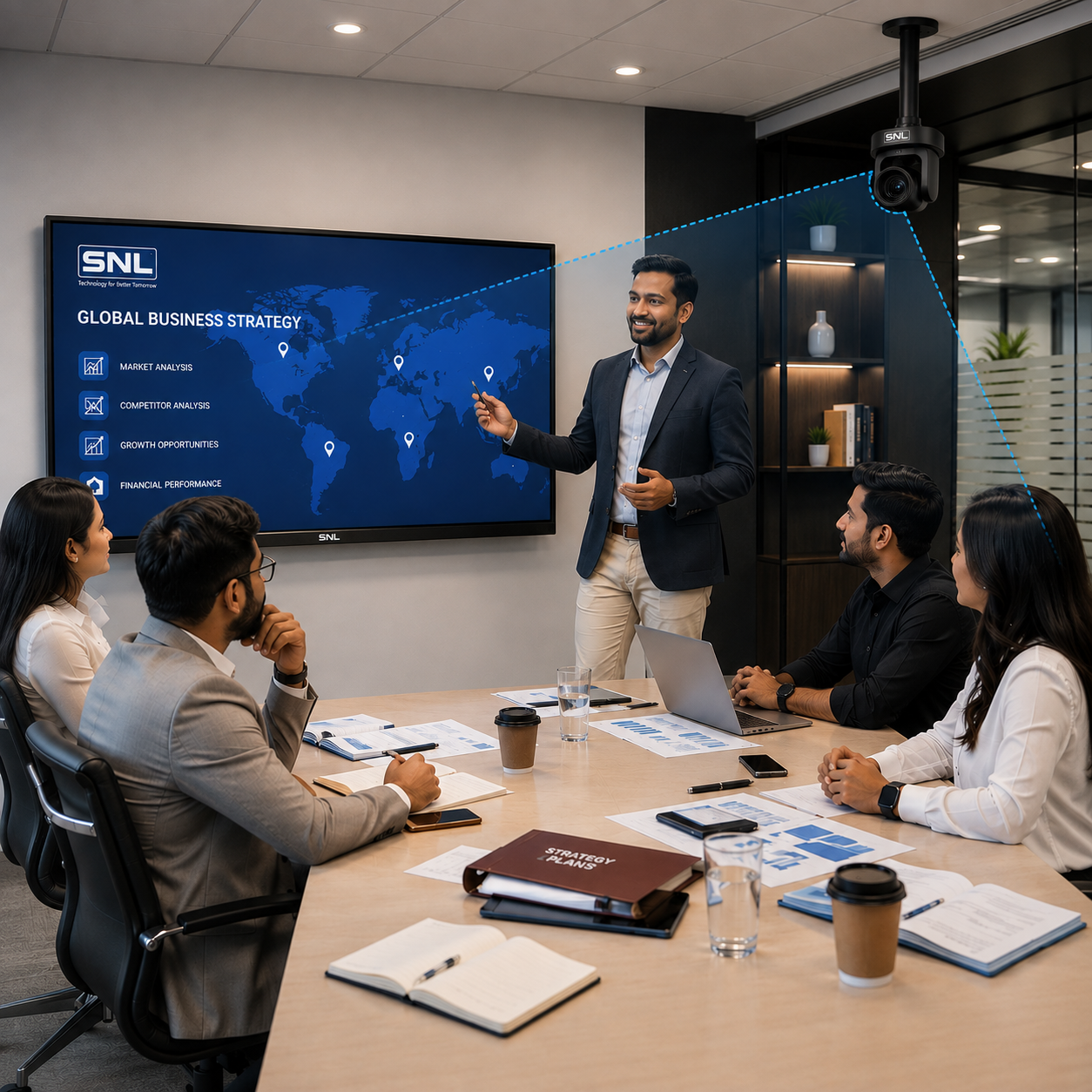
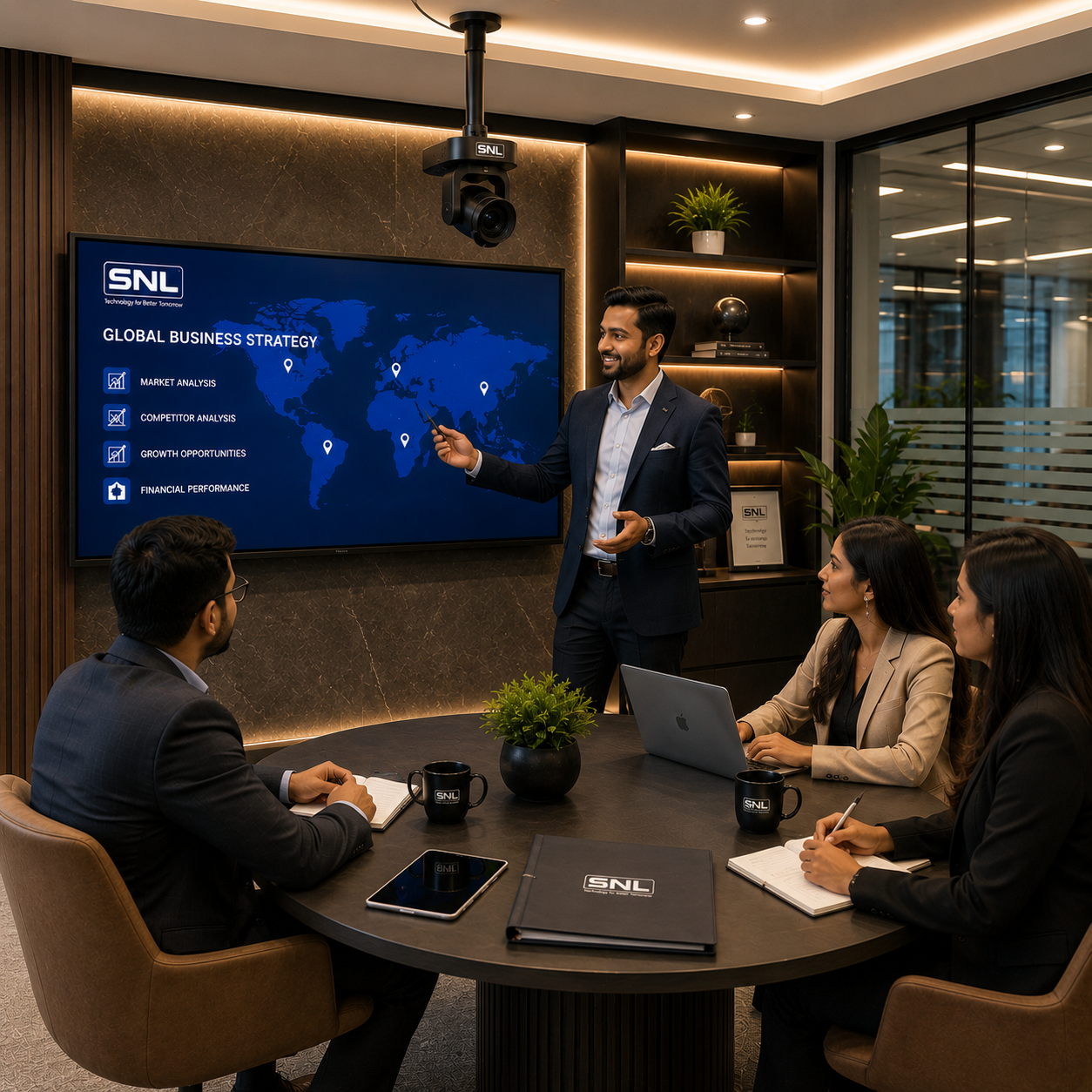
Conference Studio Setup – Equal Footing for Everyone on the Call
A Conference Studio makes a meeting room work as well for the people dialling in as it does for the people sitting in it. A large-format display keeps shared content and remote faces legible from the far end of the table, a wide-angle PTZ camera auto-frames the room and tracks whoever is speaking, and a ceiling microphone array picks up the whole table so no one has to lean toward a device. Built for corporate offices, government departments, coworking spaces, and institutions, the room joins scheduled calls with one touch from the control panel — no cable hunting, no laptop juggling, and no AV operator standing by.
What It Is
A Conference Studio setup is a complete video-conferencing environment built around a large-format display, wide-angle 4K camera, and ceiling microphone array, engineered so remote participants get the same clarity as everyone seated at the table. It combines display, camera, audio, and a room-scheduling panel into one ready-to-use kit — giving meeting rooms one-touch call joining without cable hunting or a dedicated AV operator.
Industries
The setup serves corporate offices and coworking spaces running daily video calls, government offices holding hybrid meetings across departments, and educational institutions hosting webinars, panel discussions, and remote faculty sessions. Its whole-room audio pickup also suits boardrooms and training centres where multiple people need to be heard clearly without passing a handheld mic.
Advantages
Key advantages include full-table visibility and legibility on screen, whole-room audio pickup without handheld microphones, and one-touch meeting start directly from the room panel. The setup is configured for the video conferencing platform your organisation already uses, keeps IT overhead low with centrally managed rooms, and is backed by a 1-year warranty and AMC with remote diagnostics and on-site service.
Conference Studio Setup – Product Specifications
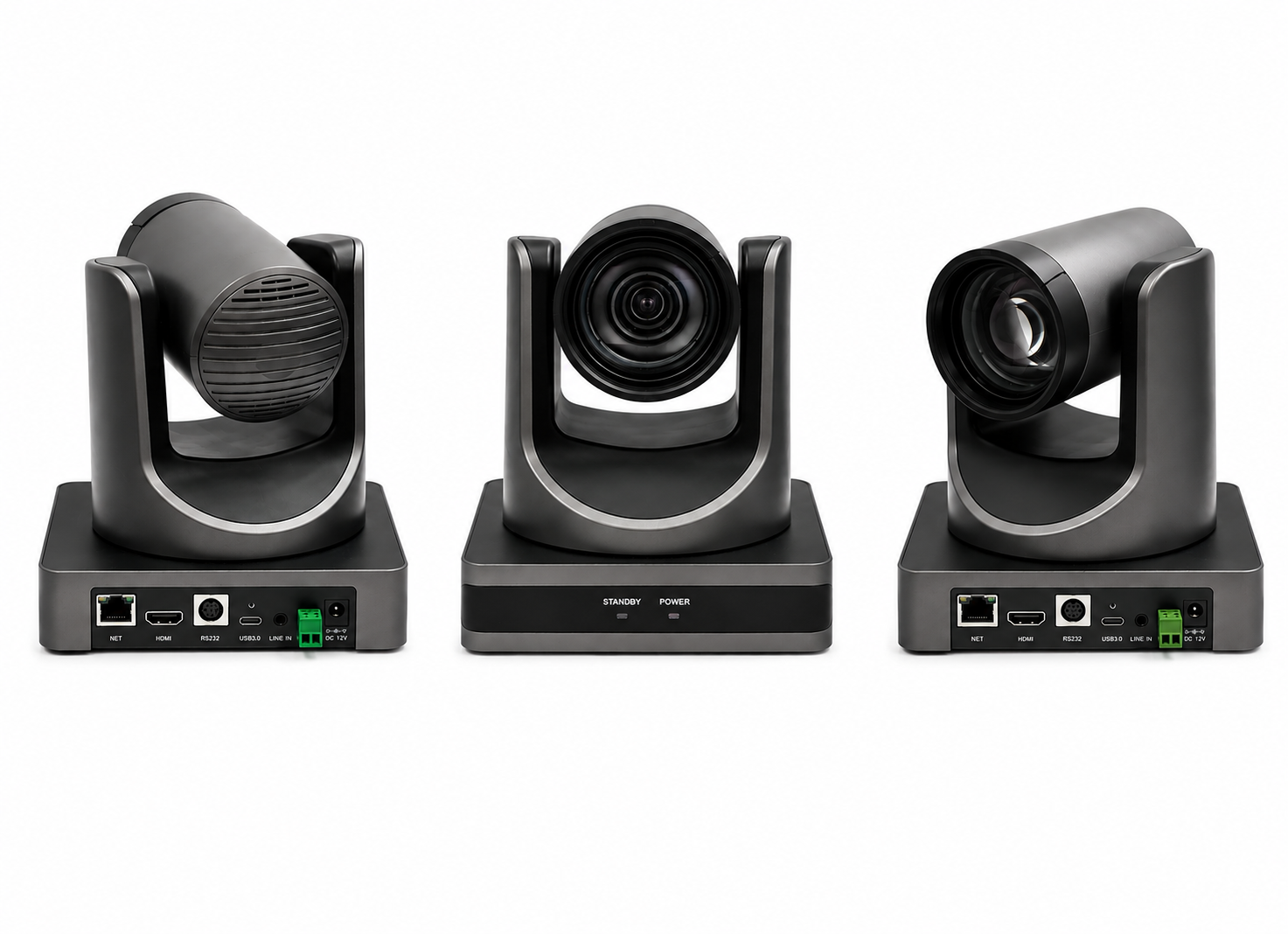
Wide-angle 4K pan-tilt-zoom camera that auto-frames the full table and tracks the active speaker, so remote participants always see who is talking.
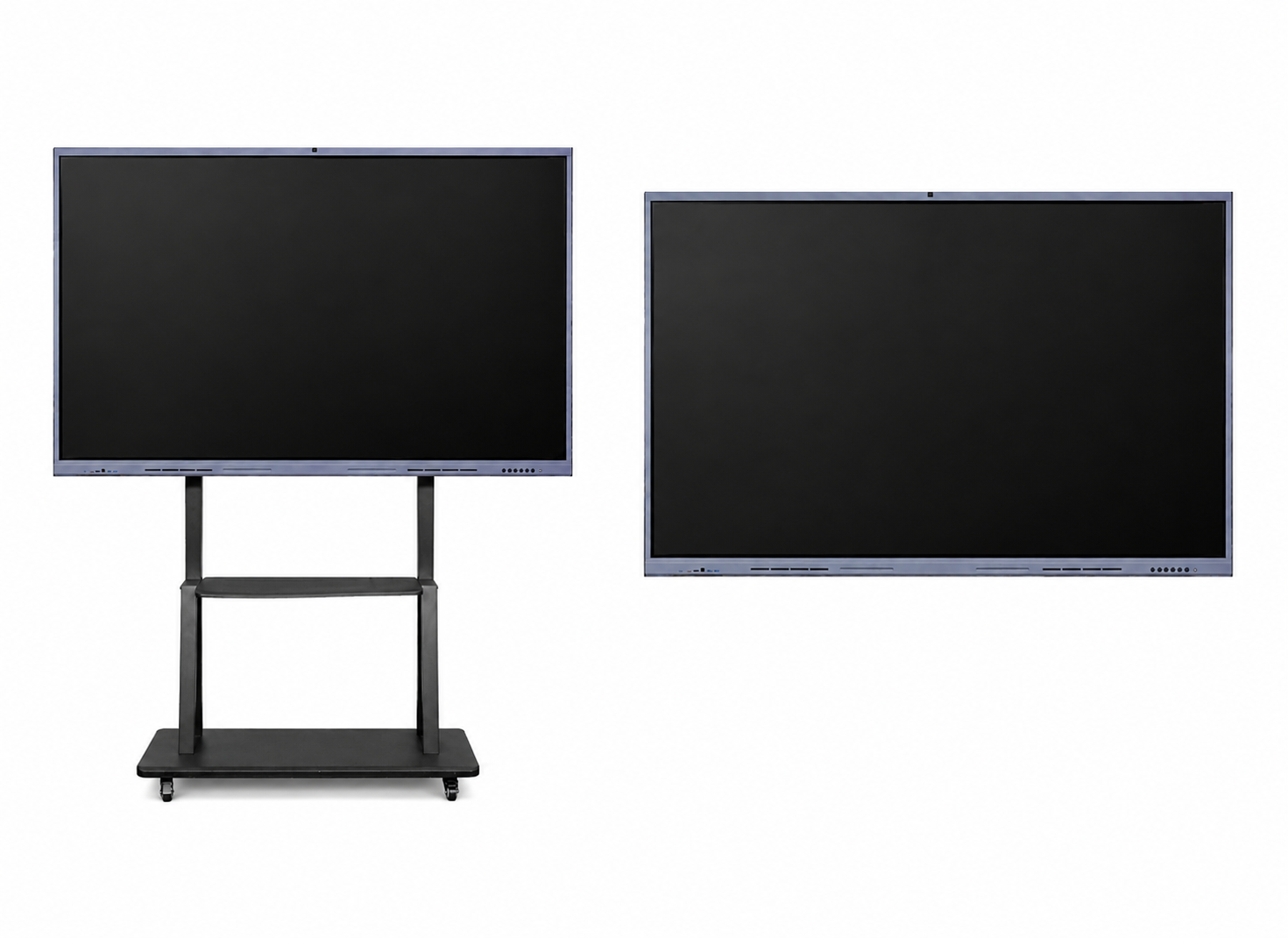
65″–98″ 4K commercial display on a wall mount or mobile trolley, keeping shared content and remote faces legible from the far end of the room.
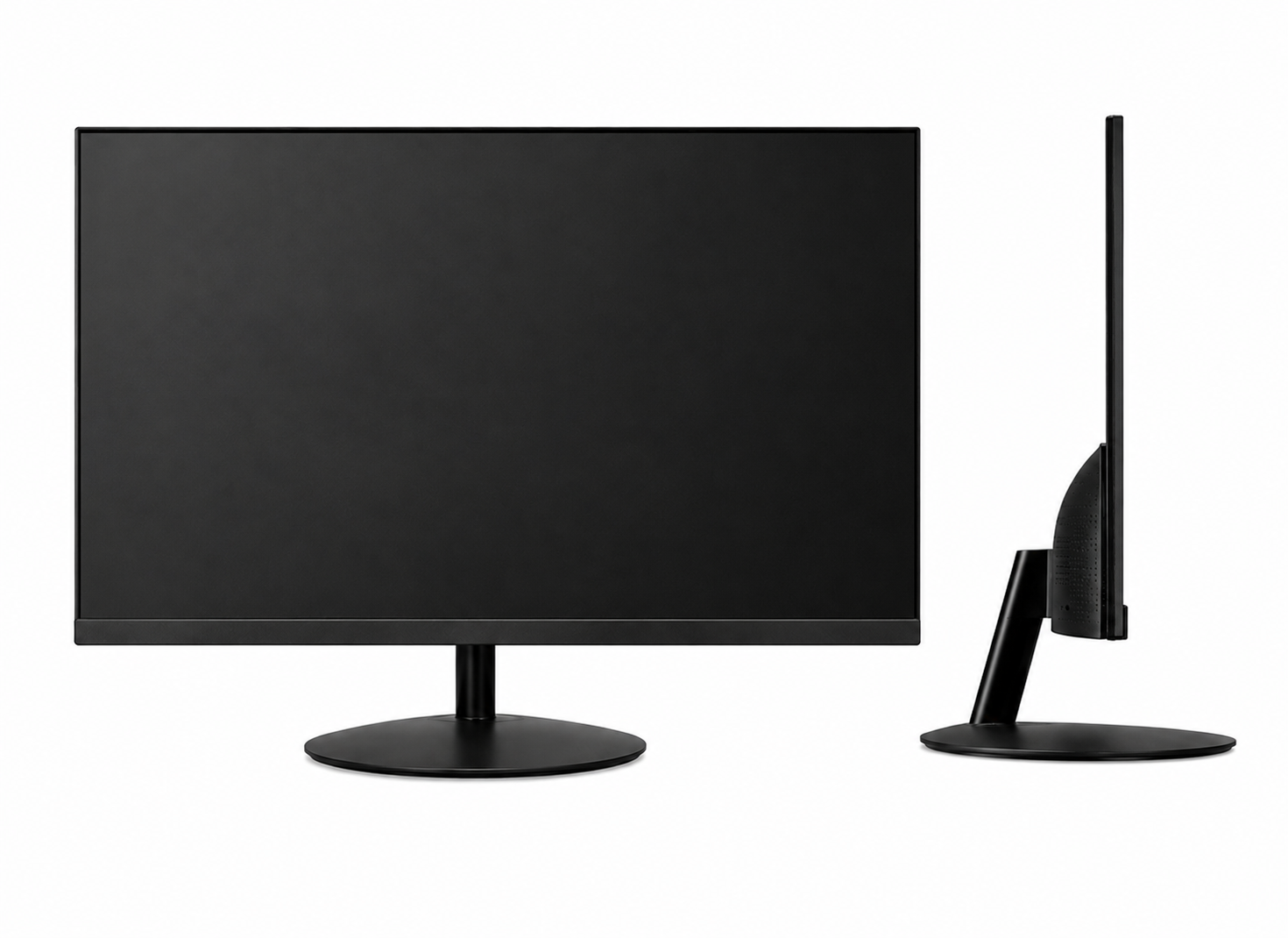
Secondary display for the presenter, so shared documents and the remote participant grid can be shown at the same time rather than one hiding the other.
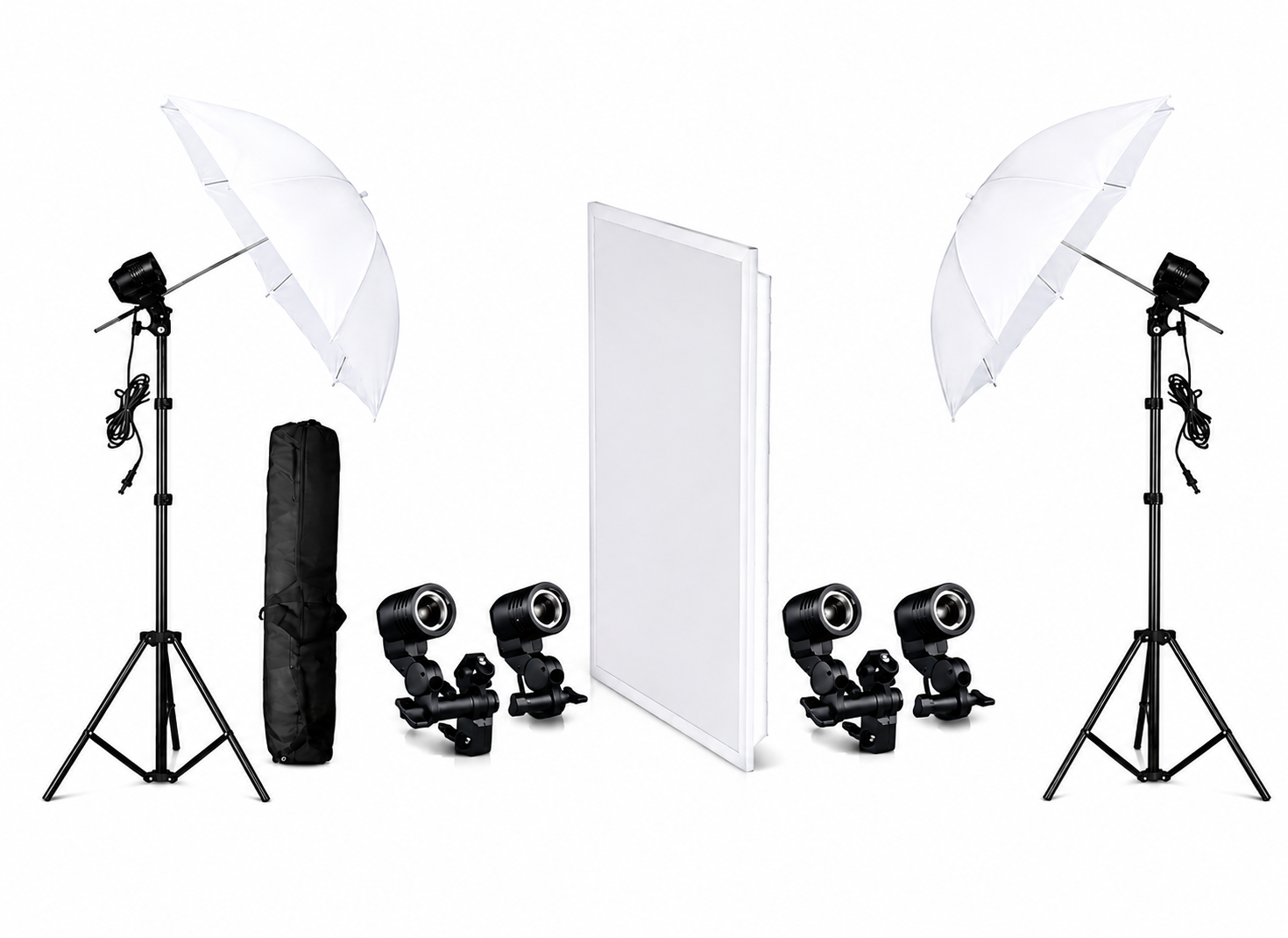
Adjustable LED lighting delivering even, shadow-free illumination across the table, so faces read clearly on camera instead of falling into overhead-light shadow.
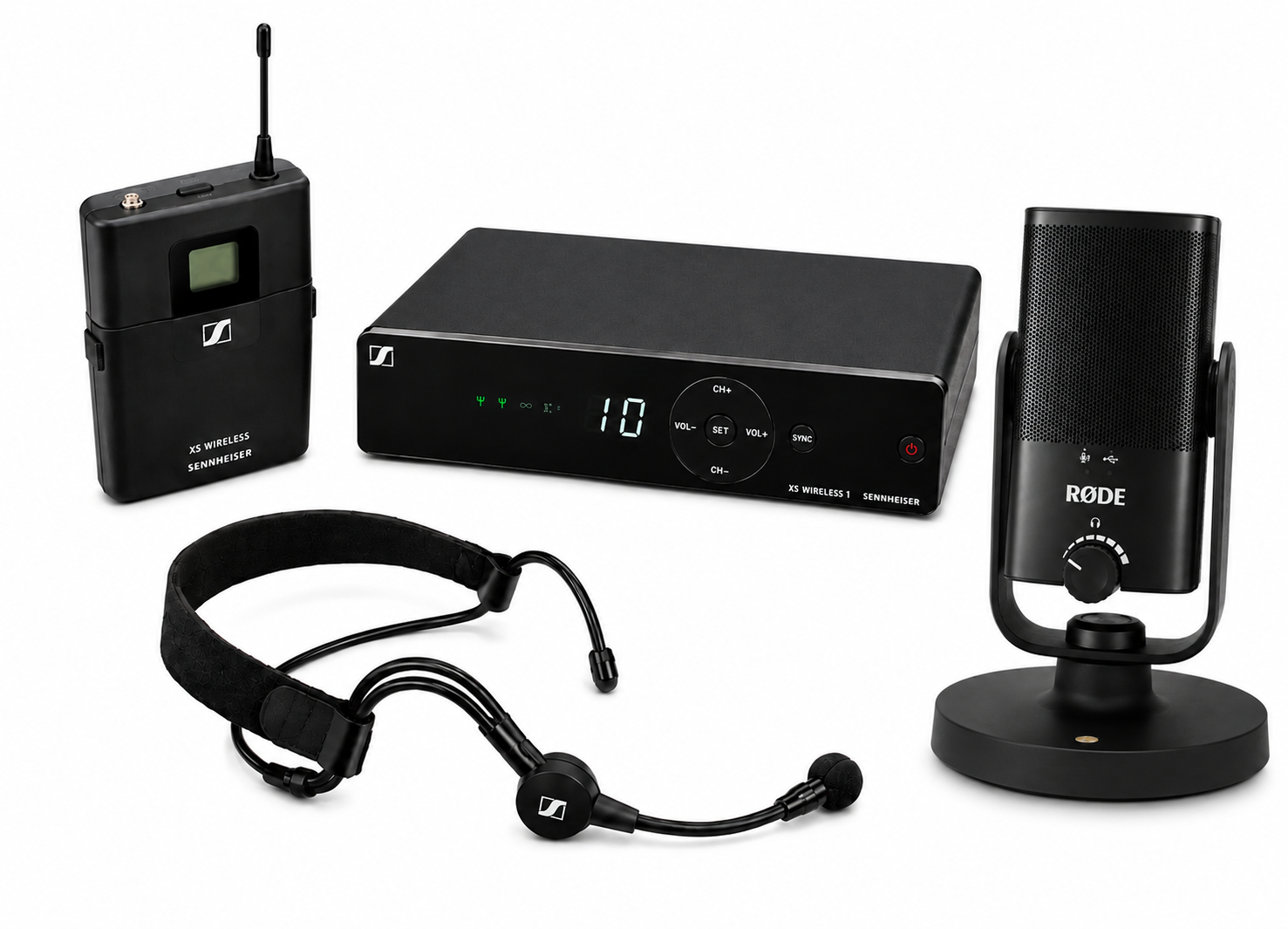
Ceiling microphone array with echo cancellation and noise suppression, giving whole-table pickup without passing a handheld mic between seats.
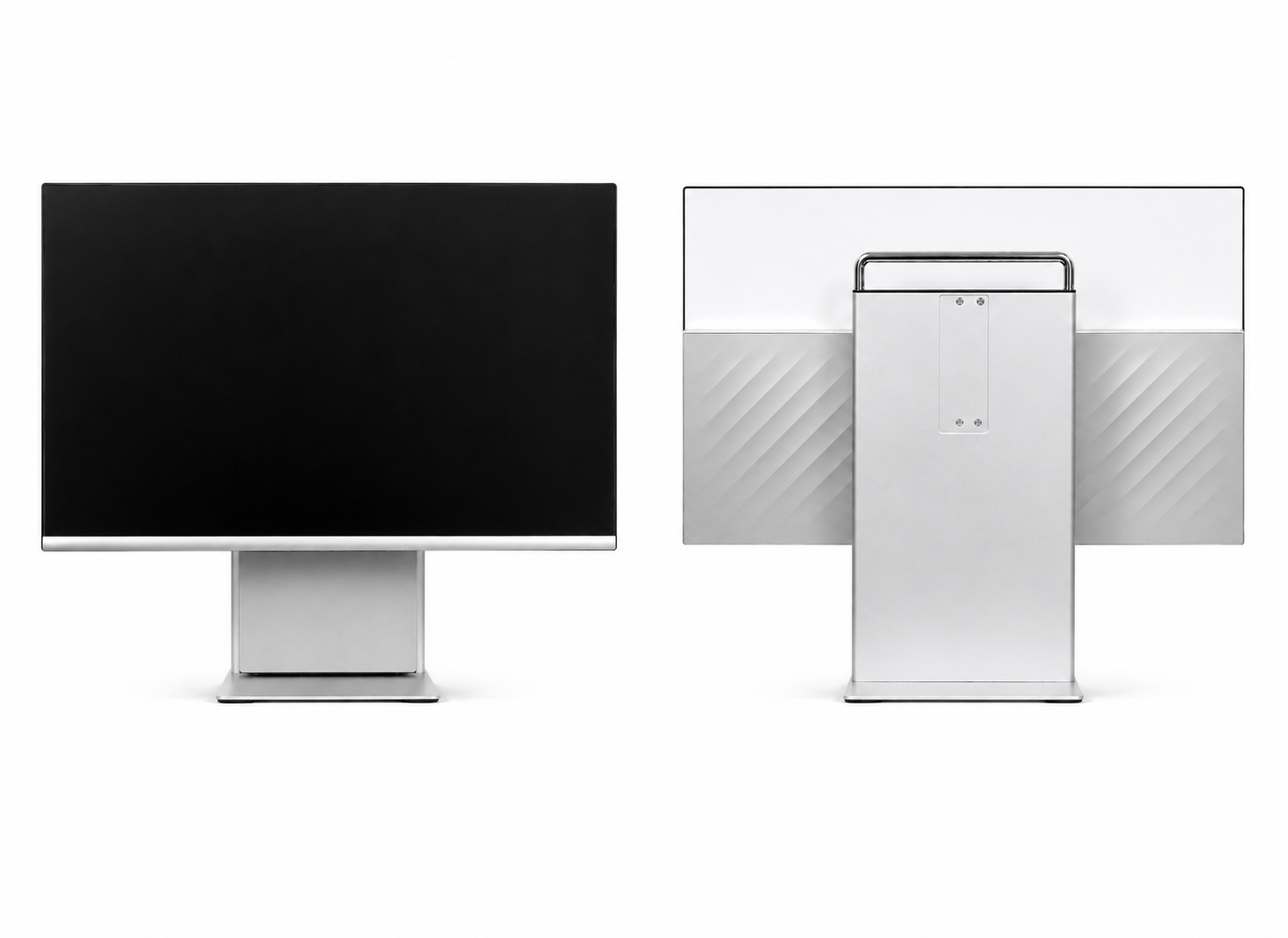
All-in-one touchscreen room panel that joins scheduled calls with a single tap and drives camera, audio, and display presets without a dedicated operator.
Benefits of the Conference Studio Setup
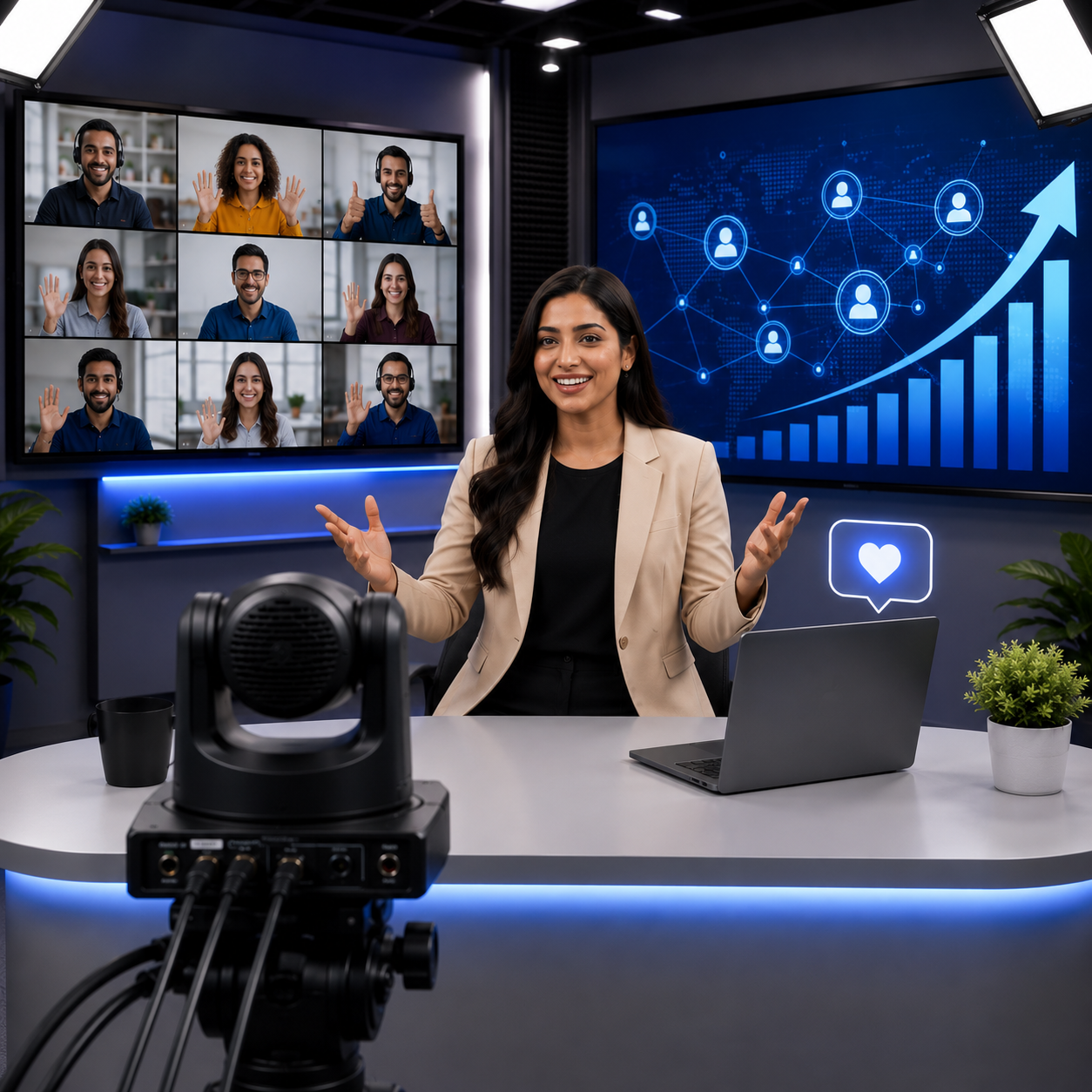
Clear for Every Seat
A large-format display and wide-angle camera keep shared content and remote faces legible from every chair at the table.
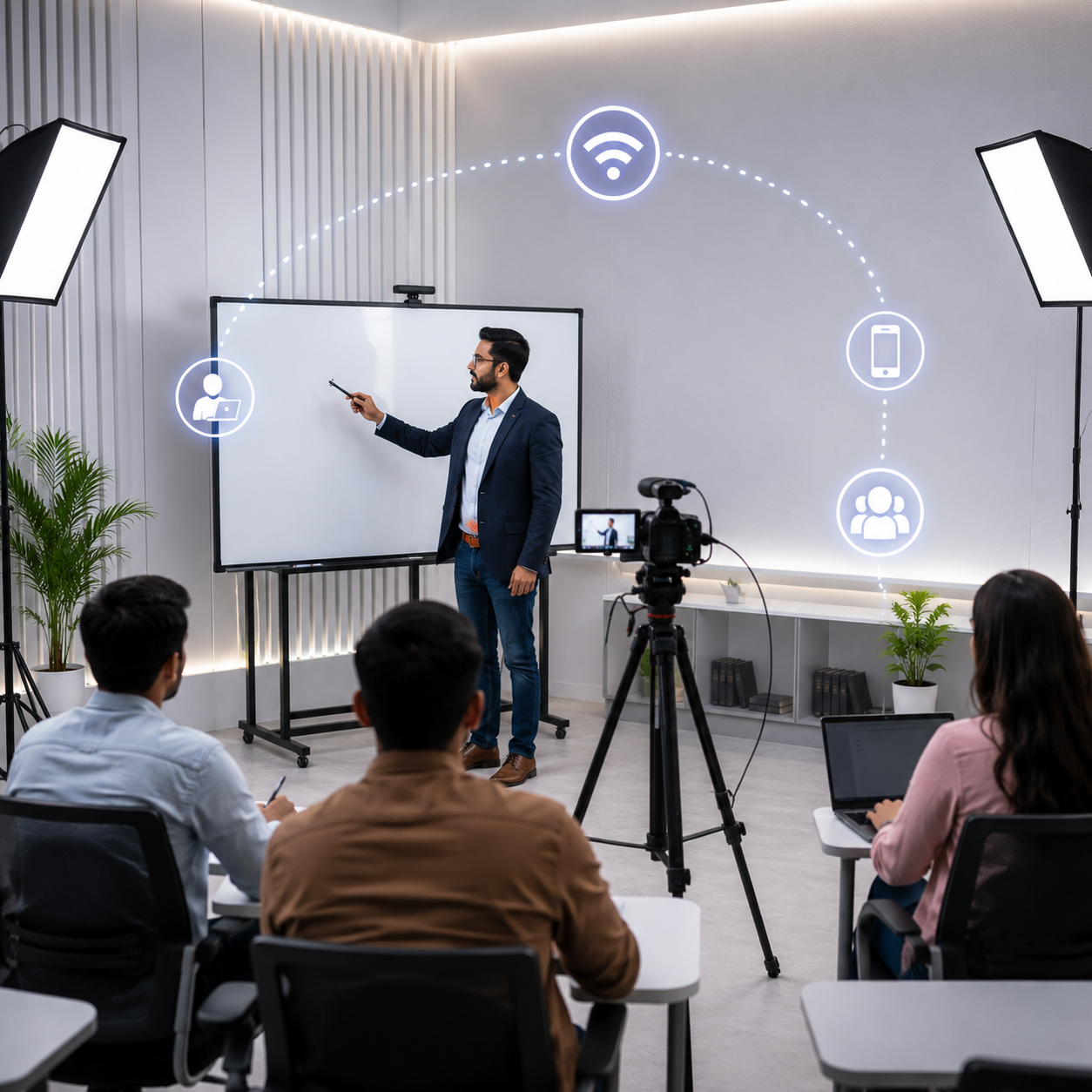
True Hybrid Meetings
Remote attendees see the whole room and hear every speaker, putting them on equal footing with the people physically present.
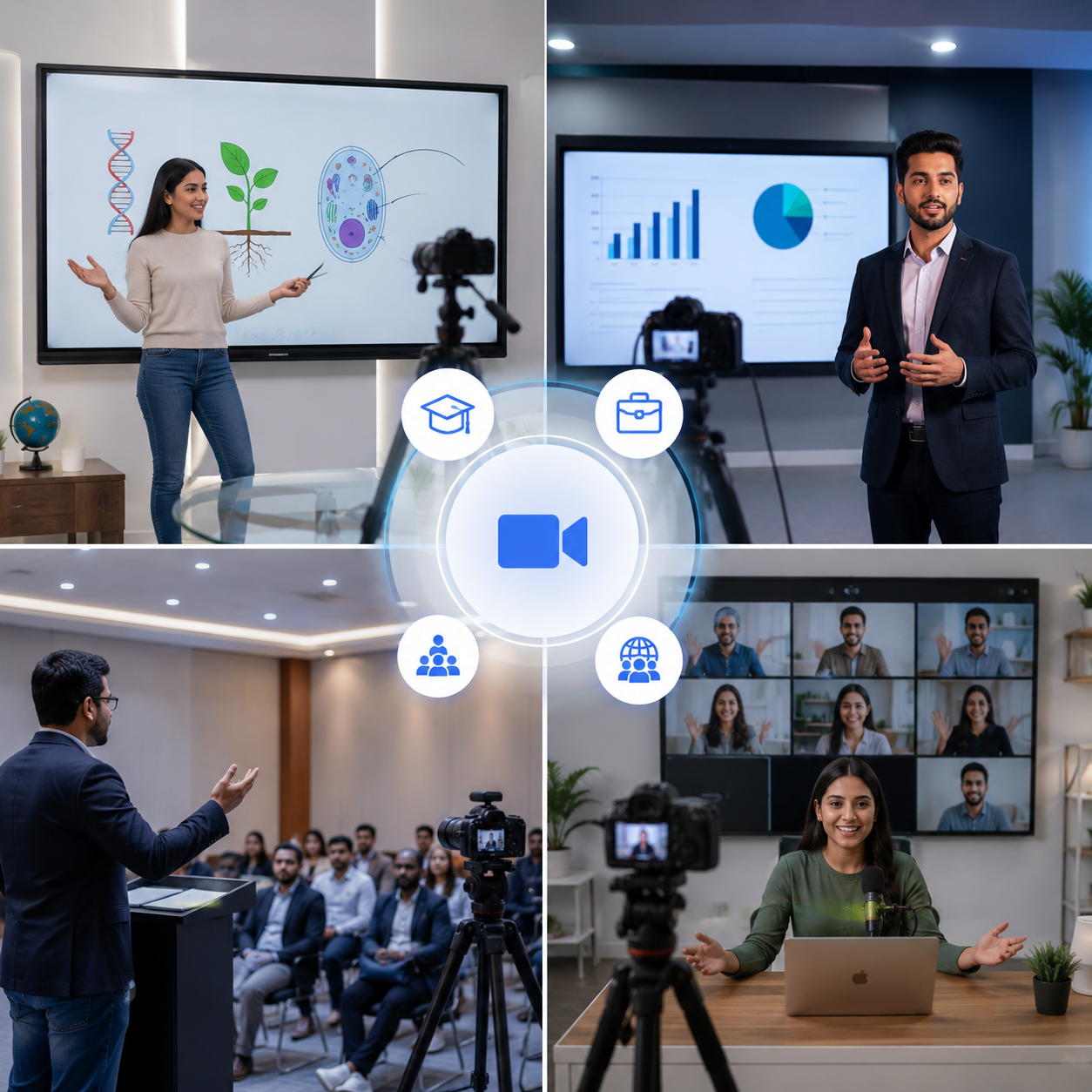
Multi-Purpose Use
Suitable for boardrooms, training rooms, government offices, coworking spaces, and institutional webinars.
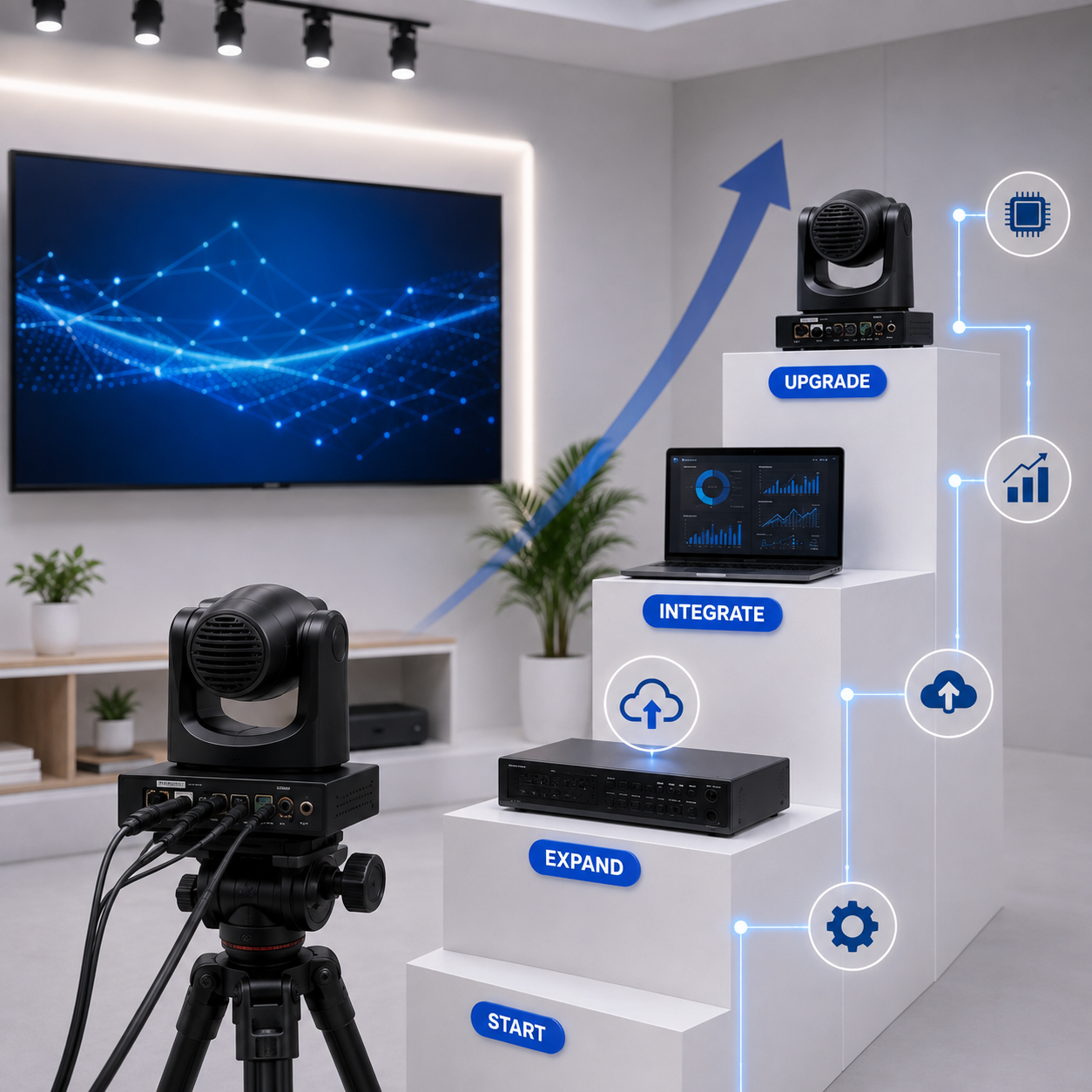
Reliable & Scalable
Roll the same room design across a floor or a campus, with centrally managed rooms keeping IT overhead low.
Live Streaming & Recording
Stream town halls and panel discussions live, and record sessions automatically for anyone who could not attend.

Pan-India Installation & Support
Rooms fitted in 2–4 days, backed by a 1-year warranty, AMC, and on-site service.
Ideal Use Cases for a Conference Studio
Conference Studios are widely used across corporate offices, government offices, coworking spaces, and educational institutions — anywhere remote participants need the same clarity as everyone seated at the table.
Our installation process
From first call to a fully running conference room
Site Survey
We assess your space and requirements
Solution Design
We design the right setup for your workflow
Equipment Supply
We select and deliver the right gear
Installation
Cabling, setup, and software configuration
Training & Demo
Your team learns to operate the studio
Ongoing Support
AMC, remote assistance, on-site service
Features of the Conference Studio Setup
Large-Format Display
- A 65″–98″ 4K commercial display keeps shared documents, slides, and remote participants legible from the far end of the table, with wireless screen sharing from any laptop in the room.
Wide-Angle PTZ Camera
- A wide-angle 4K PTZ camera auto-frames the full table and tracks whoever is speaking, so remote attendees always see the room and the active talker rather than a fixed empty wide shot.
Whole-Table Room Audio
- A ceiling microphone array with echo-cancelling speakers picks up every seat clearly, removing the need to pass a handheld mic or lean toward a laptop.
Dual-Screen Configuration
- A primary display for remote participants and a secondary screen for shared content, so presenting a document never means hiding the people on the call.
One-Touch Meeting Start
- Join scheduled calls straight from the room control panel, with no cable hunting, no laptop juggling, and no AV operator standing by.
Works With Your Platform
- Configured for the video conferencing platform your organisation already standardises on, including Zoom, Google Meet, and Microsoft Teams, with no proprietary software lock-in.
Conference Studio Setup FAQs
Specific questions about Conference Studio setup, video conferencing room installation, and hybrid meeting rooms. Can't find an answer? Reach out to our team directly.
No questions match your search.
A Conference Studio setup is a meeting room engineered around video conferencing rather than one with a camera added as an afterthought. A large-format display, wide-angle PTZ camera, and ceiling microphone array are installed and calibrated together, and a room control panel joins scheduled calls with one touch — so a meeting starts by tapping the panel, not by hunting for cables and dialling in from someone's laptop.
The room is configured for whichever platform your organisation already standardises on, including Zoom, Google Meet, and Microsoft Teams. There's no proprietary software lock-in — our team handles the integration during installation so the room fits your existing workflow rather than forcing a new one.
Standard builds cover 6–20 seats in rooms of roughly 20–70 m². Larger boardrooms are scoped individually during the site survey, where display size, camera placement, and microphone coverage are matched to the actual table layout.
Yes — the wide-angle camera auto-frames to include everyone seated, and speaker tracking moves the framing to whoever is currently talking. Remote attendees get both the context of the full room and a clear view of the active speaker, rather than a fixed wide shot where nobody is legible.
No — the ceiling microphone array covers the entire table, so anyone can speak from their seat and be heard clearly on the call. Echo cancellation and noise suppression keep the far end clean even when several people are contributing in quick succession.
Very little. Rooms are centrally managed, so configuration and updates are handled remotely rather than requiring someone to visit each room. Combined with one-touch joining, this removes most of the routine "the meeting room is not working" tickets that internal IT teams field.
A typical room takes 2–4 days depending on size and the state of existing AV wiring. We've fitted 200+ conference rooms across India for corporate offices, government departments, and educational institutions, including multi-room rollouts using one repeatable design.
Conference Studio cost depends on room size, seating capacity, display size, and the camera and audio tier you choose. We provide a custom quote after a free site survey, so a six-seat huddle room is not priced as a twenty-seat boardroom.
More Related Products
Explore the other studio setups SNL Solutions designs, installs, and supports.