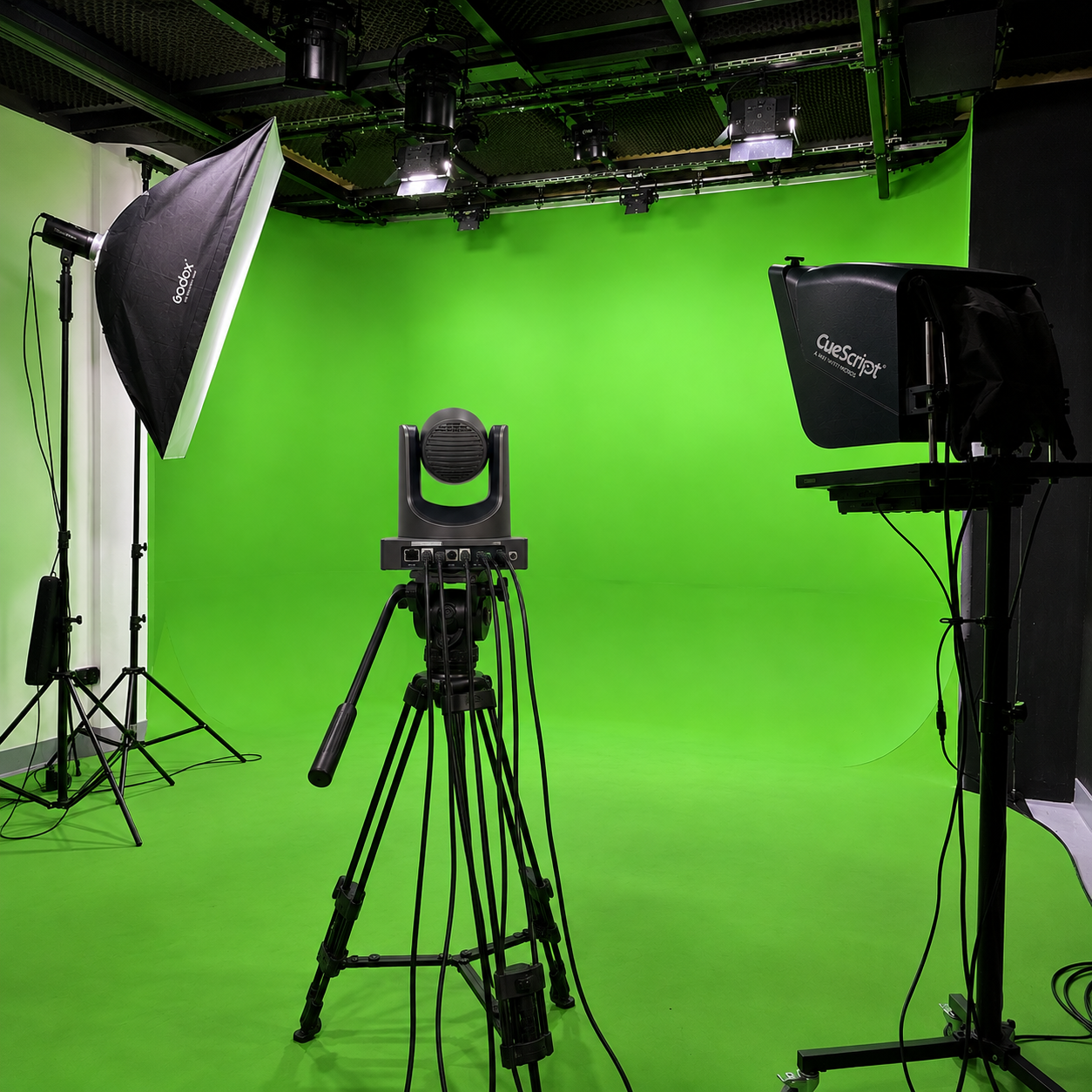
YouTube Studio Setup
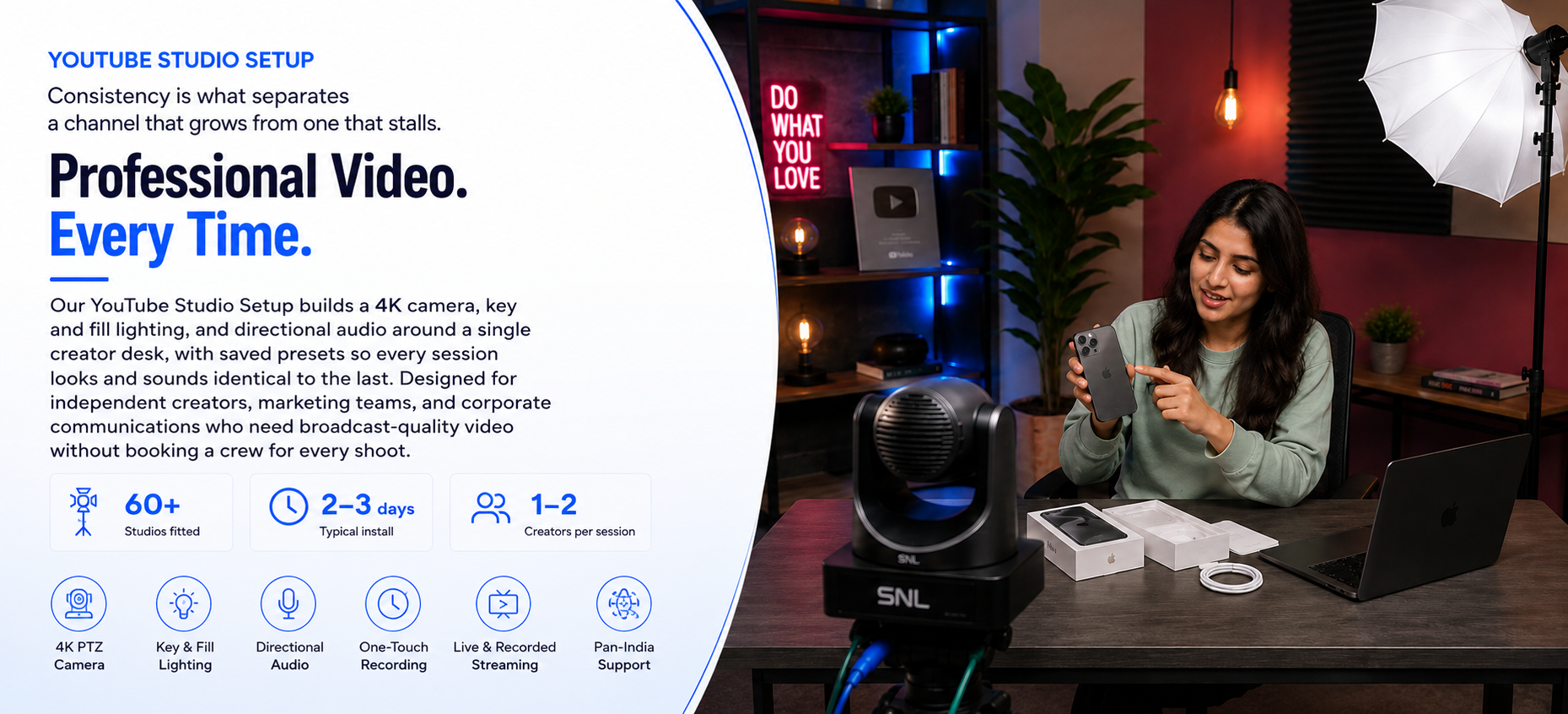
Consistency is what separates a channel that grows from one that stalls. Our YouTube Studio Setup builds a 4K camera, key and fill lighting, and directional audio around a single creator desk, with saved presets so every session looks and sounds identical to the last. Designed for independent creators, marketing teams, and corporate communications who need broadcast-quality video without booking a crew for every shoot.
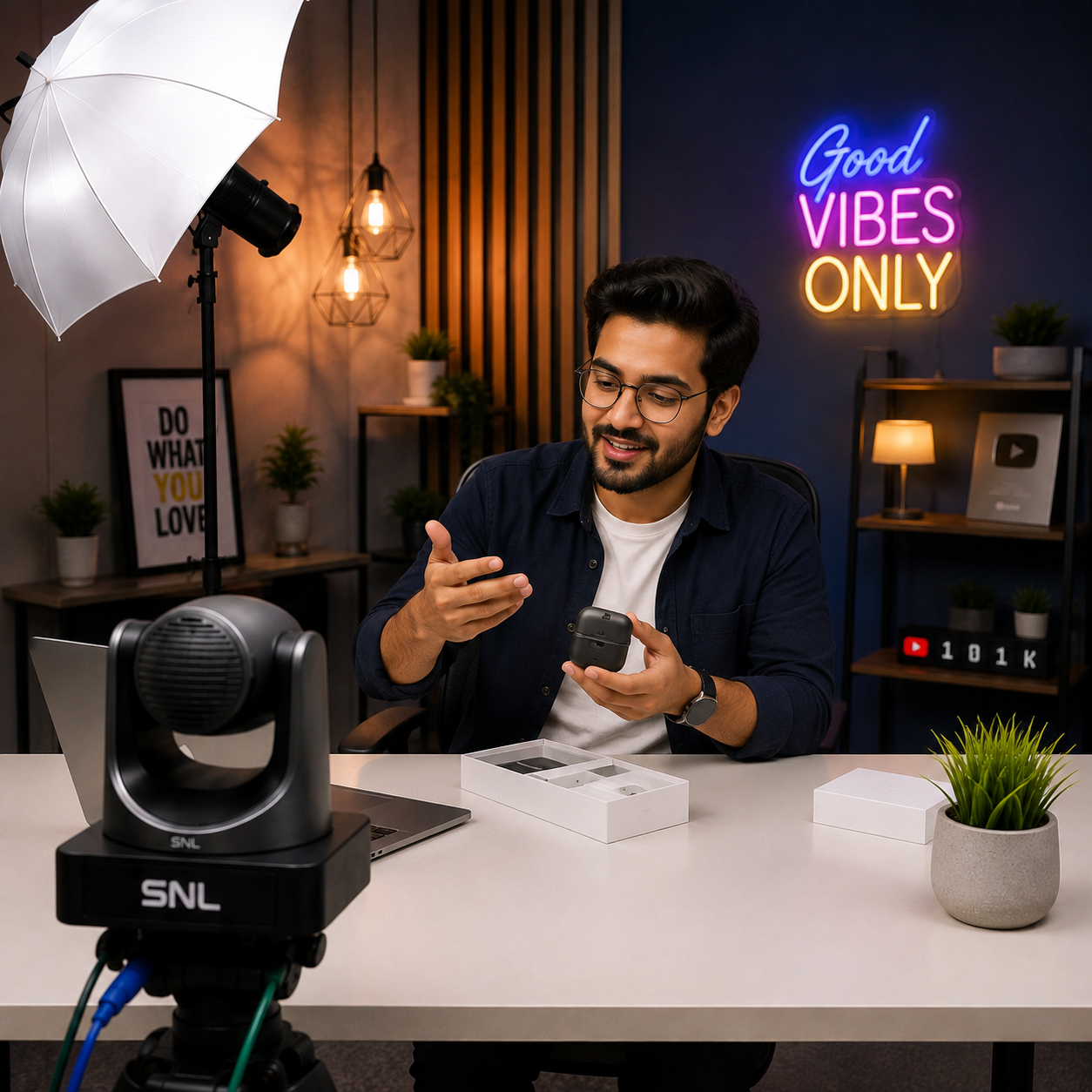
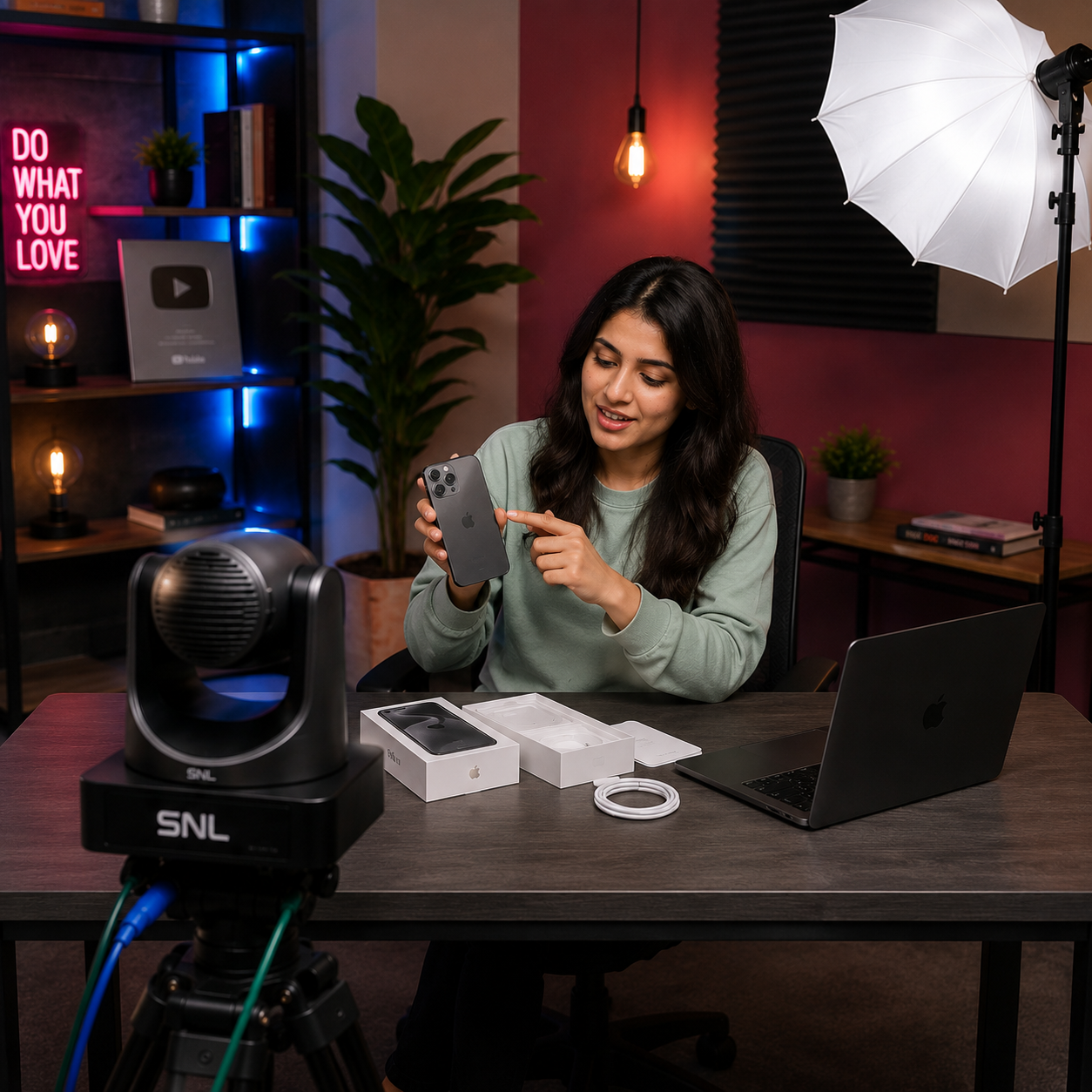
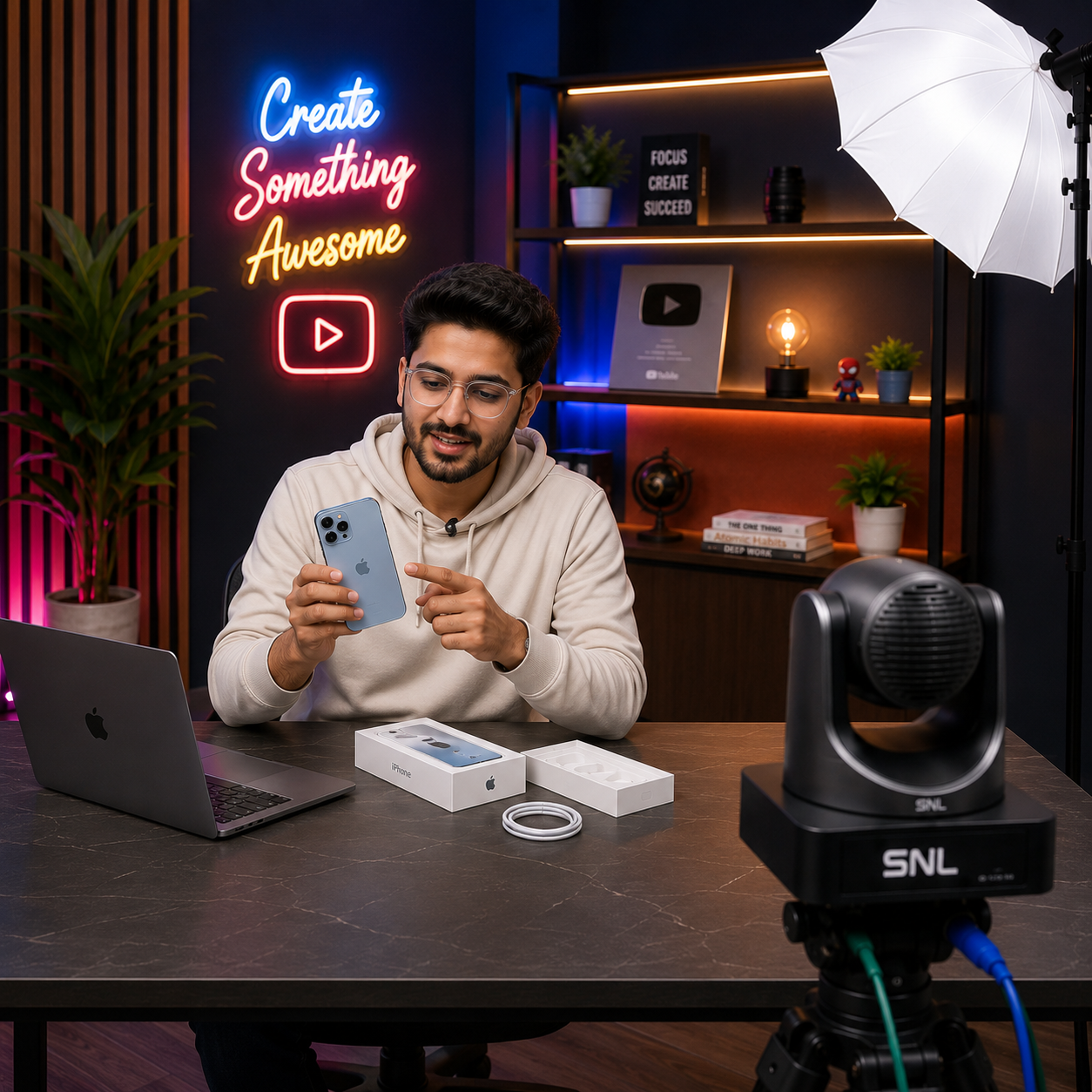
YouTube Studio Setup – Sit Down, Hit Record, Publish
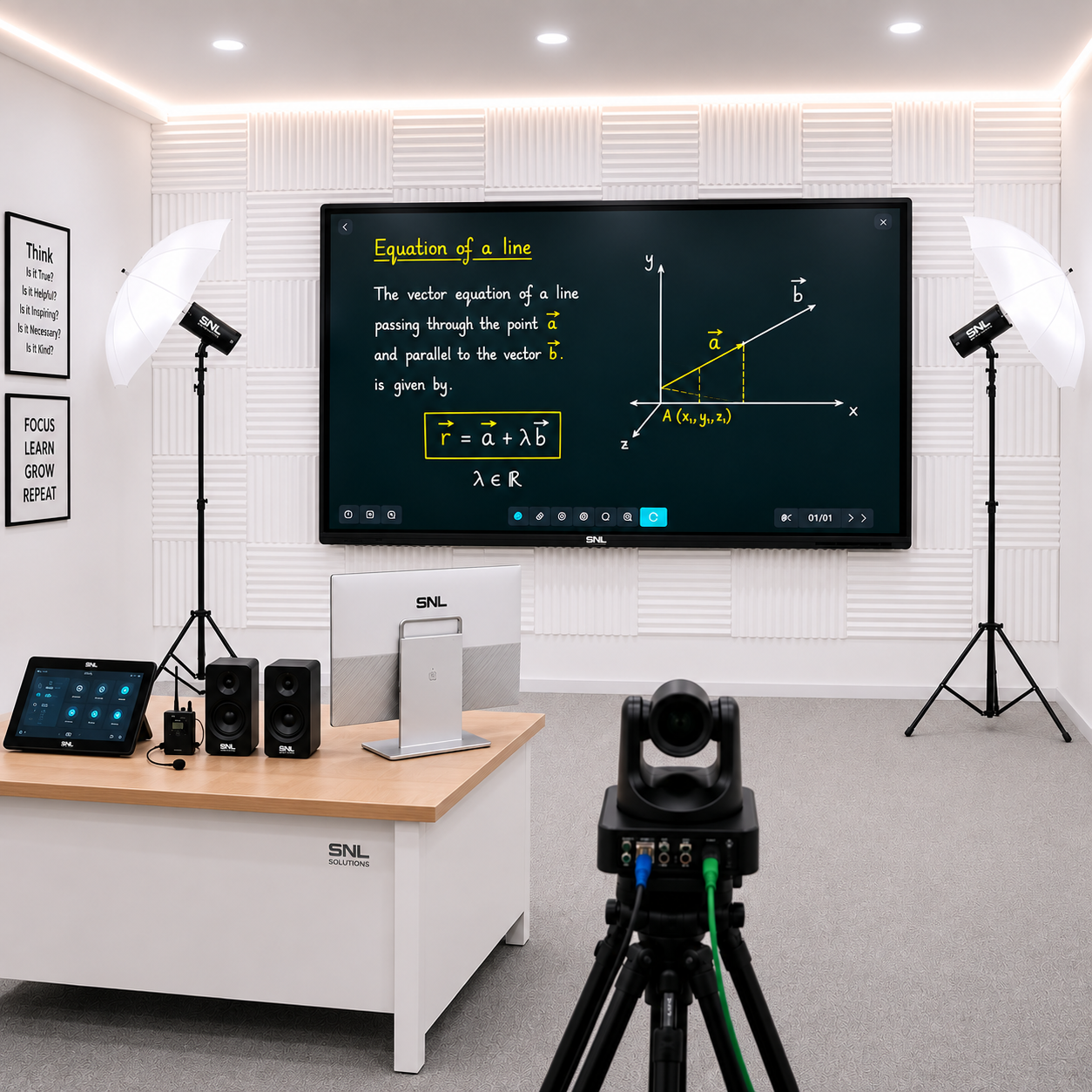
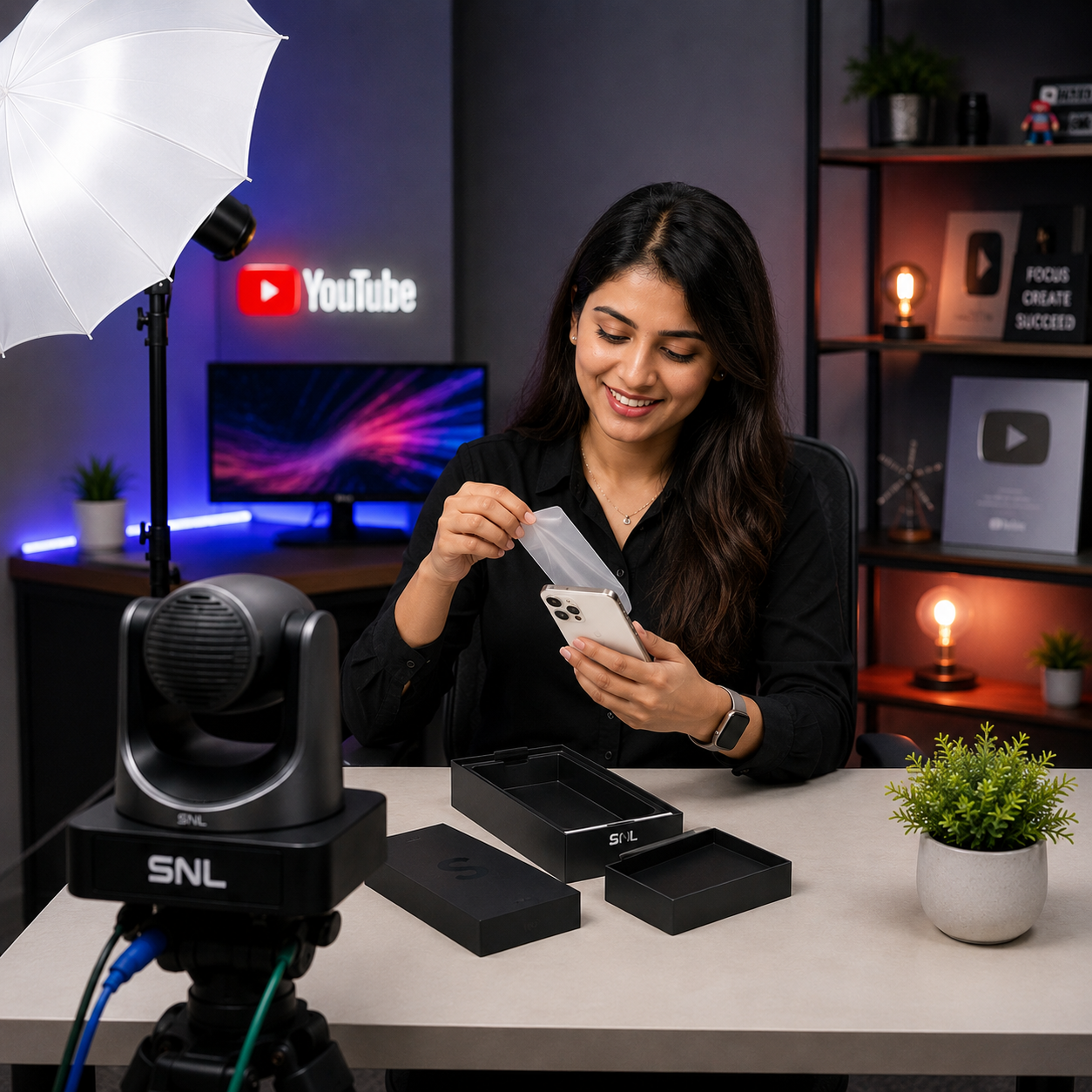
A YouTube Studio turns a spare room or office corner into a permanent, camera-ready set. A 4K camera on an adjustable stand holds the framing you set once, key and fill LED lighting removes the shadows and colour shifts that make home video look amateur, and a directional microphone isolates the creator's voice from room noise. Built for independent creators, marketing teams, and educational content teams, the setup saves framing, lighting, and audio as presets — so recording session forty looks exactly like session one, with no re-rigging in between.
What It Is
A YouTube Studio setup is a complete single-creator content environment built around a 4K broadcast camera, key and fill LED lighting, and a directional microphone, engineered so a creator can sit down, hit record, and publish without juggling separate gear for every shoot. It combines camera, lighting, audio, and a desk-mounted arm with saved framing presets into one ready-to-use kit — giving independent creators and marketing teams consistent, broadcast-quality output session after session.
Industries
The setup serves independent YouTubers and social content creators, marketing teams producing branded video content, and educational content teams recording tutorials and course material. Corporate communications teams also use it for leadership updates and internal video content that needs to look polished without a full production crew.
Advantages
Key advantages include consistent framing, lighting, and audio from one session to the next via saved presets, clean directional audio that isolates the creator's voice from room noise, and recordings saved in formats ready for straight-into-editing workflows. The same setup supports both pre-recorded uploads and live premieres, and pan-India installation is backed by a 1-year warranty and AMC support.
YouTube Studio Setup – Product Specifications
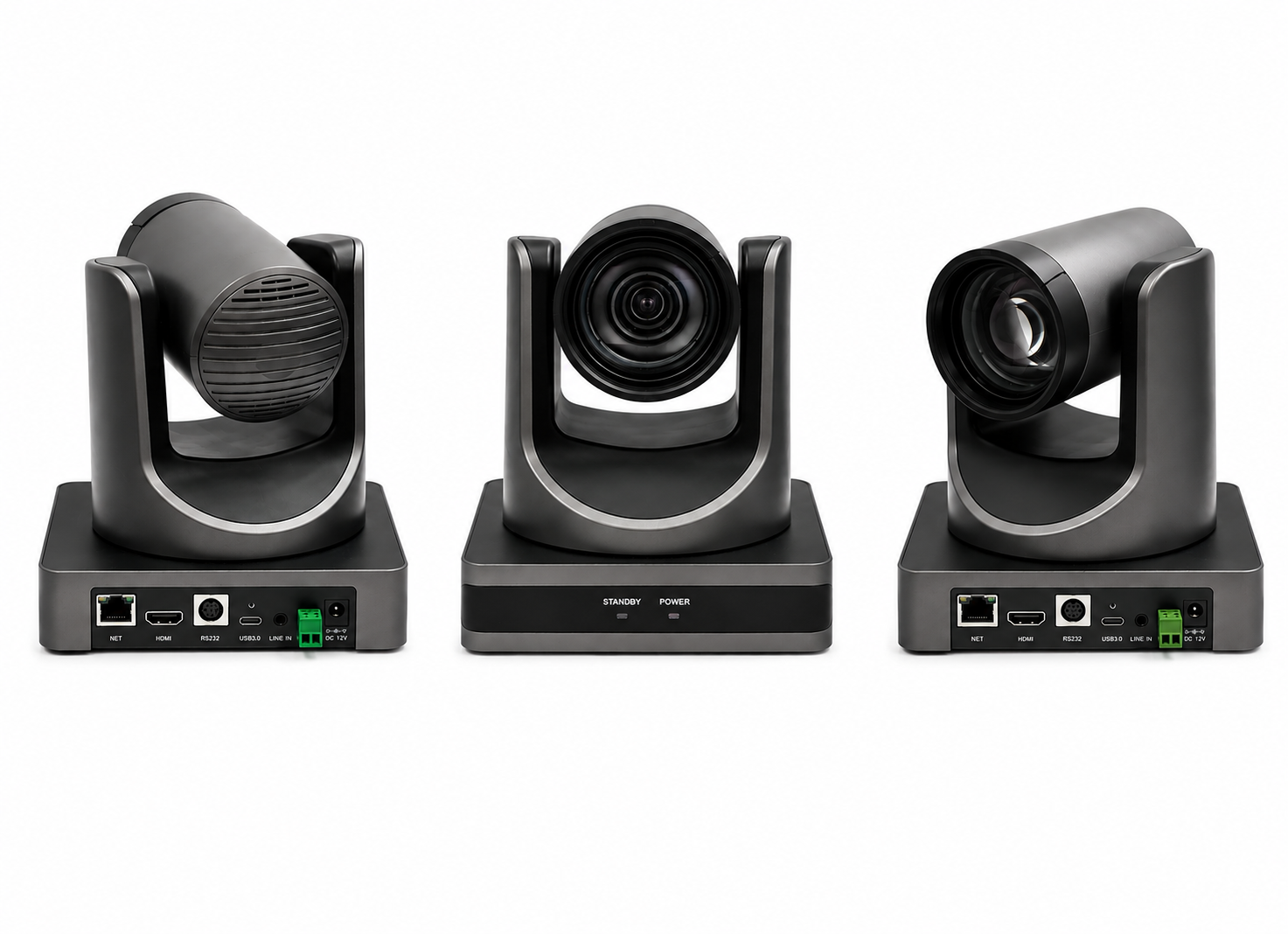
4K pan-tilt-zoom camera with motorised framing and saved presets, holding the exact shot you set once so every recording session starts identically framed.
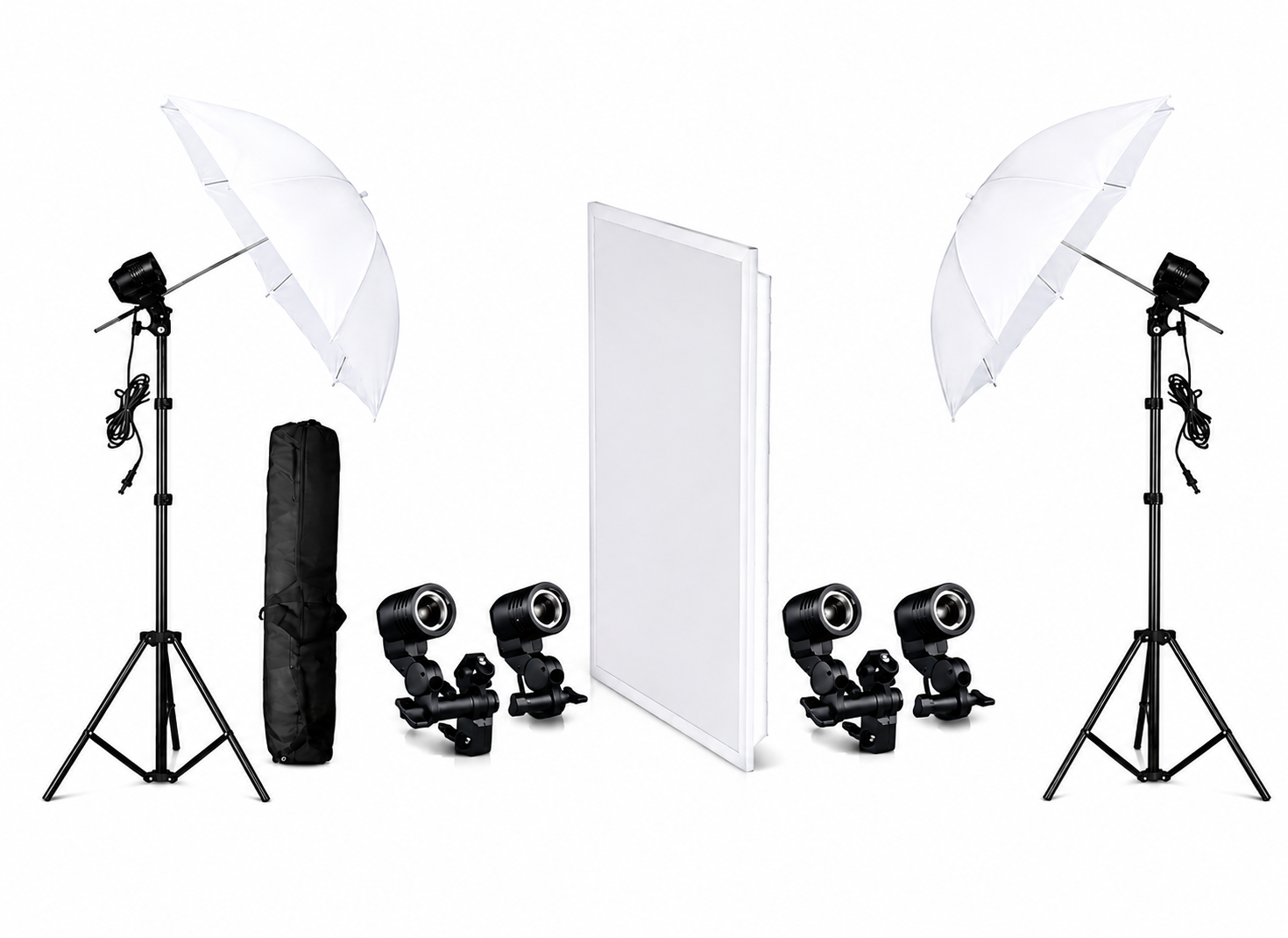
Key and fill LED softbox rig with 3200K–5600K bi-colour control and 10–100% dimming, delivering even, shadow-free illumination across the creator desk.
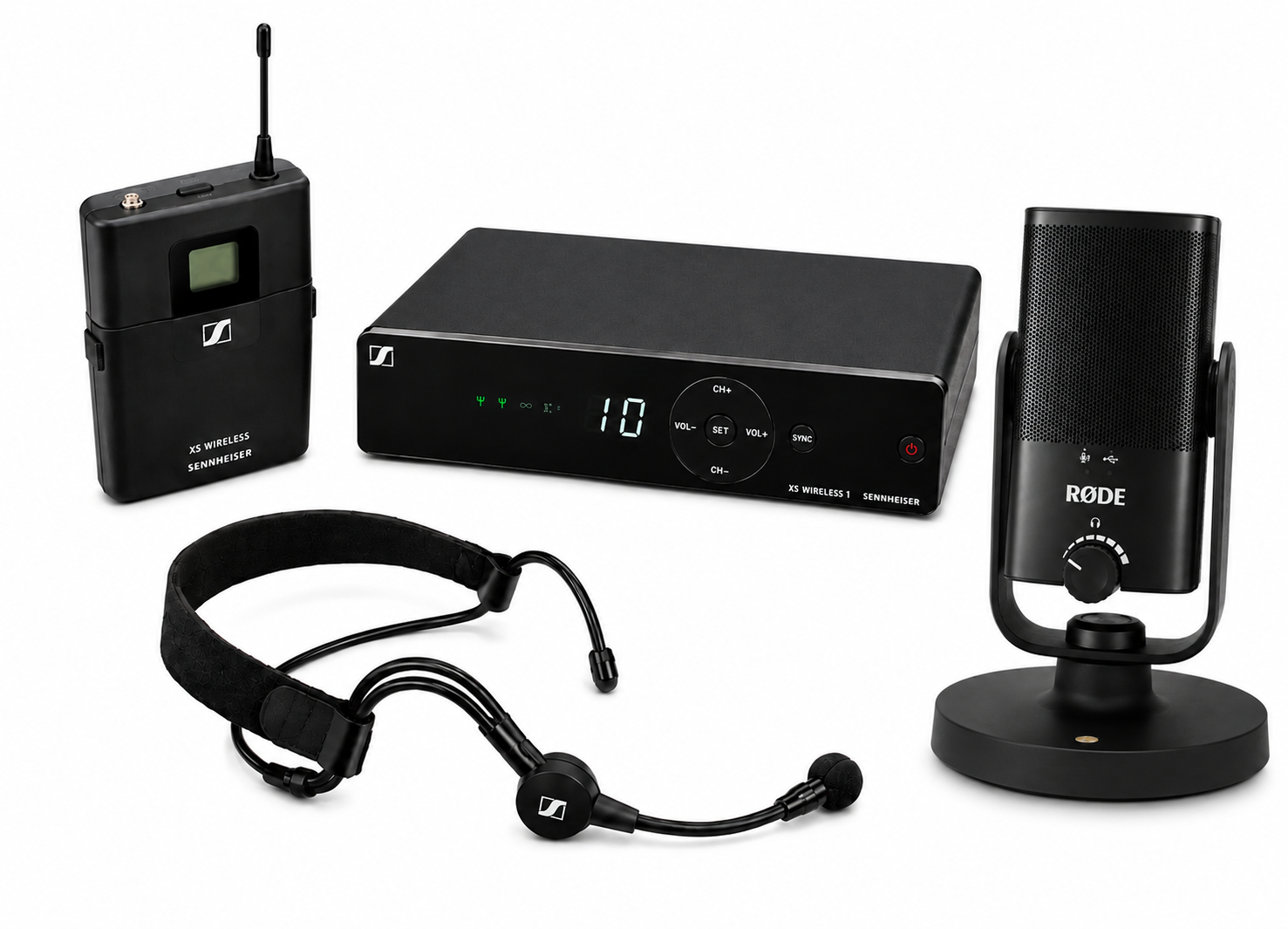
Boom or desk directional microphone with noise cancellation, isolating the creator's voice from room reflections and ambient background noise.
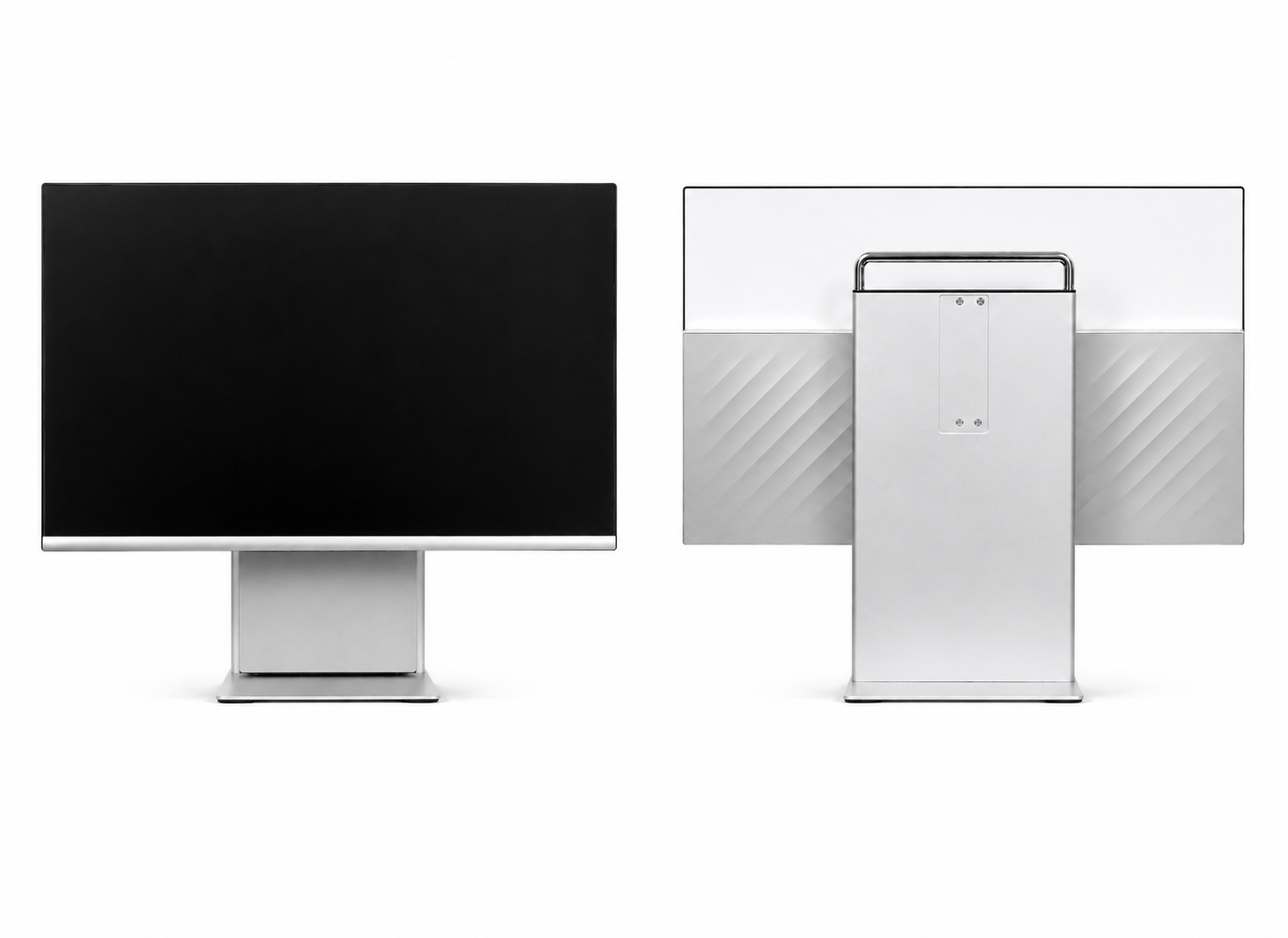
All-in-one touchscreen console with preloaded recording and streaming software, starting a session or a live premiere with a single tap.
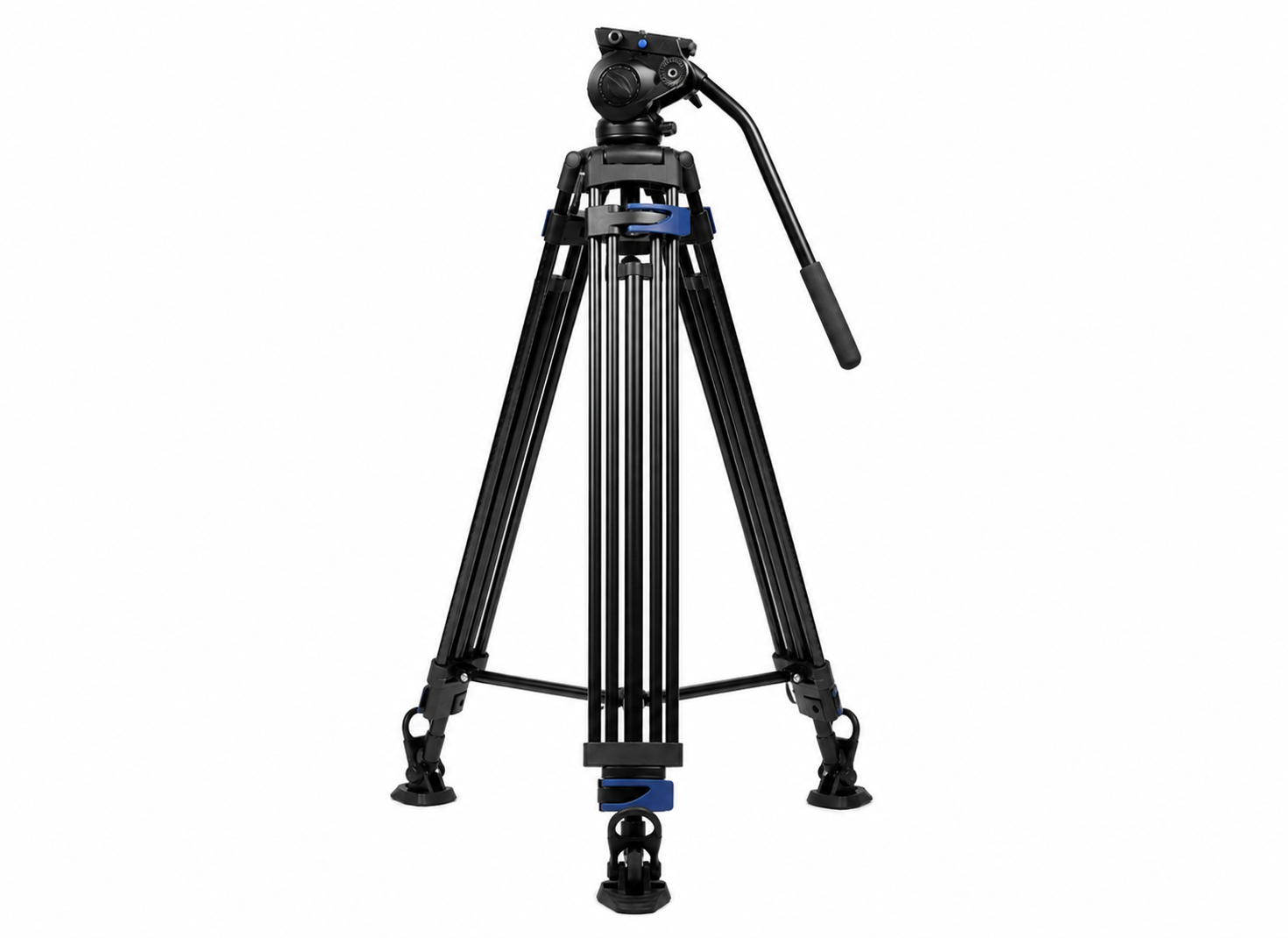
Heavy-duty adjustable tripod or desk-mounted arm that holds the camera steady and level, keeping framing repeatable between sessions.
Benefits of the YouTube Studio Setup
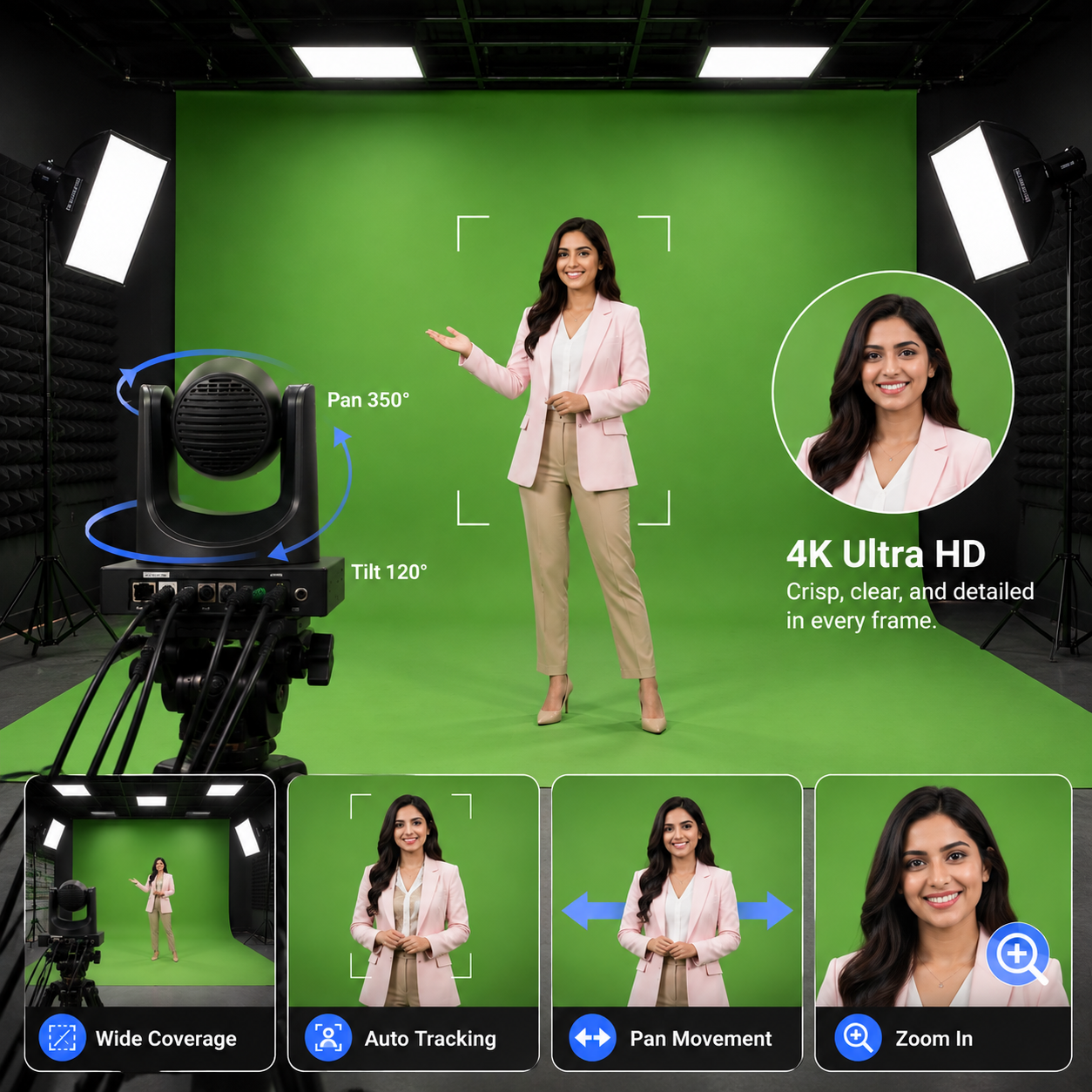
Broadcast-Quality Picture
A dedicated 4K camera and lighting rig replace ad-hoc webcam-and-desk-lamp setups that flatten and discolour on camera.
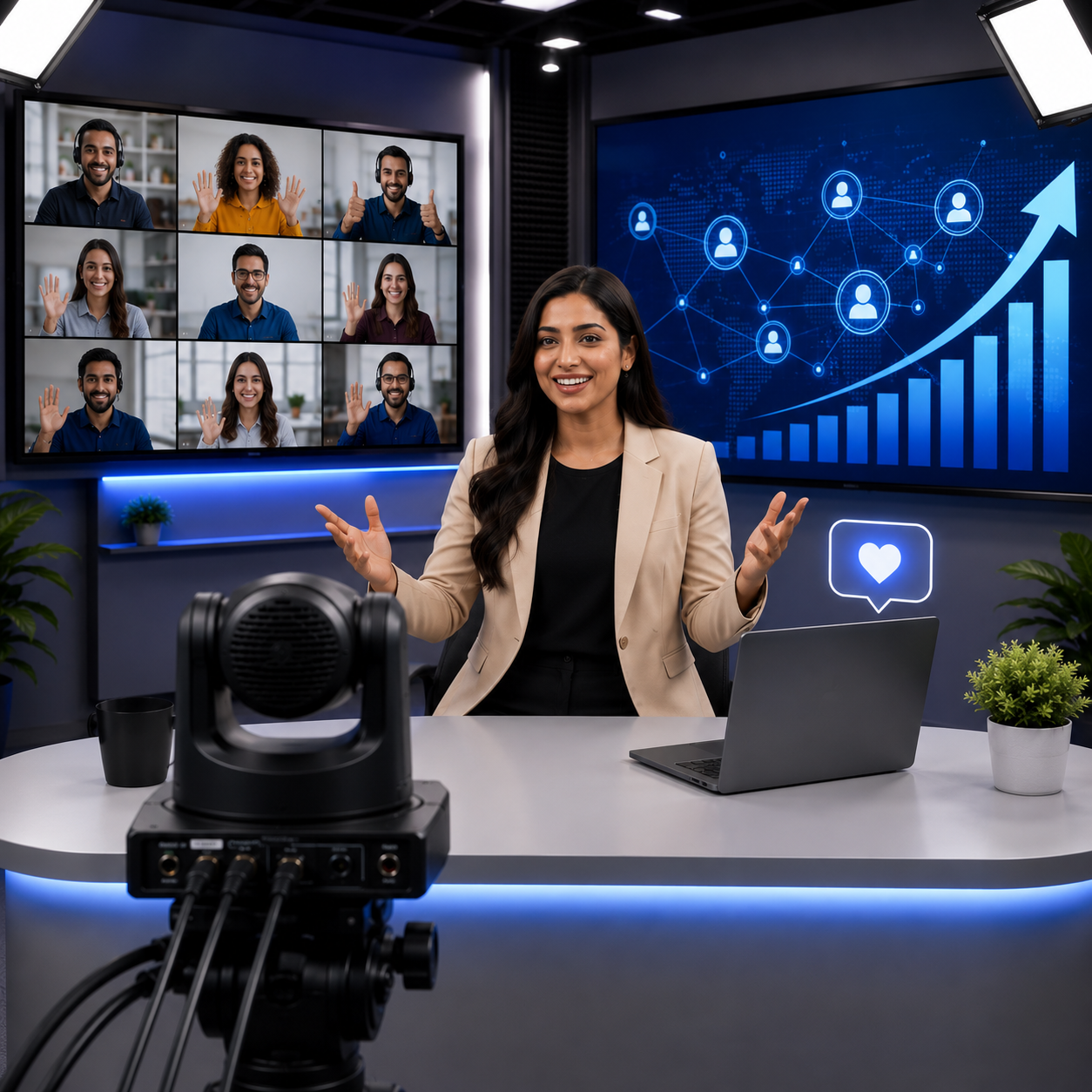
Consistent Every Session
Saved presets keep framing, lighting, and audio identical from one recording to the next, with no re-rigging between shoots.
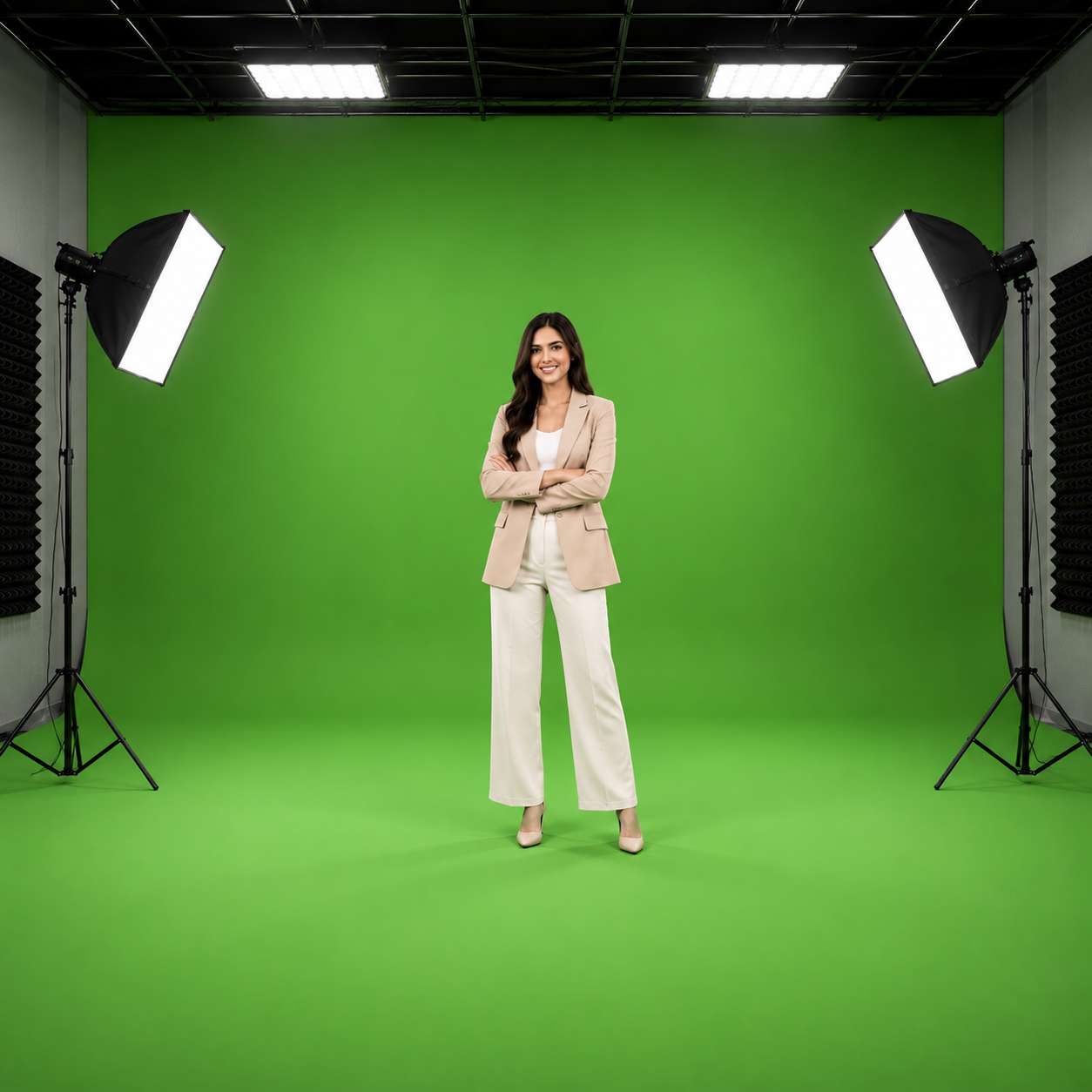
Shadow-Free Studio Lighting
Adjustable key and fill LED panels with bi-colour temperature control deliver even, flattering illumination in any room.
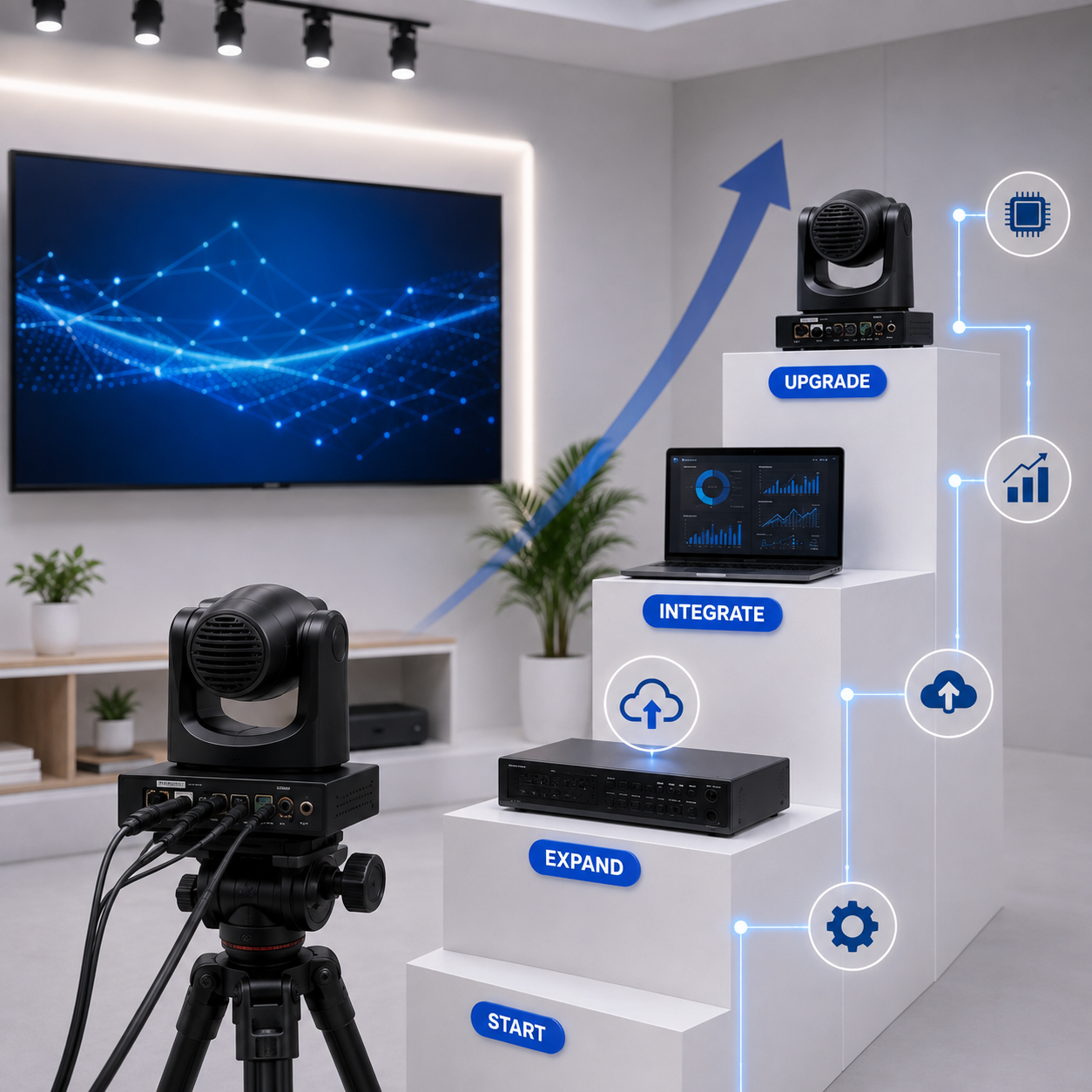
Reliable & Scalable
Add a second seat, camera, or a chroma-key backdrop later without replacing the core recording chain.
Live Streaming & Recording
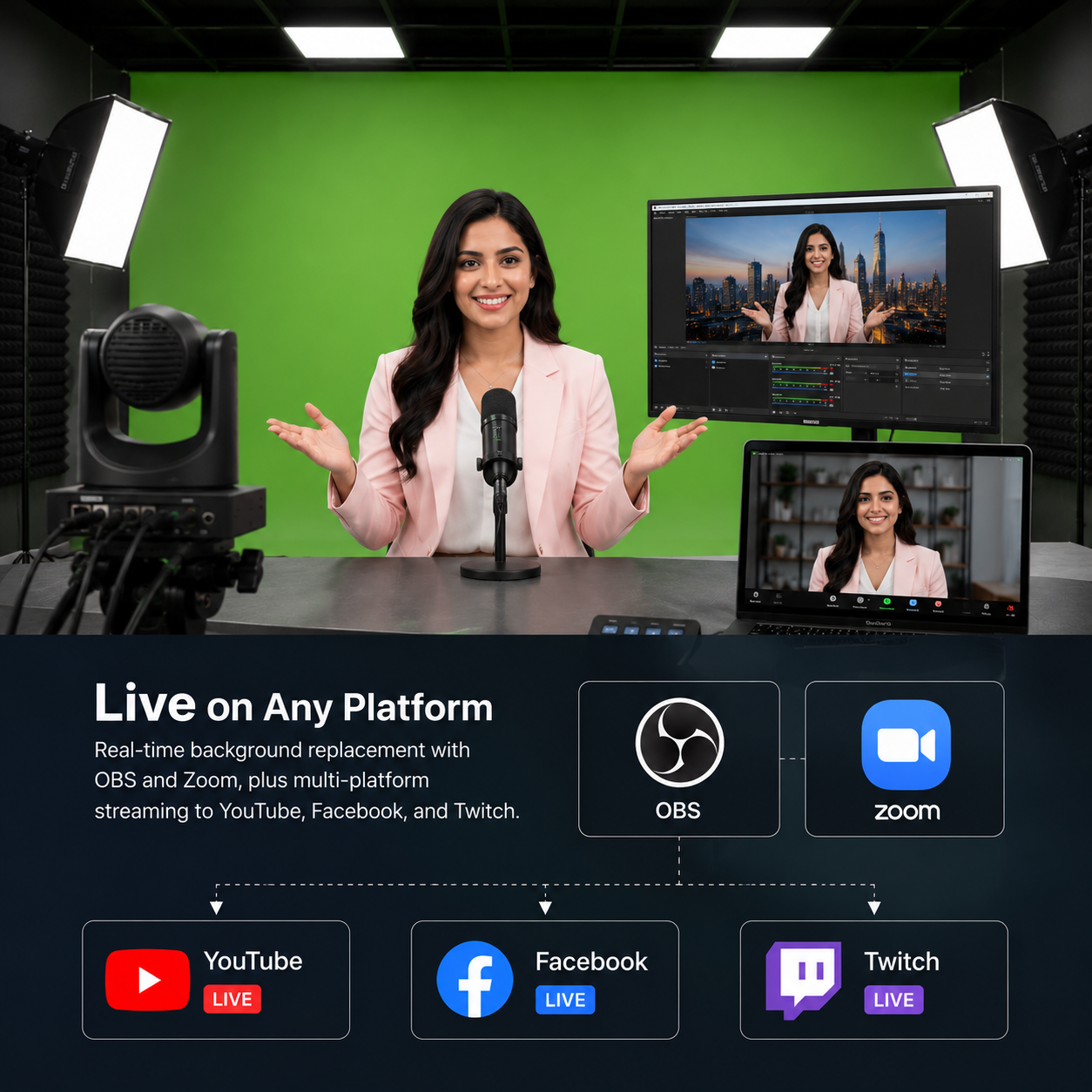
The same chain handles pre-recorded uploads and live premieres to YouTube, Facebook, and Twitch.
Pan-India Installation & Support
Studios fitted in 2–3 days, backed by a 1-year warranty, AMC, and on-site service.
Ideal Use Cases for a YouTube Studio
YouTube Studios are widely used across independent creators, marketing teams, educational content teams, and corporate communications — anywhere a single creator needs broadcast-quality video without a production crew.
Our installation process
From first call to a fully running creator studio
Site Survey
We assess your space and requirements
Solution Design
We design the right setup for your workflow
Equipment Supply
We select and deliver the right gear
Installation
Cabling, setup, and software configuration
Training & Demo
Your team learns to operate the studio
Ongoing Support
AMC, remote assistance, on-site service
Features of the YouTube Studio Setup
Creator Camera Rig
- A 4K camera with motorised pan, tilt, and zoom holds the exact framing you set once, with saved presets recalled at the start of every session.
Key & Fill LED Lighting
- Adjustable softbox and panel lighting with 3200K–5600K bi-colour control, giving even, shadow-free illumination that stays consistent regardless of the time of day.
Directional Audio
- A boom or desk microphone with background noise isolation captures the creator's voice cleanly, keeping room reflections and ambient noise out of the recording.
Real-Time Monitoring
- A dedicated monitor shows live framing, exposure, and audio levels while recording, so a bad take is caught immediately rather than discovered during the edit.
One-Touch Recording & Export
- Start a session from the console and capture video and audio together, saved in formats that drop straight into your existing editing workflow.
Live Premieres & Chroma-Key Option
- Stream live premieres from the same setup, with a green-screen backdrop available as an add-on if virtual backgrounds are part of your content format.
YouTube Studio Setup FAQs
Specific questions about YouTube Studio setup, creator desk installation, and content recording rooms. Can't find an answer? Reach out to our team directly.
No questions match your search.
A YouTube Studio setup is a permanent, camera-ready recording space built around a 4K camera, key and fill LED lighting, and a directional microphone at a single creator desk. Framing, lighting, and audio settings are saved as presets, so the creator sits down, recalls the preset, and records — producing video that looks and sounds identical session after session without re-rigging anything.
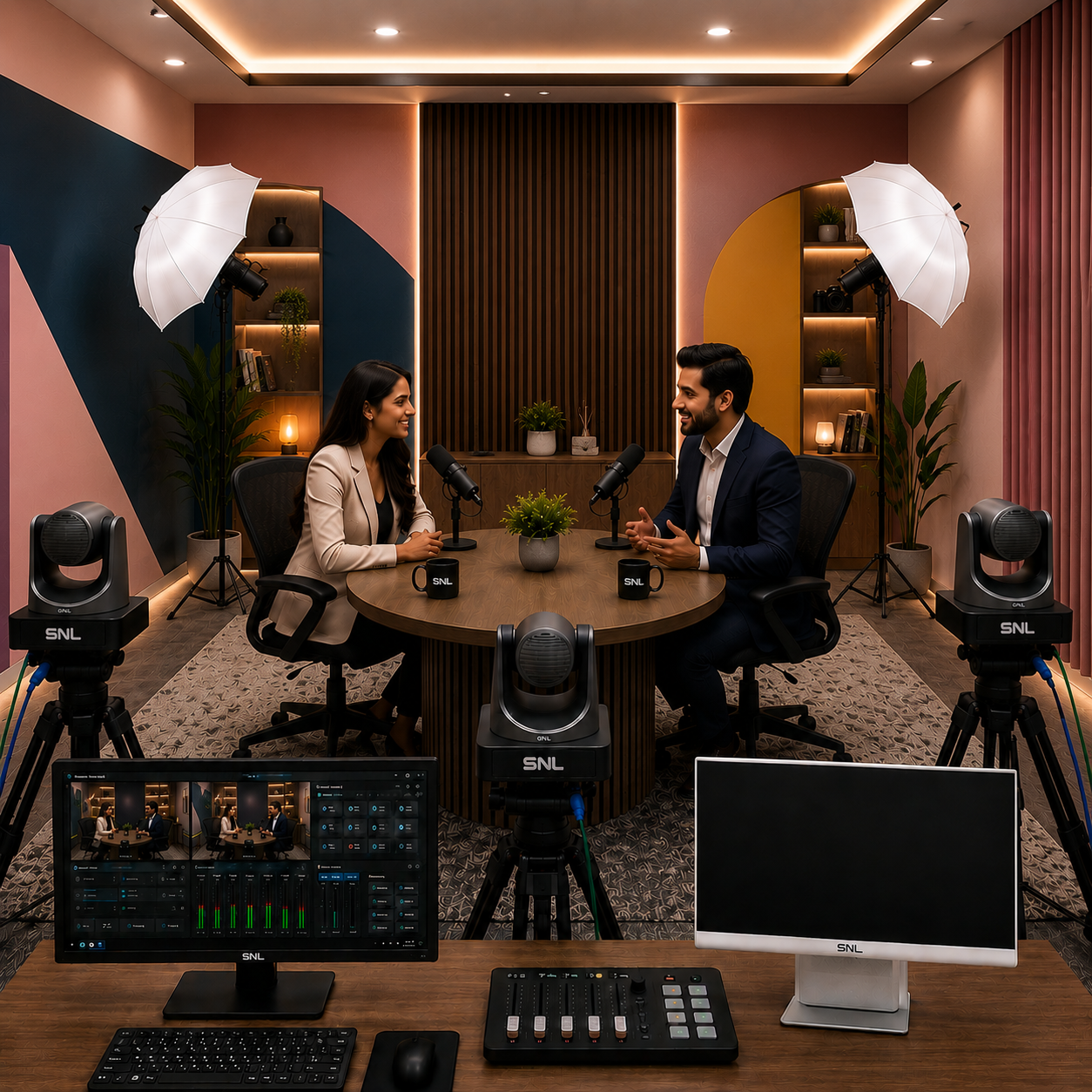
The standard build is optimised for a single creator, with 1–2 seats supported comfortably. A two-seat interview layout with a second camera angle can be scoped during the site survey if your format regularly includes a co-host or guest.
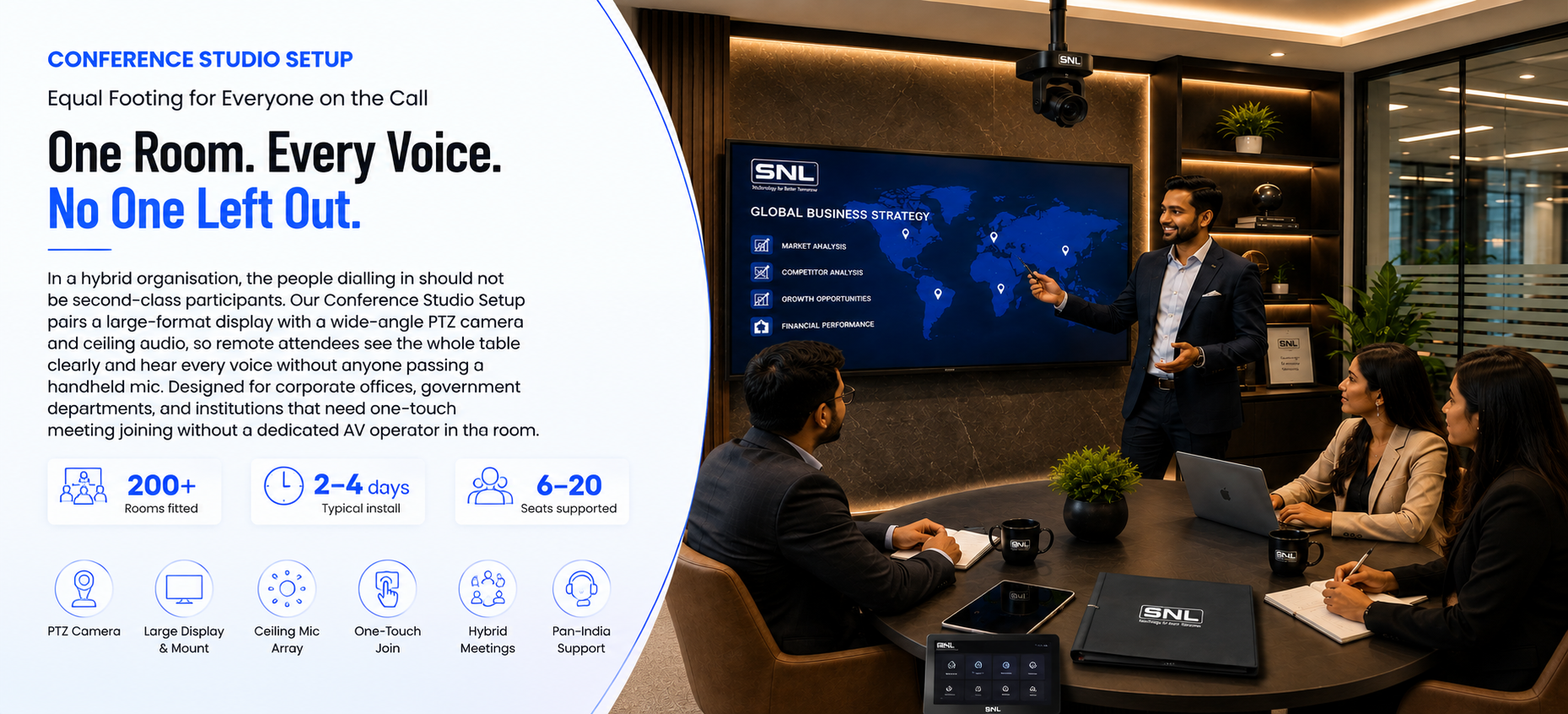
A chroma-key backdrop is available as an add-on rather than part of the standard build, because most creator formats don't need one. If virtual backgrounds are central to your content, our dedicated Green Screen Studio setup is engineered around chroma-key from the ground up, with backdrop lighting kept separate from the presenter lighting to eliminate spill.
Yes — the same camera, lighting, and audio chain handles both pre-recorded uploads and live streaming to YouTube, Facebook, and Twitch. Switching between recording and going live is a preset on the console, not a hardware change.
Most builds work in rooms of roughly 10–20 m², which is enough for the desk, camera distance, and lighting positions. A spare office, cabin, or room corner is usually sufficient — the setup is designed to avoid needing a dedicated purpose-built studio.
Yes — video and audio are saved in standard formats that drop straight into Premiere Pro, DaVinci Resolve, Final Cut, or any other common editor. Nothing is locked to proprietary software, so your existing content pipeline is unchanged.
A typical creator studio takes 2–3 days to install, including camera and lighting mounting, desk and backdrop setup, and software configuration. We've fitted 60+ creator studios across India for independent creators, marketing teams, and corporate communications.
YouTube Studio cost depends on room size, camera and lighting tier, and whether add-ons such as a chroma-key backdrop or a second seat are included. We provide a custom quote after a free site survey, so a single-creator desk is not priced as a full production room.
More Related Products
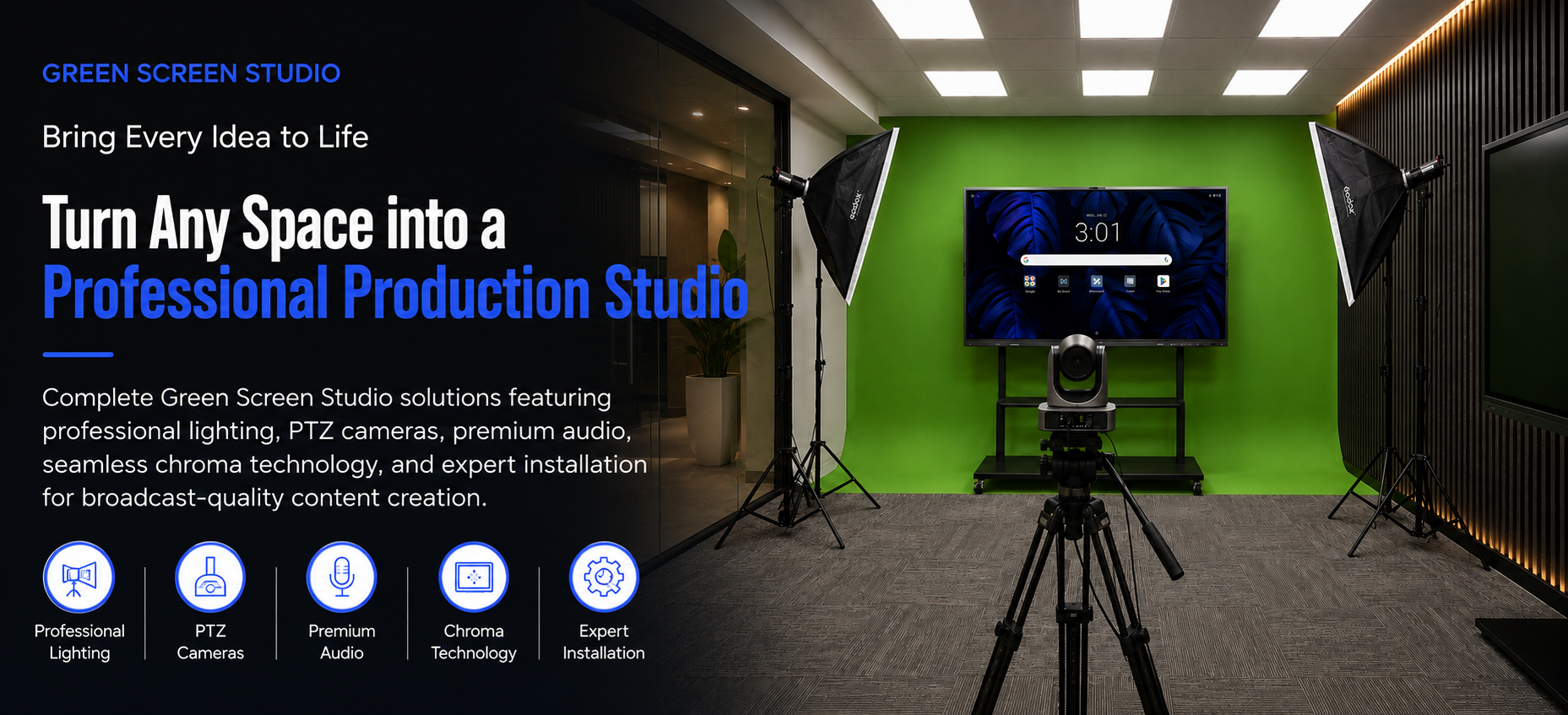
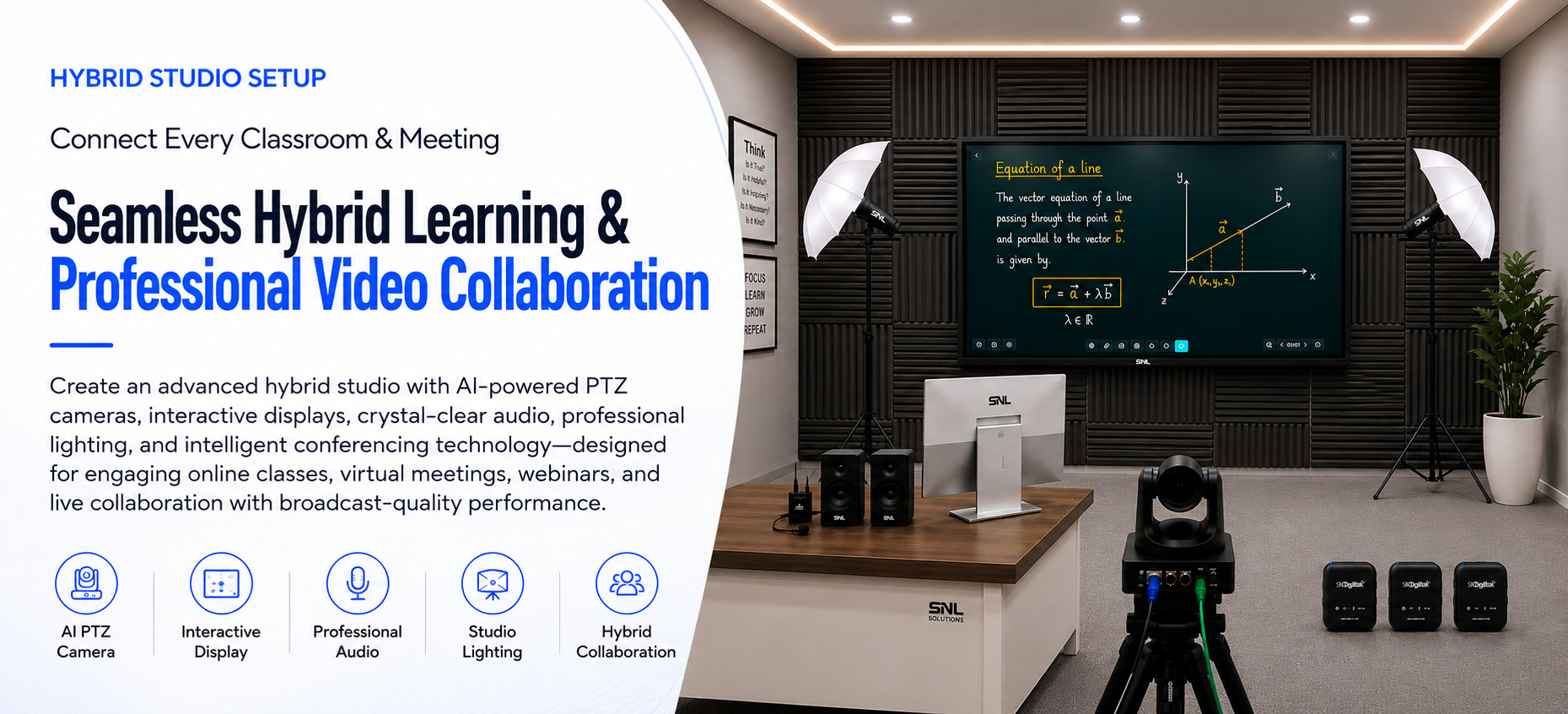
Explore the other studio setups SNL Solutions designs, installs, and supports.