Hybrid Studio Setup
In the modern era of education, hybrid learning environments have become essential. Our Hybrid Class Studio Setup provides a perfect blend of physical and online teaching, ensuring students, whether present in the classroom or joining remotely, have a seamless learning experience. Designed with high-end technology, this setup caters to educators, trainers, and institutions looking to enhance engagement and interactivity in a hybrid format.
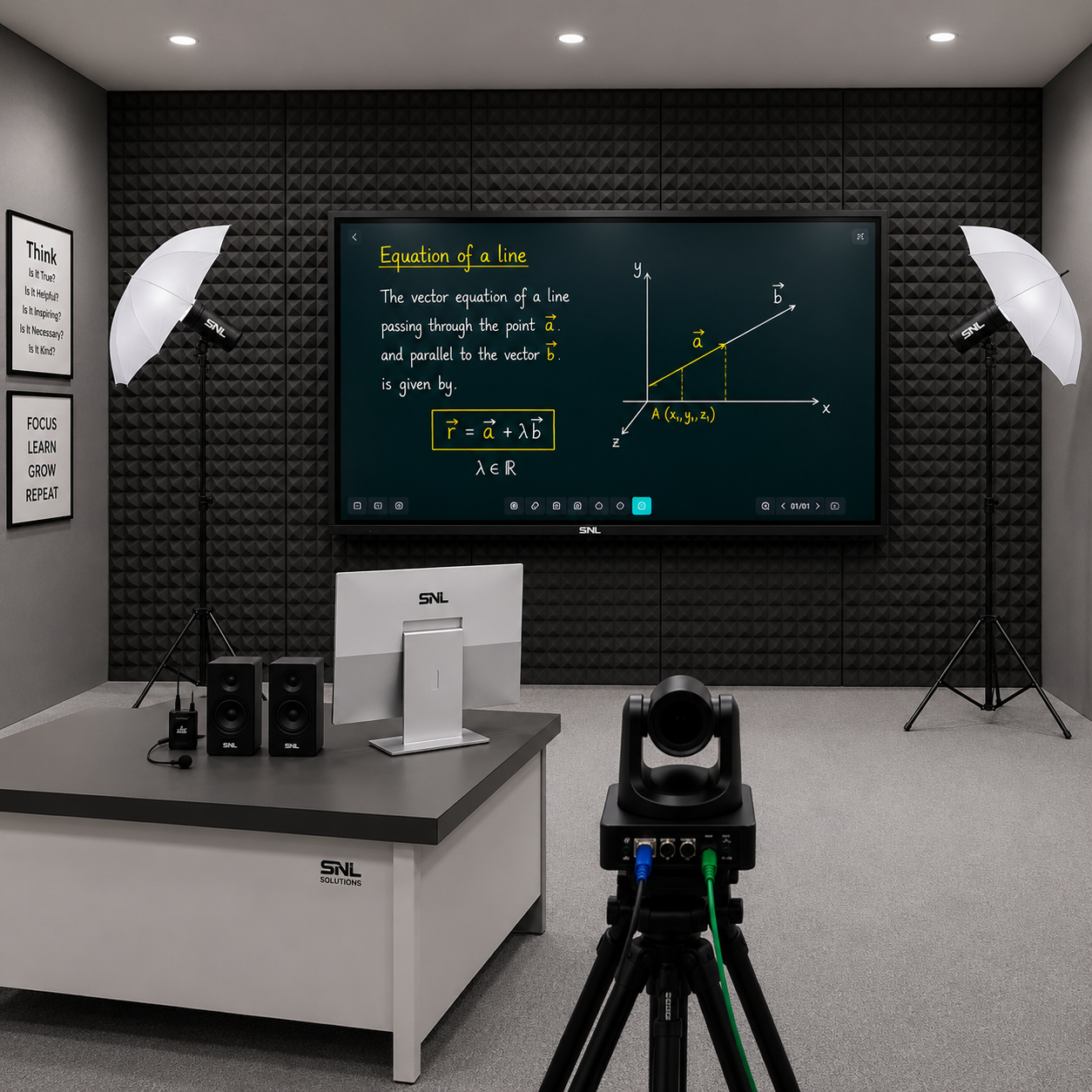
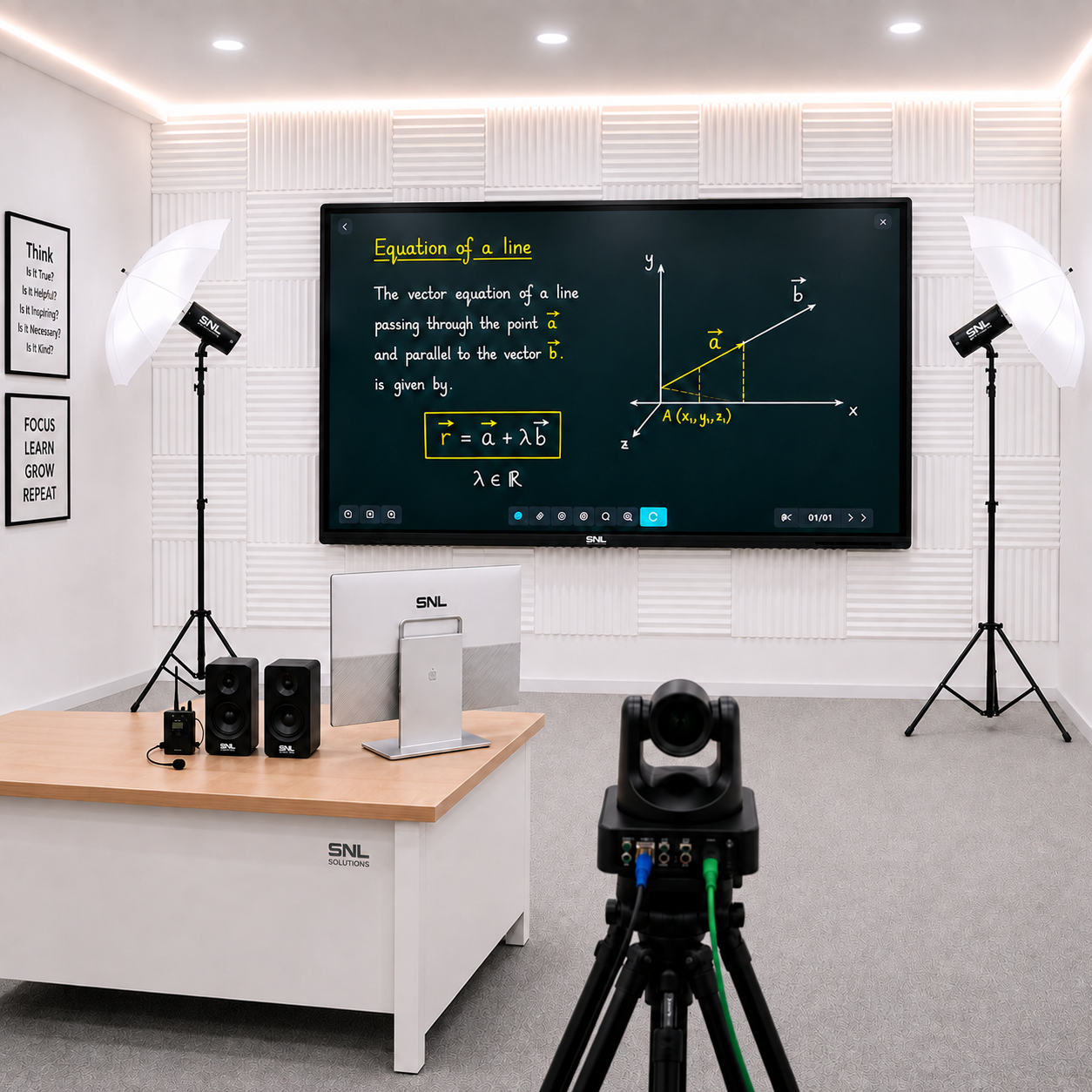
Hybrid Class Studio Setup – Bridging Physical and Digital Learning
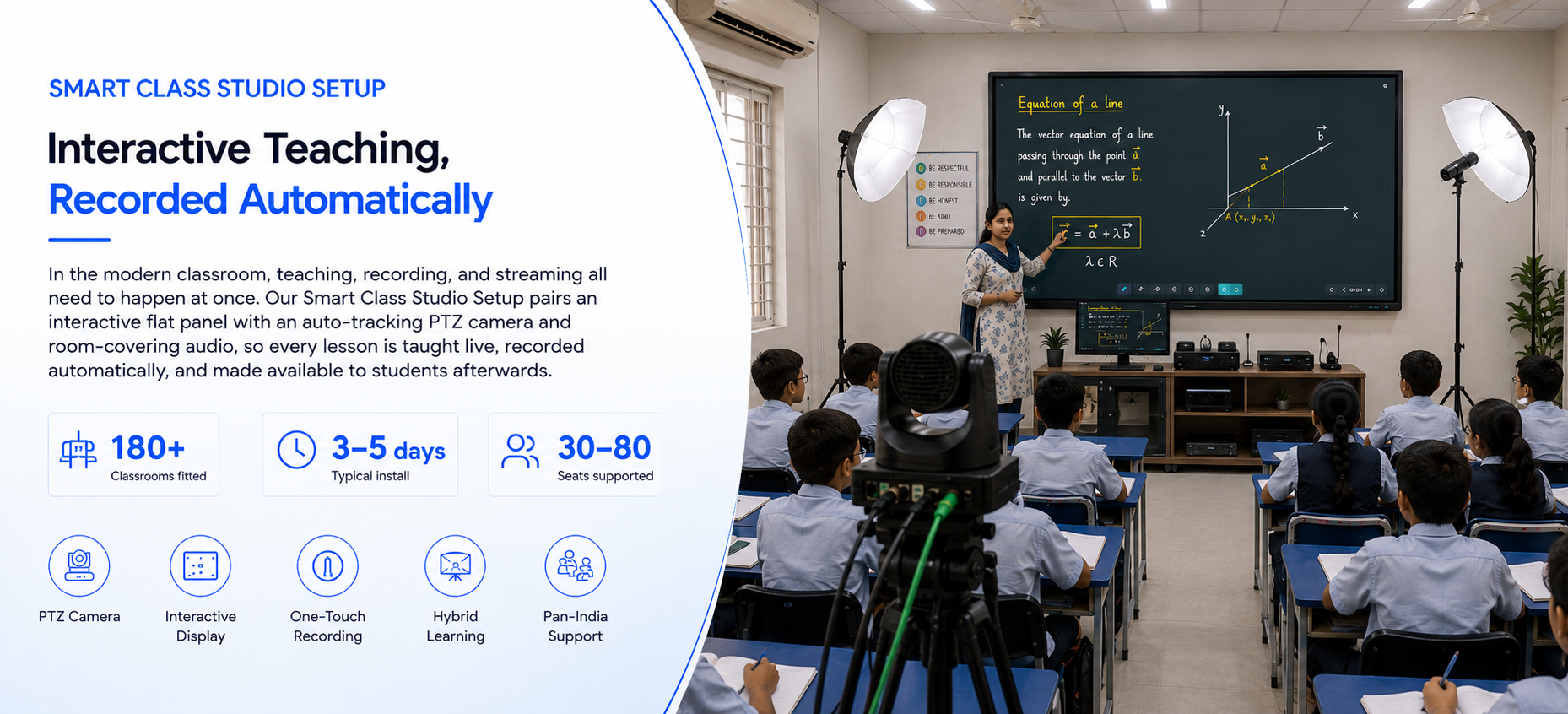
In the modern era of education, hybrid learning environments have become essential. Our Hybrid Class Studio Setup provides a perfect blend of physical and online teaching, ensuring students, whether present in the classroom or joining remotely, have a seamless learning experience. Designed with high-end technology, this setup caters to educators, trainers, and institutions looking to enhance engagement and interactivity in a hybrid format. Every live class can also be recorded automatically, so sessions stay available for later review or asynchronous learning.
What It Is
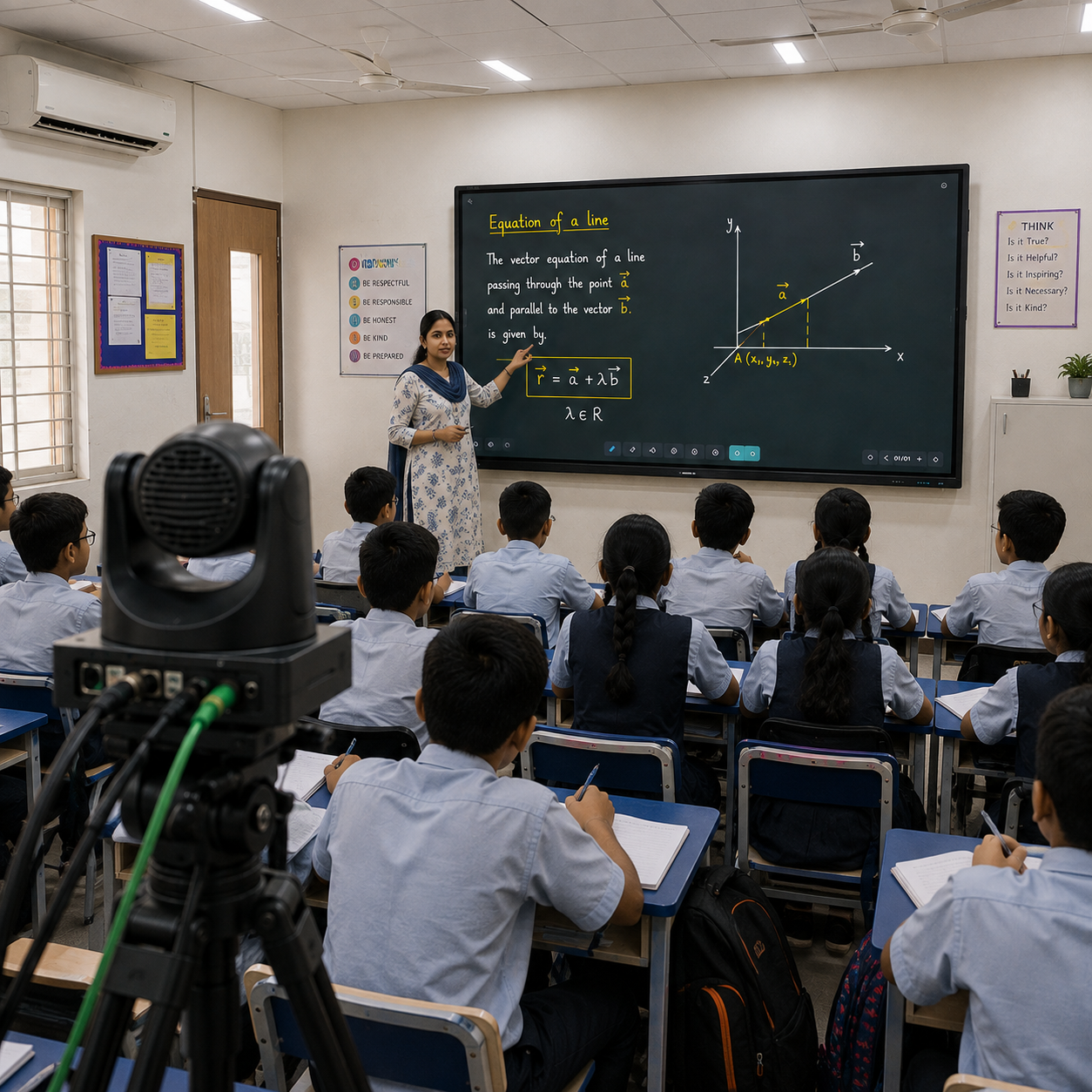
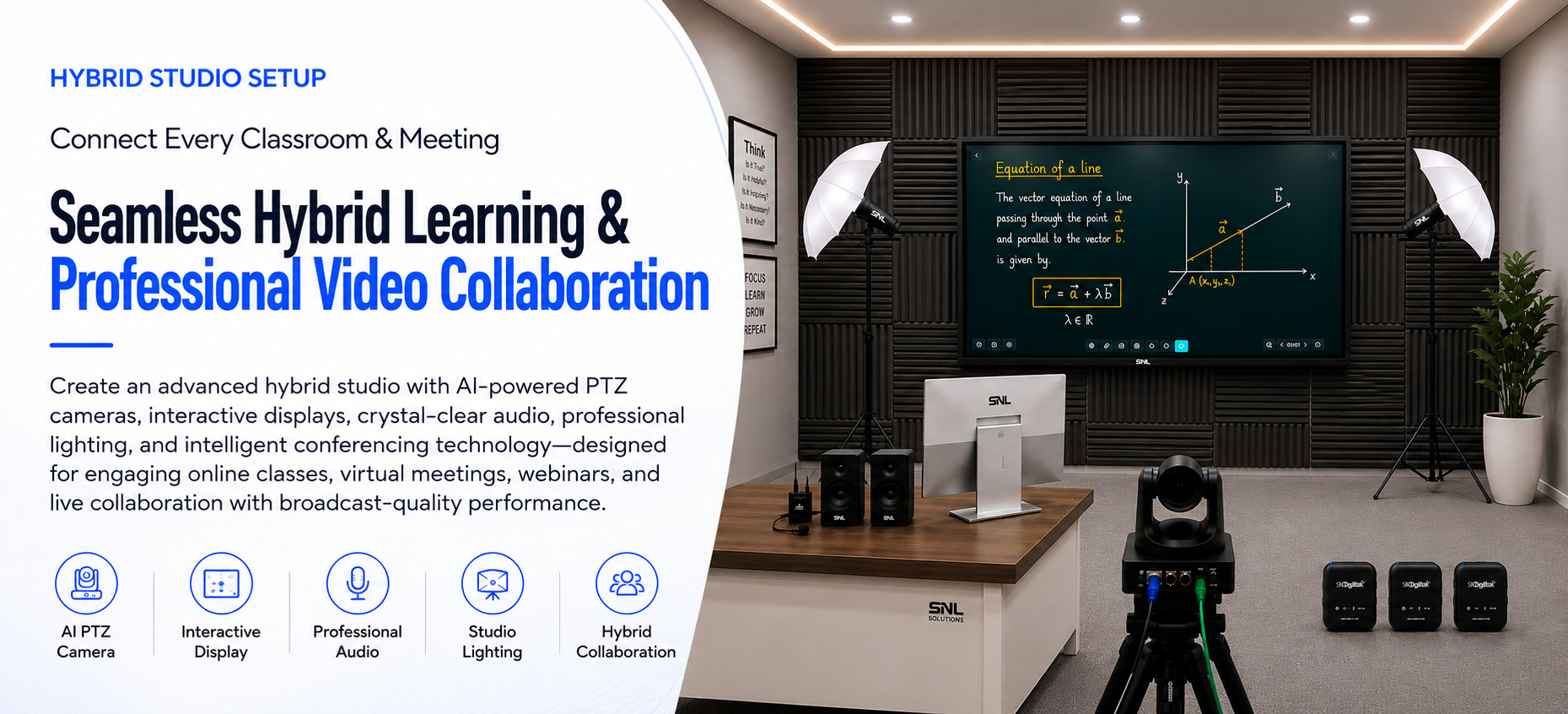
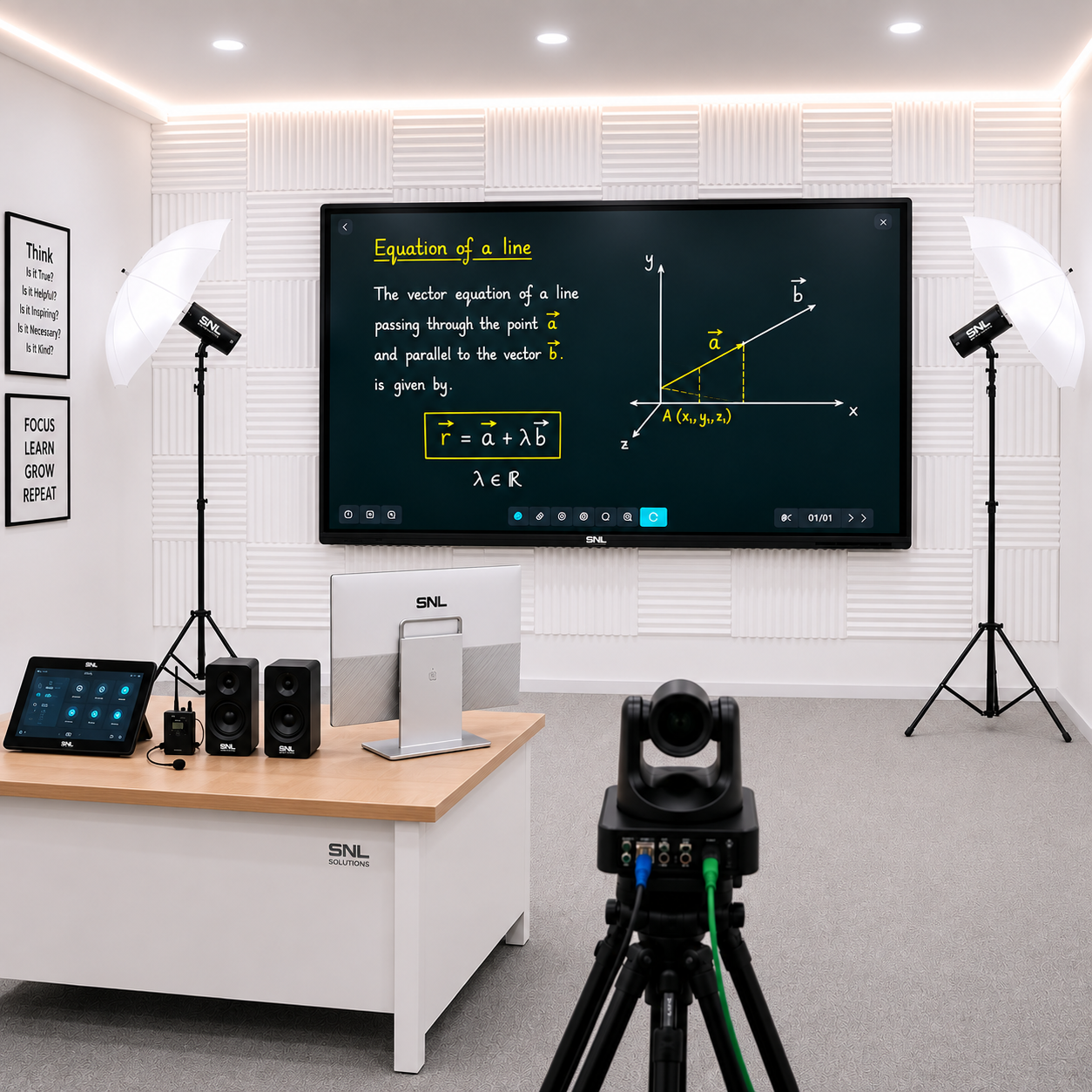
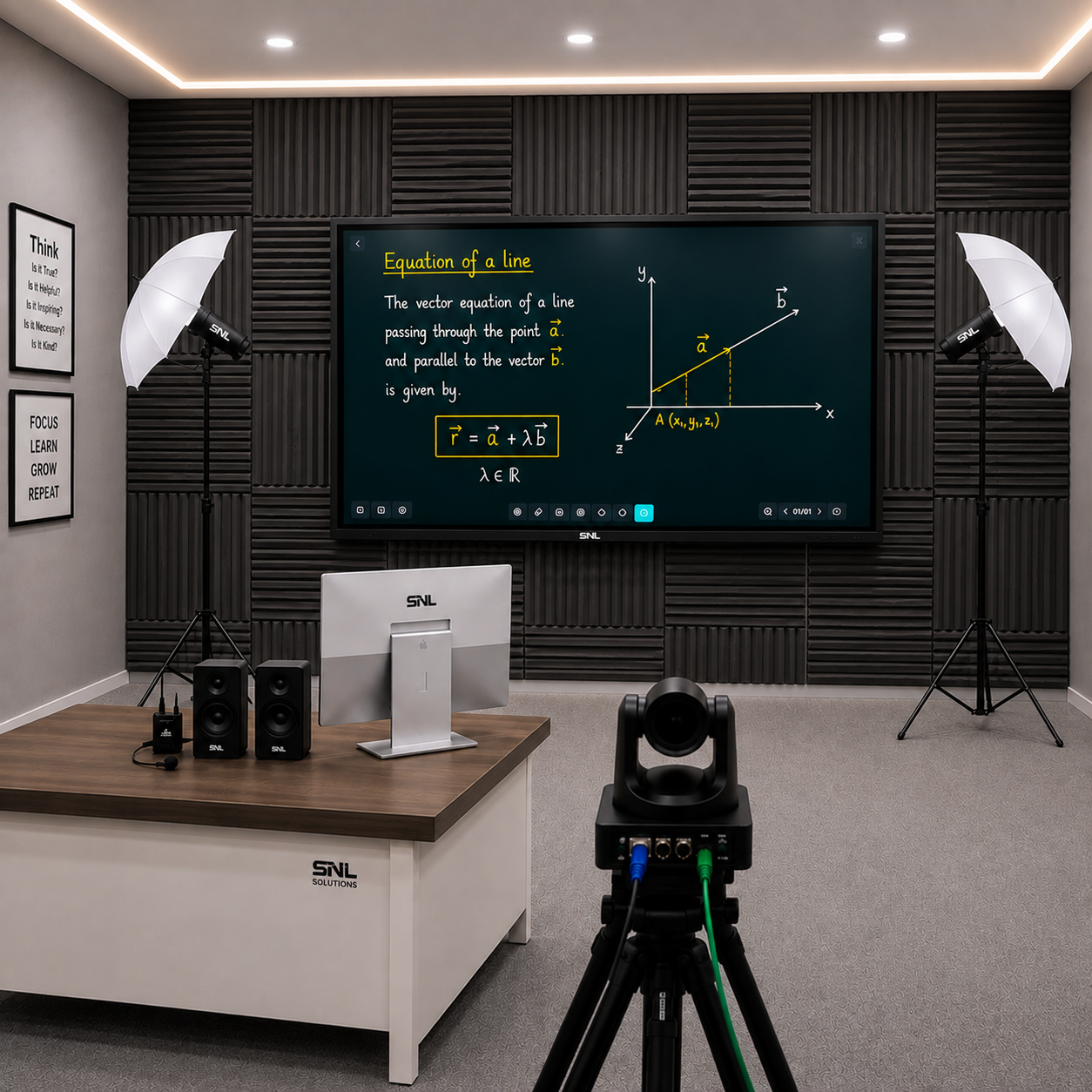
A Hybrid Studio setup is a complete physical-and-digital teaching environment built around an interactive flat panel, high-resolution PTZ camera, and digital podium, engineered so in-person and remote students get an equally engaging session from the same room. It combines display, camera, podium, dual-screen monitoring, and streaming software into one ready-to-use kit — letting any classroom or training room run offline and online sessions simultaneously without separate equipment for each.
Industries
The setup serves colleges and universities running blended-learning courses, corporate training rooms and government training centres delivering sessions to distributed teams, and coaching centres that want to reach both in-seat and remote students from a single lecture. Its dual-screen, dual-camera design also suits seminar and webinar rooms handling live and remote audiences together.
Advantages
Key advantages include a seamless experience for students whether physically present or joining remotely, flexible dual-screen monitoring for the presenter, and compatibility with the video conferencing tools your organisation already uses. The setup is reliable and scalable to future technological demands, and every installation carries a 1-year warranty extendable to three years with ongoing support.
Hybrid Studio Setup – Product Specifications
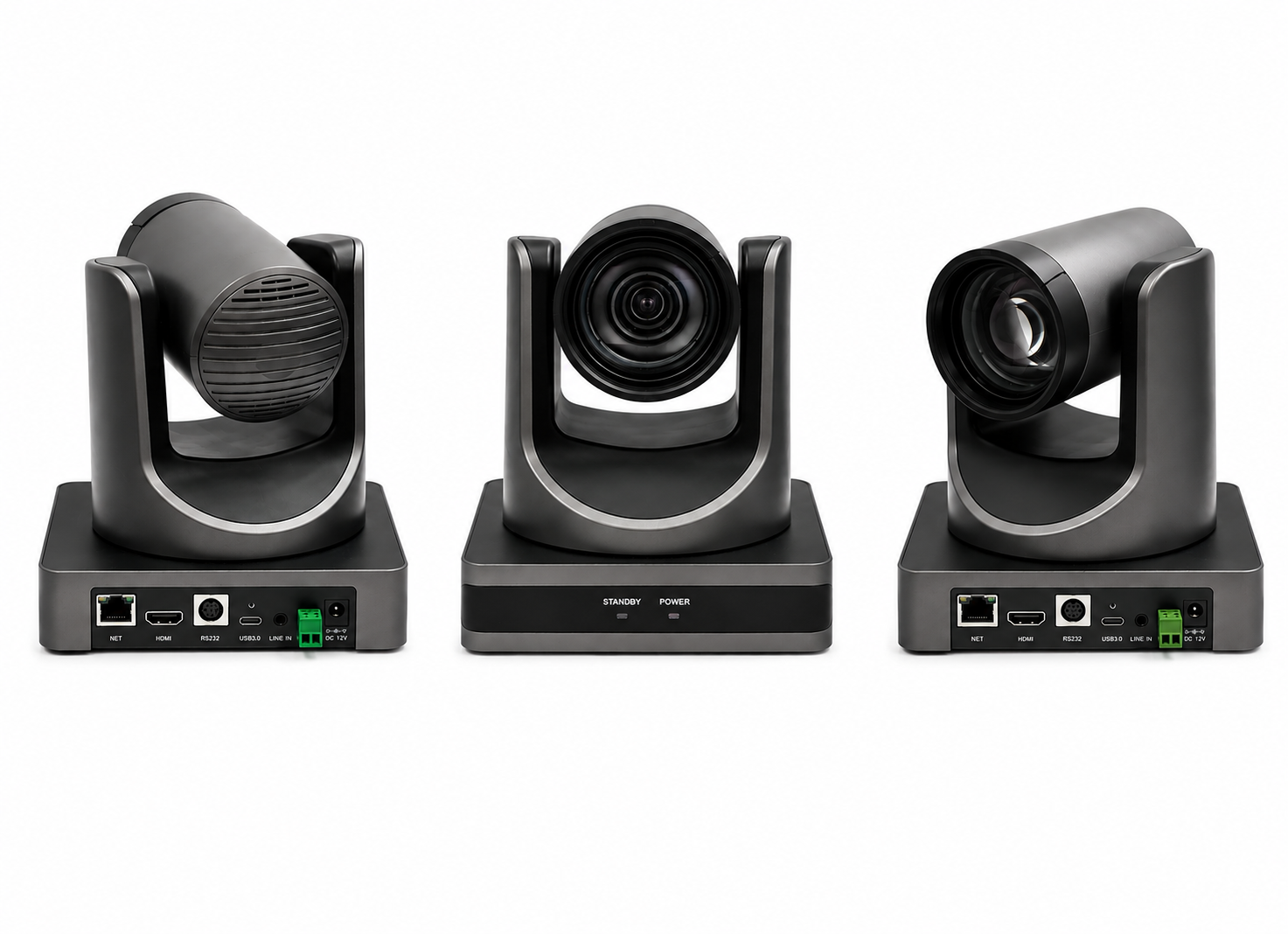
4K pan-tilt-zoom camera with smooth motorized movement and remote control, keeping every student in frame for both the in-room class and remote viewers.
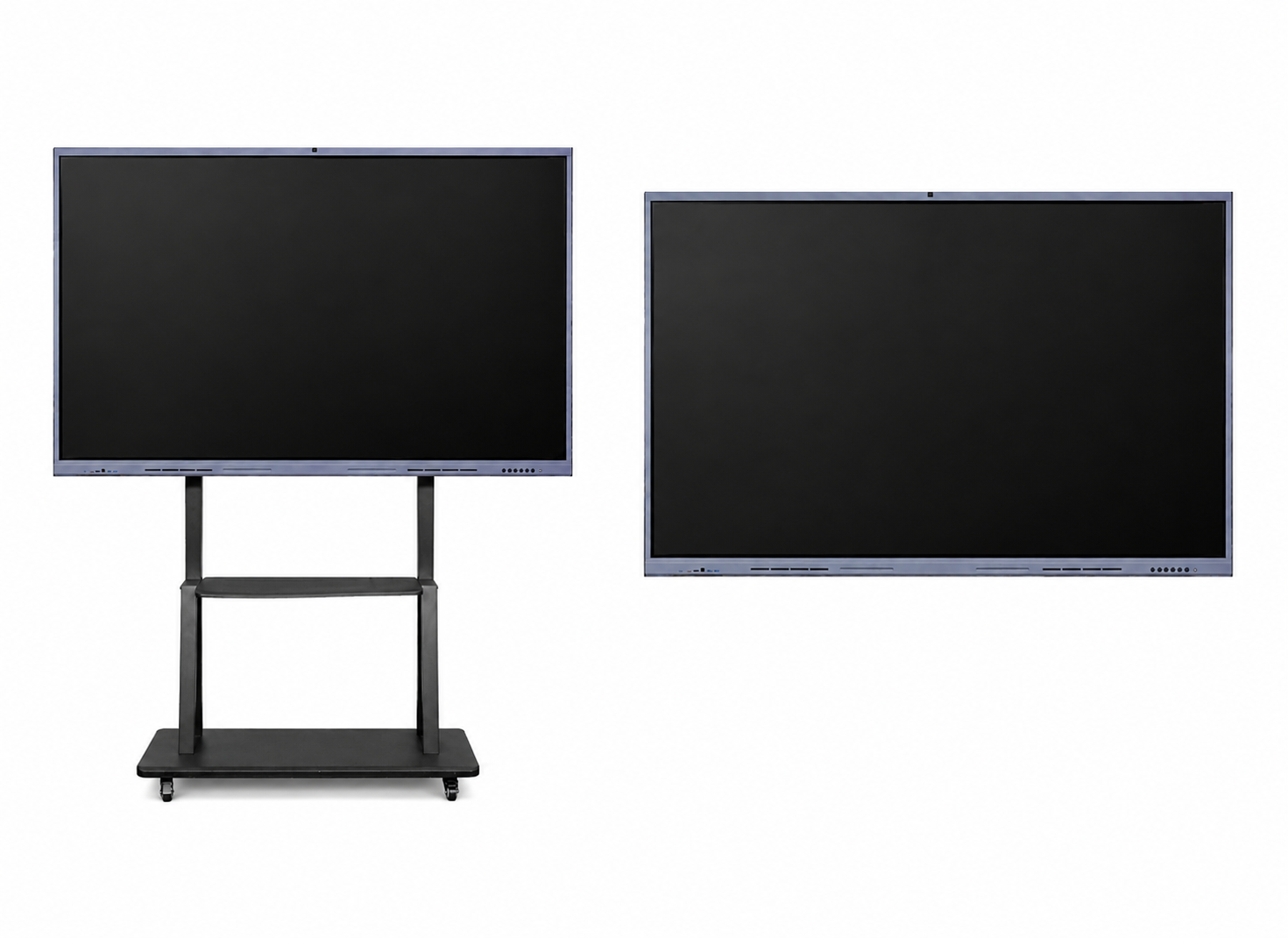
65″–86″ Windows 11 interactive flat panel mounted on a mobile trolley stand, so the display rolls between rooms and sets up wherever the class needs it.
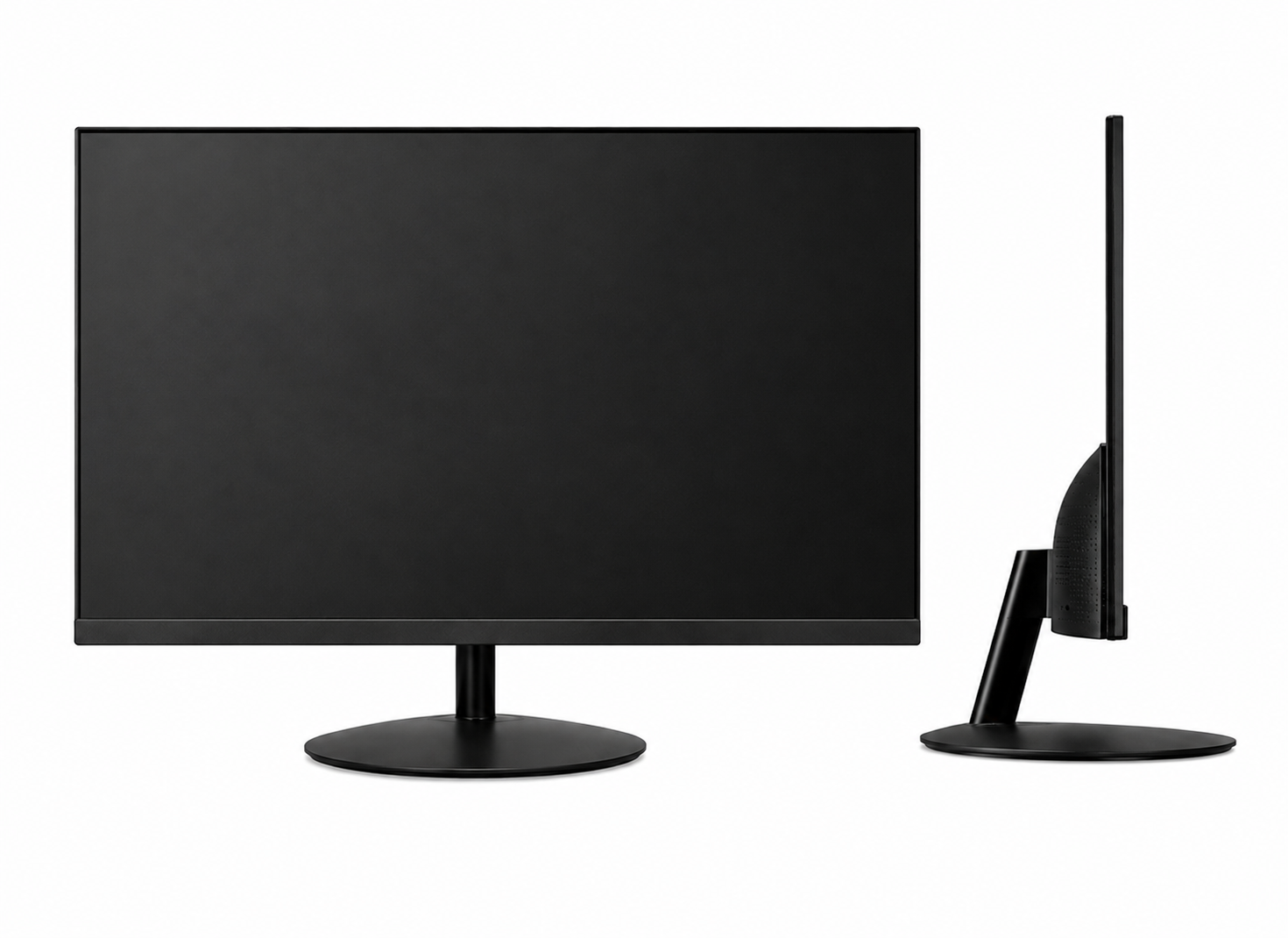
Secondary FHD display at the instructor's desk for managing content and keeping track of remote student participation without turning away from the class.
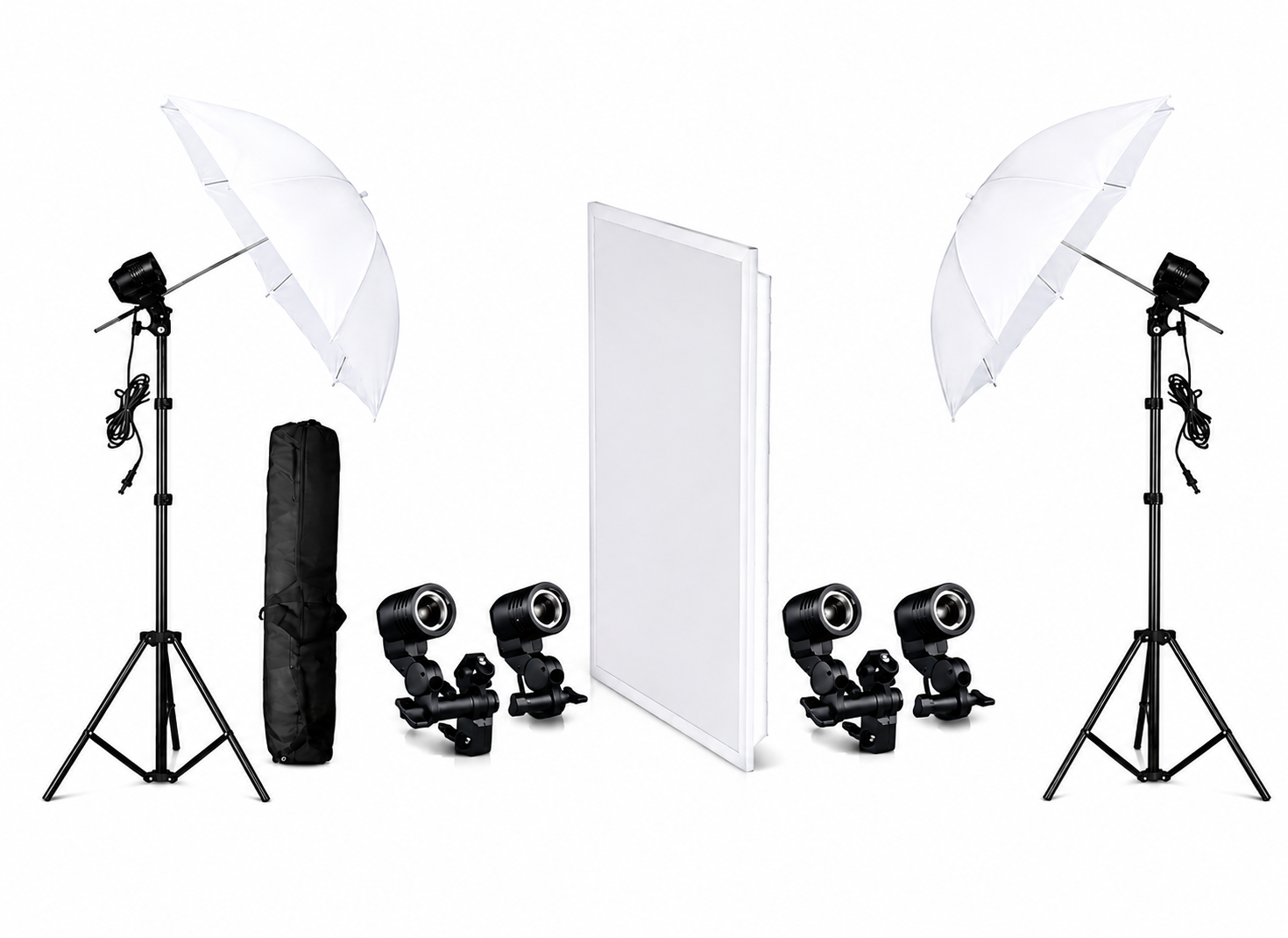
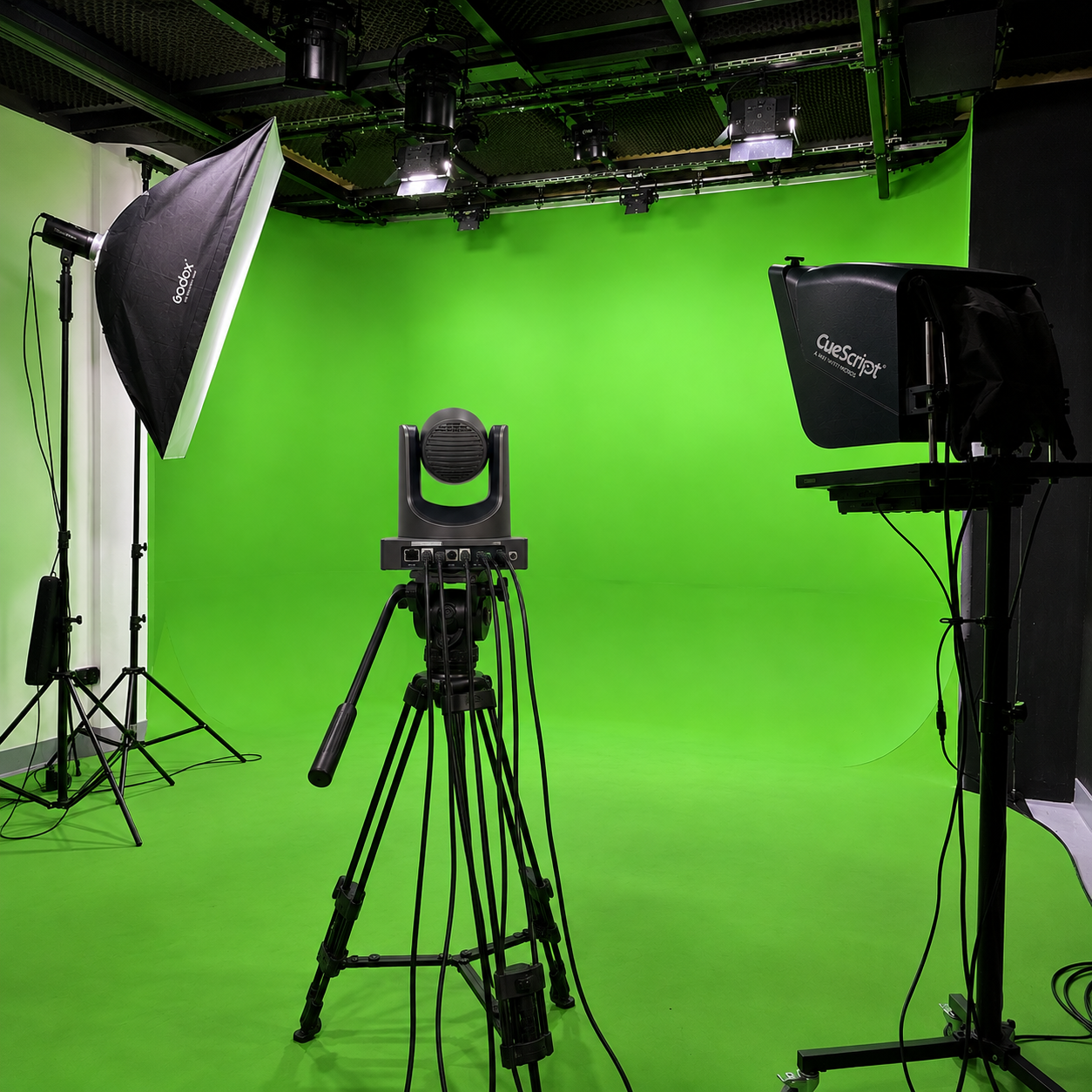
Adjustable LED lighting rig delivering even, shadow-free illumination across the teaching area for clear, well-lit video capture in every session.
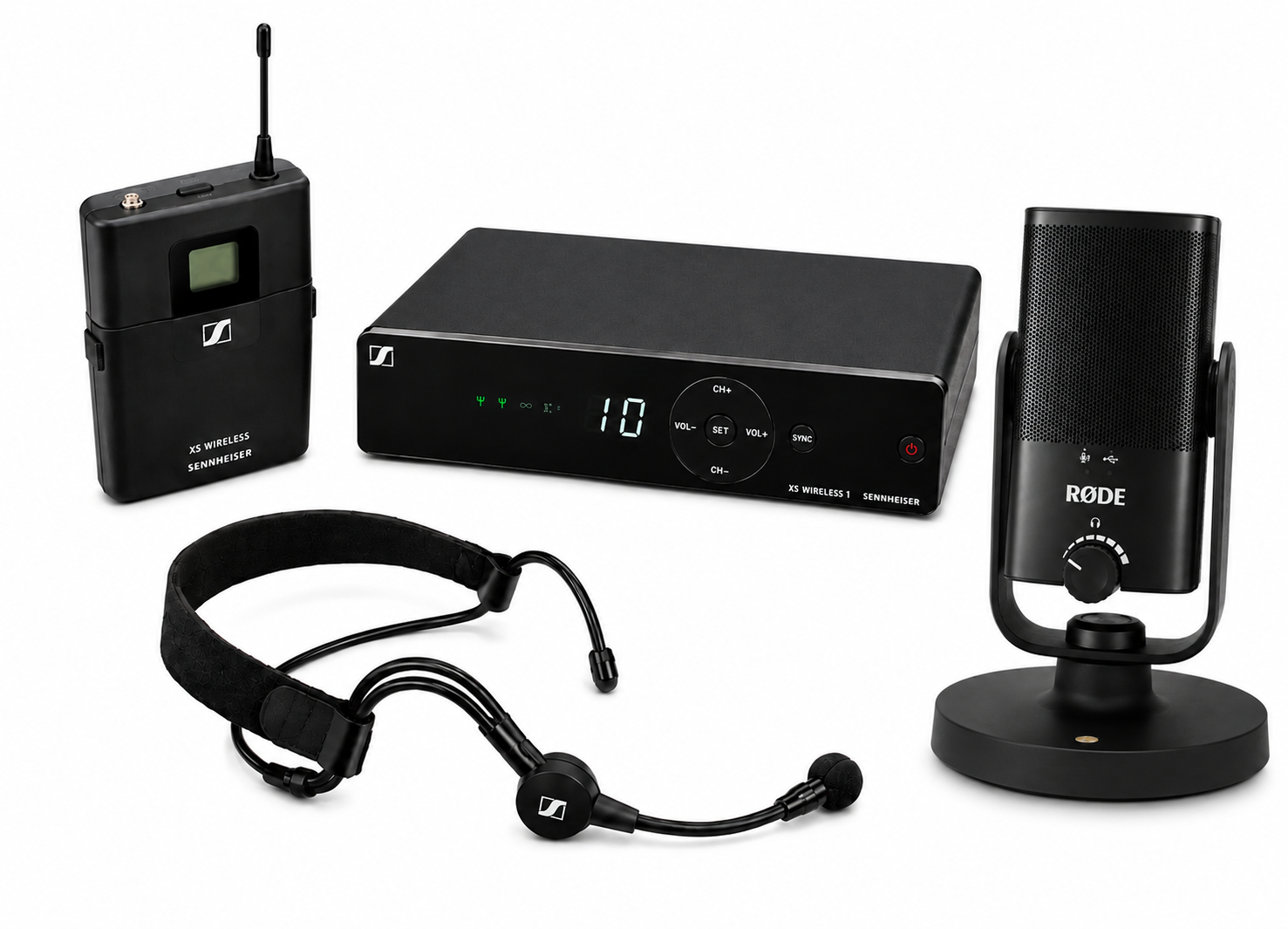
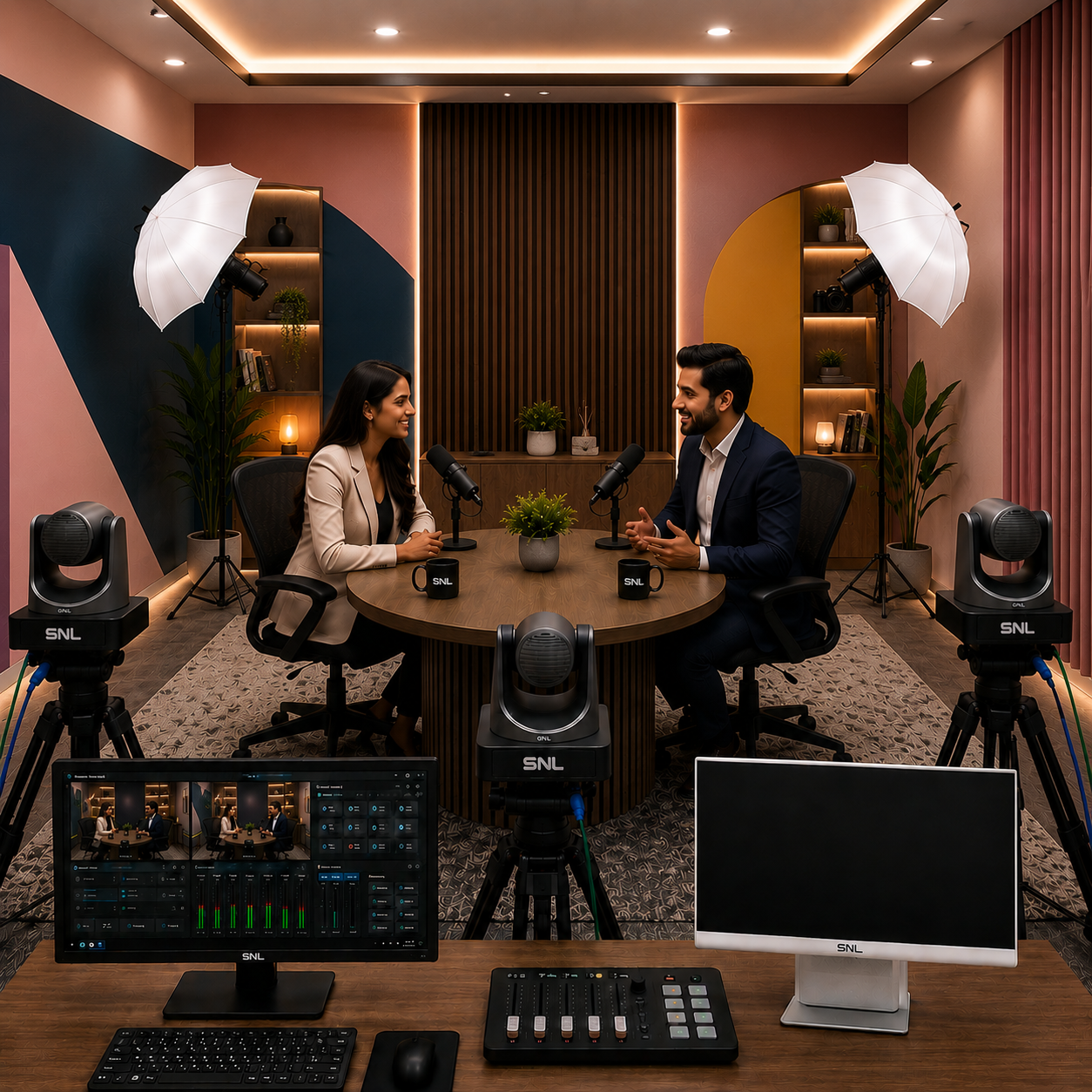
Sennheiser or DGtech microphone system with noise cancellation, capturing clear, room-filling audio for both in-person and remote listeners.
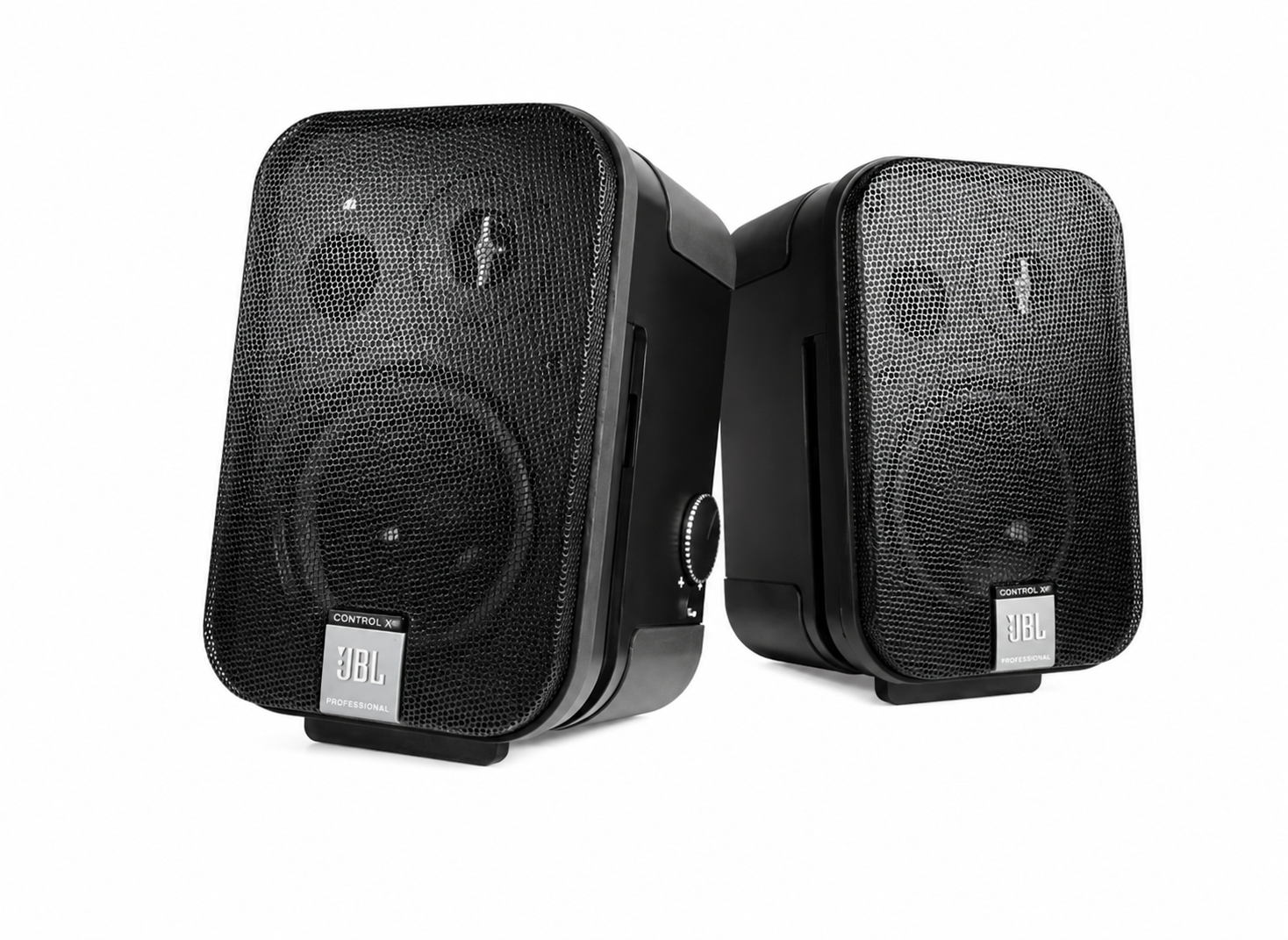
Ceiling or wall-mounted speaker system delivering clear, even audio coverage across the room, so both in-person and remote participants hear every session clearly.
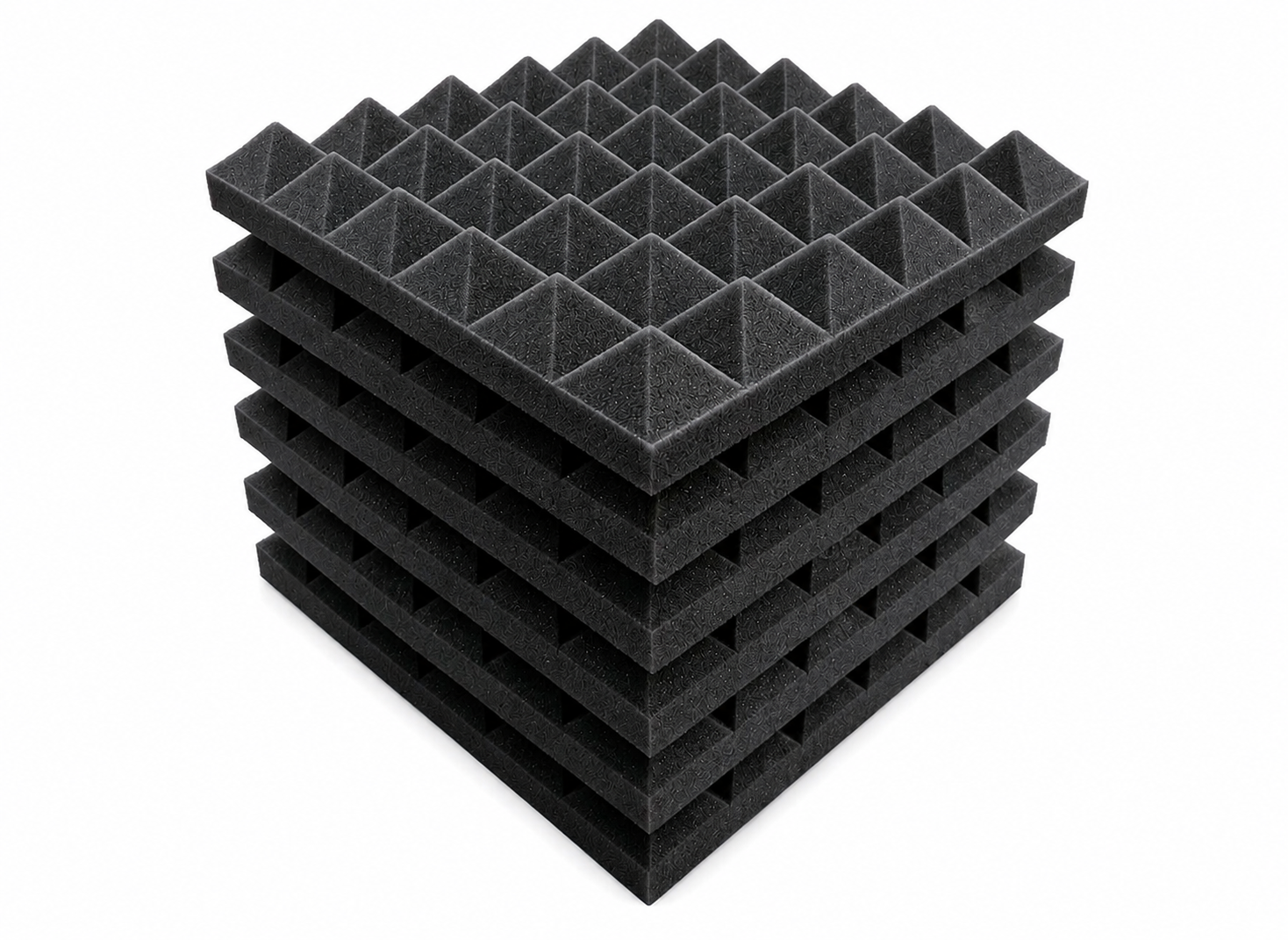
Acoustic wall panelling that reduces echo and outside noise, keeping room audio clean for both the in-room class and remote participants joining the session.
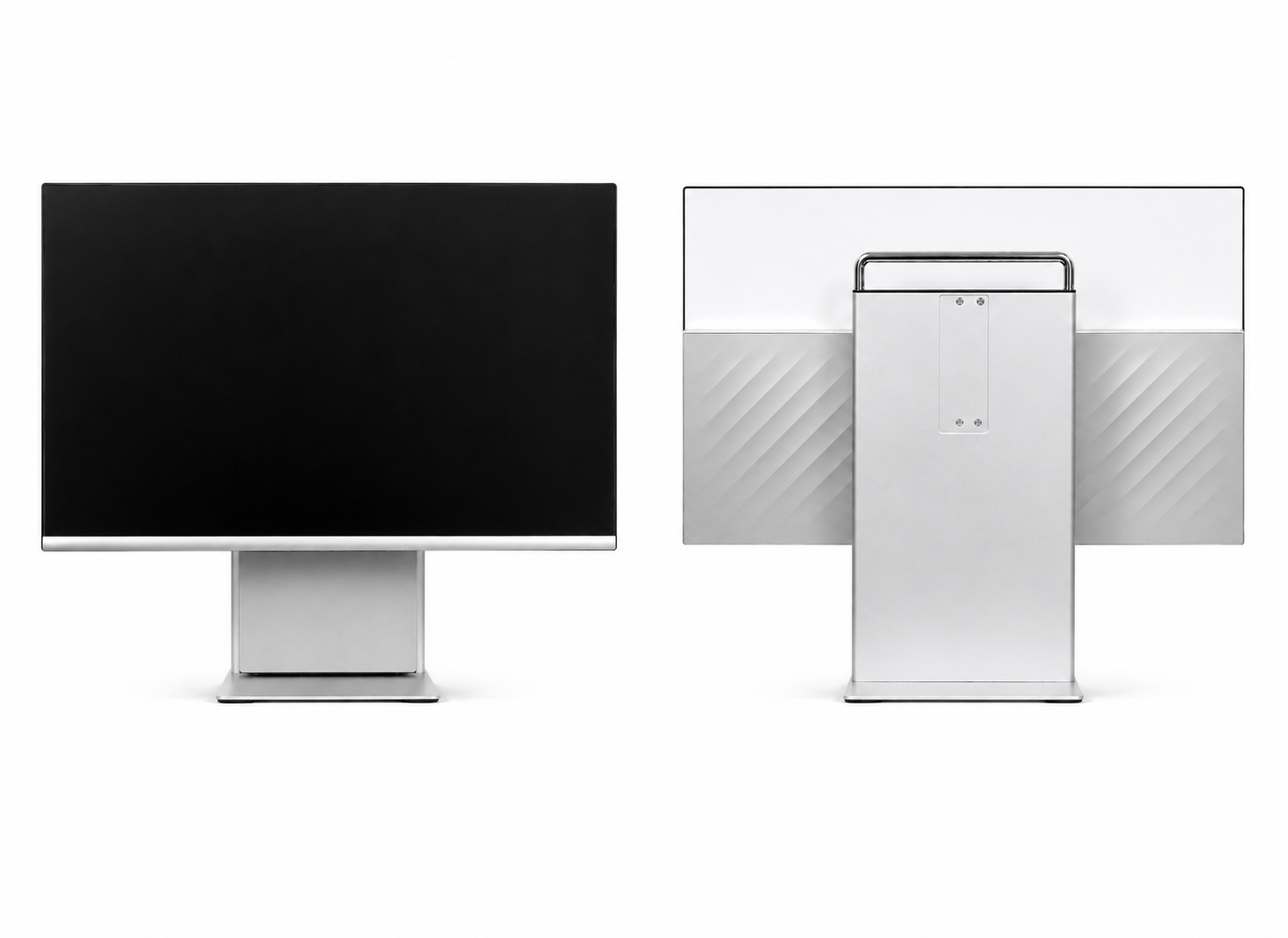
All-in-one touchscreen control panel that manages the camera, lighting, and streaming presets with a single tap, so the presenter never has to leave the podium to switch modes.
Benefits of the Hybrid Class Studio Setup
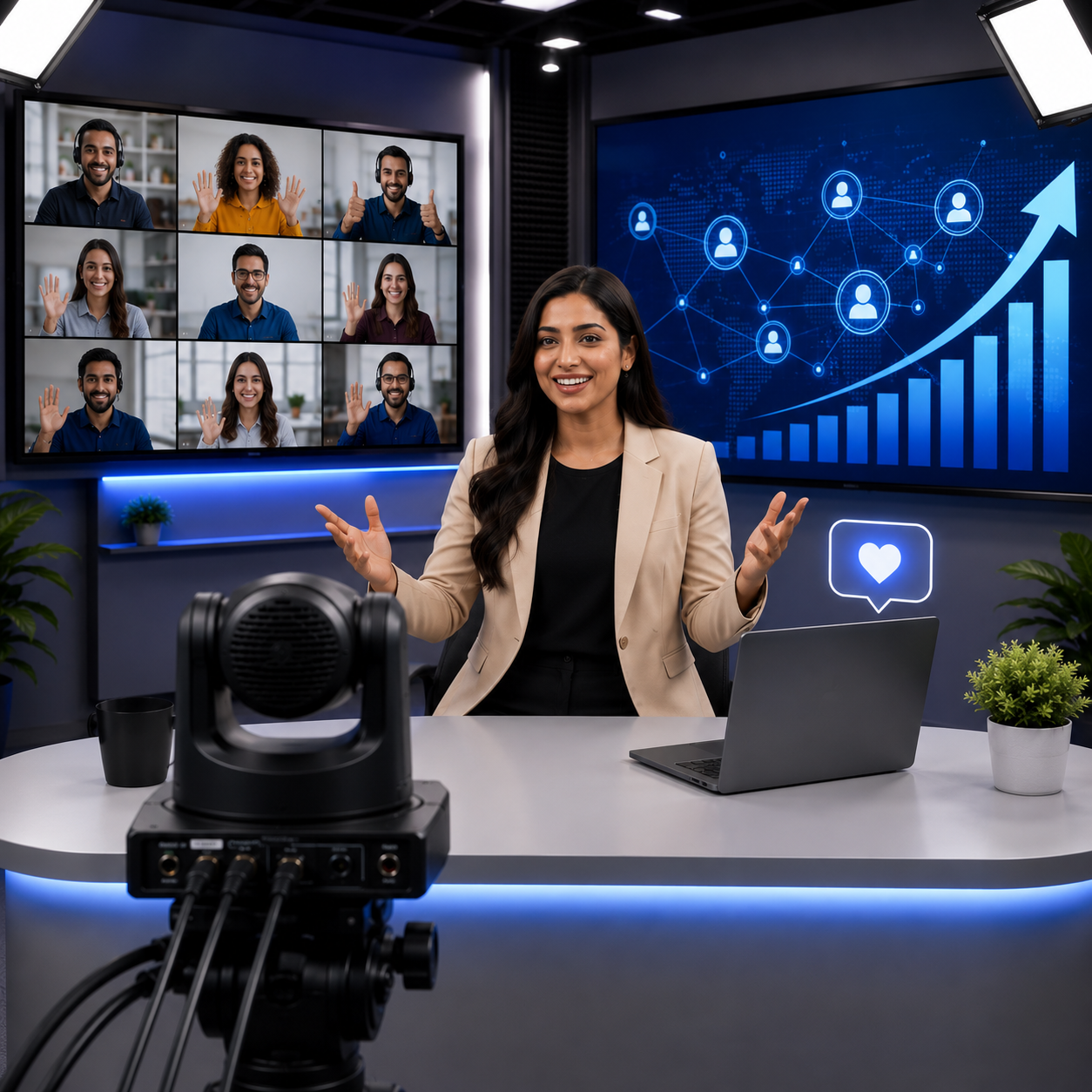
Increased Engagement
Boost interaction with digital tools and real-time participation.
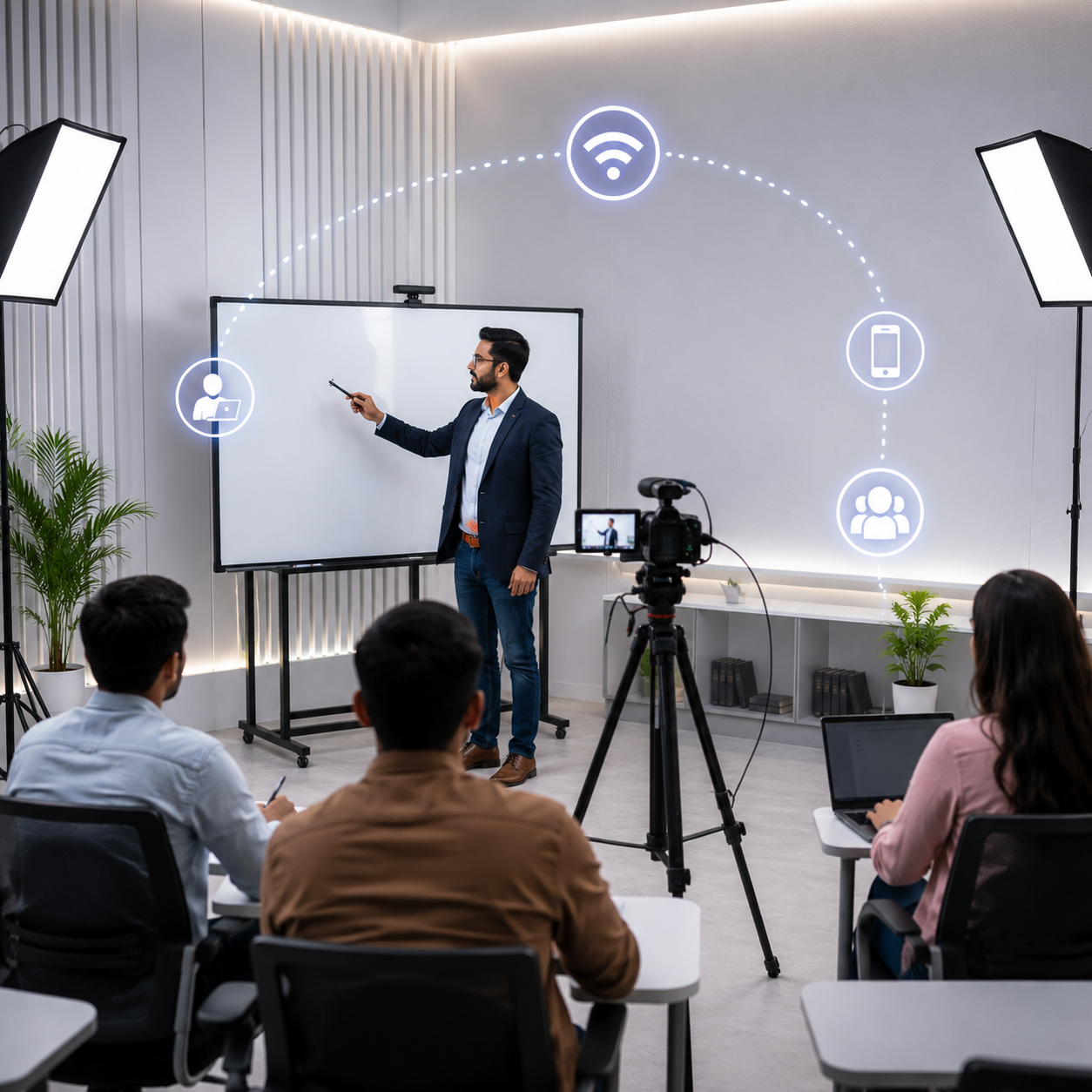
Seamless Hybrid Learning
Deliver lectures effortlessly to students both physically present and remotely connected.
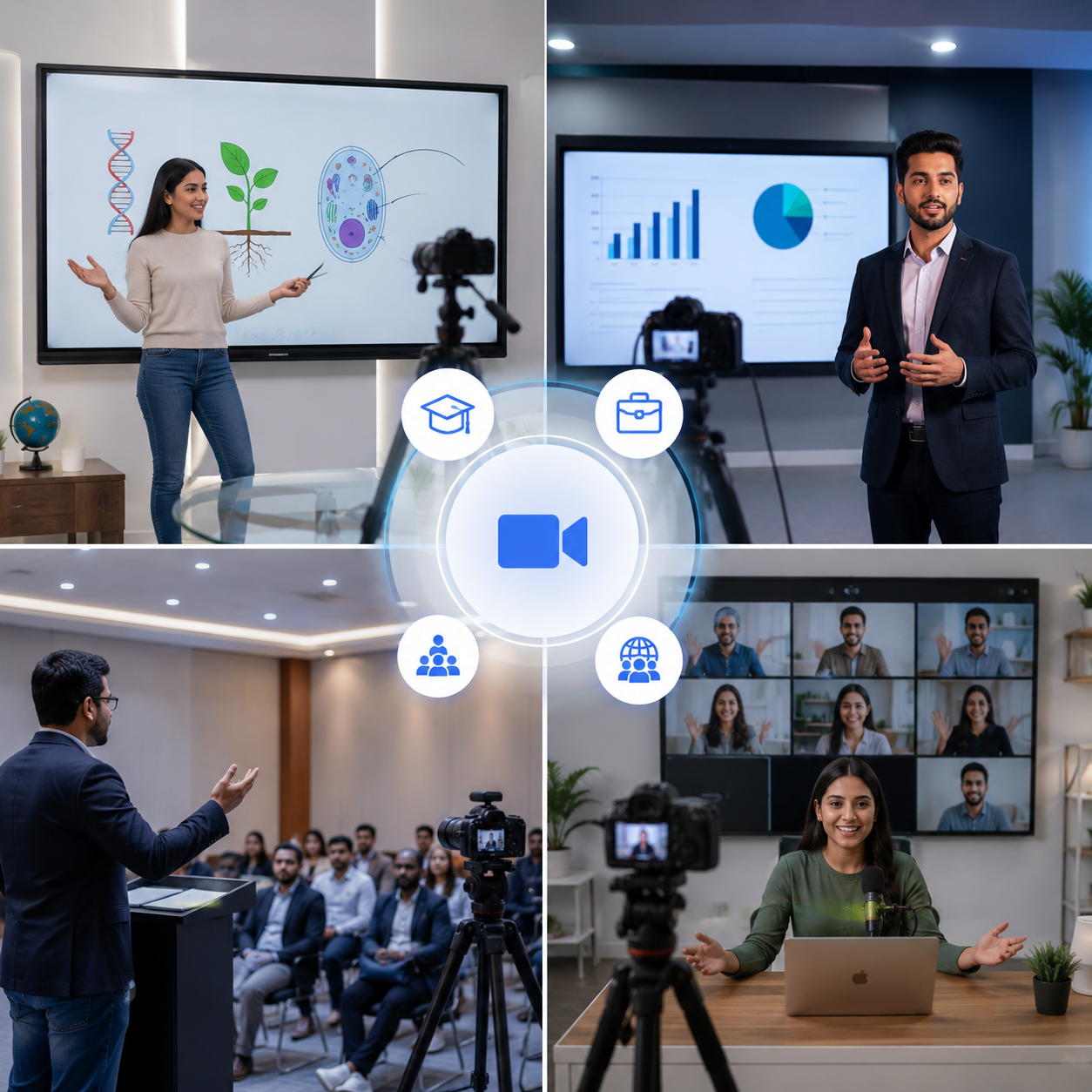
Multi-Purpose Use
Suitable for educational institutions, corporate training, seminars, and webinars.
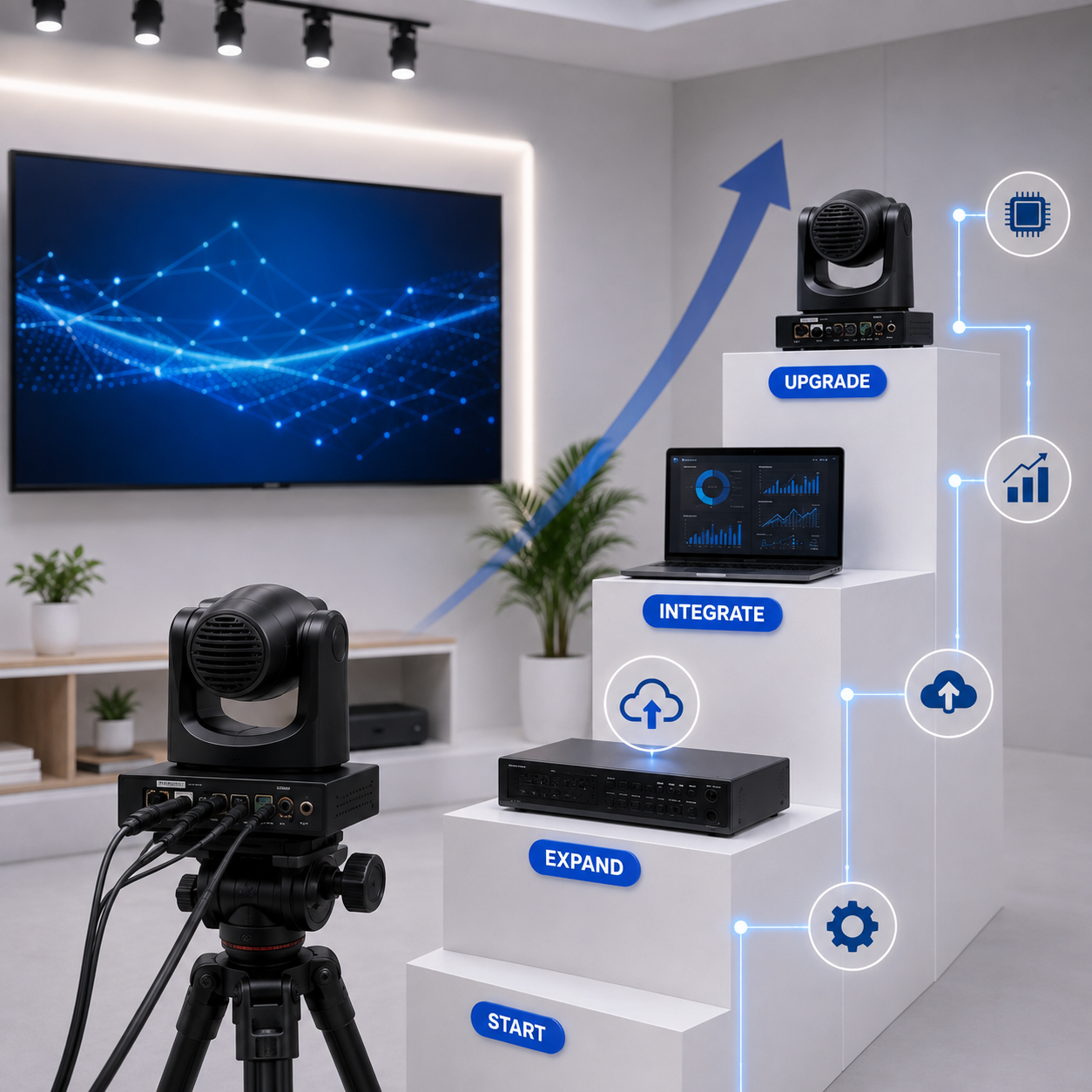
Reliable & Scalable
Easily adapt the setup to meet future technological and institutional demands.
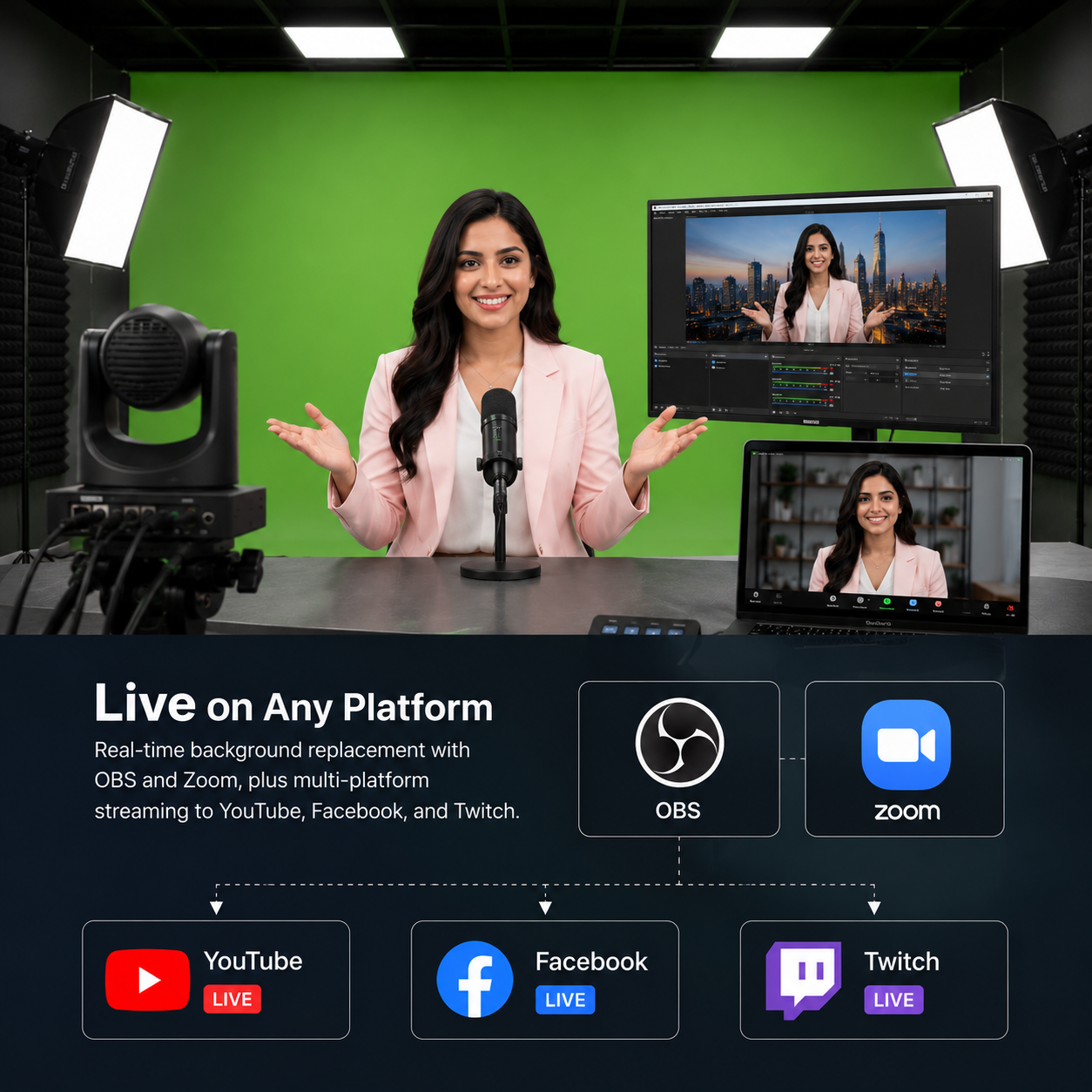
Live Streaming & Recording
Stream every class in real time and record it automatically for later review or asynchronous learning.

Pan-India Installation & Support
Rooms fitted in 4–6 days, backed by a 1-year warranty extendable to three, with AMC and on-site service.
Ideal Use Cases for a Hybrid Studio
Hybrid Studios are widely used across colleges, universities, corporate training rooms, government offices, and coaching centres — anywhere in-person and remote audiences need the same live, interactive session.
Our installation process
From first call to a fully running hybrid room
Site Survey
We assess your space and requirements
Solution Design
We design the right setup for your workflow
Equipment Supply
We select and deliver the right gear
Installation
Cabling, setup, and software configuration
Training & Demo
Your team learns to operate the studio
Ongoing Support
AMC, remote assistance, on-site service
Features of Hybrid Class Studio Setup
Interactive Flat Panel Display
- Engage students with crystal-clear visuals and responsive touch capabilities using a Windows 11-powered interactive panel.
High-Resolution PTZ Camera
- Ensure every student, whether remote or in the classroom, sees the lecture in detail with an adjustable PTZ camera that offers smooth panning, tilting, and zooming functions.
Advanced Digital Podium
- Present with ease using our integrated digital podium, complete with microphone connectivity and ergonomic design for a seamless teaching experience.
Dual-Screen Configuration
- Equip your hybrid classroom with both primary and secondary displays to manage presentations and monitor student participation simultaneously.
Flexible Seating & Infrastructure
- Compact, modern furniture ensures maximum comfort, providing students with an ideal physical learning environment.
Live Streaming & Recording Capabilities
- Enhance your lectures with the ability to stream classes in real-time and record them for future reference or asynchronous learning.
Hybrid Studio Setup FAQs
Specific questions about Hybrid Studio setup, hybrid classroom installation, and dual-camera teaching rooms. Can't find an answer? Reach out to our team directly.
No questions match your search.
A Hybrid Studio setup goes beyond a smart classroom by adding a high-resolution PTZ camera, a secondary monitor, and room-covering audio so remote and in-person students get equal attention in the same live session. Unlike a standard smart classroom built only for the in-room audience, this hybrid classroom setup is engineered from the ground up for simultaneous offline and online teaching.
The Hybrid Studio setup is configured to work with the video conferencing platform your institution already uses, including Zoom, Google Meet, and Microsoft Teams, so there's no proprietary software lock-in. Our team handles the integration during installation, matching camera and audio routing to your existing hybrid learning studio workflow.
Yes — the PTZ camera automatically tracks the presenter as they move, while a second wide-angle camera holds a steady shot of the full room for remote viewers. This dual-camera classroom design means the teacher isn't tied to a fixed spot behind the digital podium to stay in frame.
A typical Hybrid Studio setup installation takes 4–6 days, depending on room size, seating capacity, and existing electrical and network wiring. We've installed 120+ hybrid teaching rooms across India, supporting anywhere from 40 to 100 seats per room.
Every Hybrid Studio setup carries a 1-year warranty, extendable to three years, backed by an AMC covering remote diagnostics and on-site service across our pan-India network. This keeps the interactive flat panel, PTZ camera, podium, and audio system running through the life of the room.
Hybrid Studio setup cost depends on room size, seating capacity, and the equipment tier you choose — from the interactive flat panel and PTZ camera to the digital podium and audio system. We provide a custom quote after a free site survey, so you only pay for what your hybrid classroom setup actually needs.
A Hybrid Studio setup is designed to support 40–100 seats per room, scaling from a standard classroom to a large lecture hall. Camera placement, display size, and audio coverage are adjusted during the site survey to match your room's dimensions.
Yes — the Hybrid Studio setup includes live streaming and automatic recording, so every session is available in real time for remote students and saved afterward for asynchronous learning or review. Recordings are captured alongside the live stream with no extra step for the presenter.
More Related Products
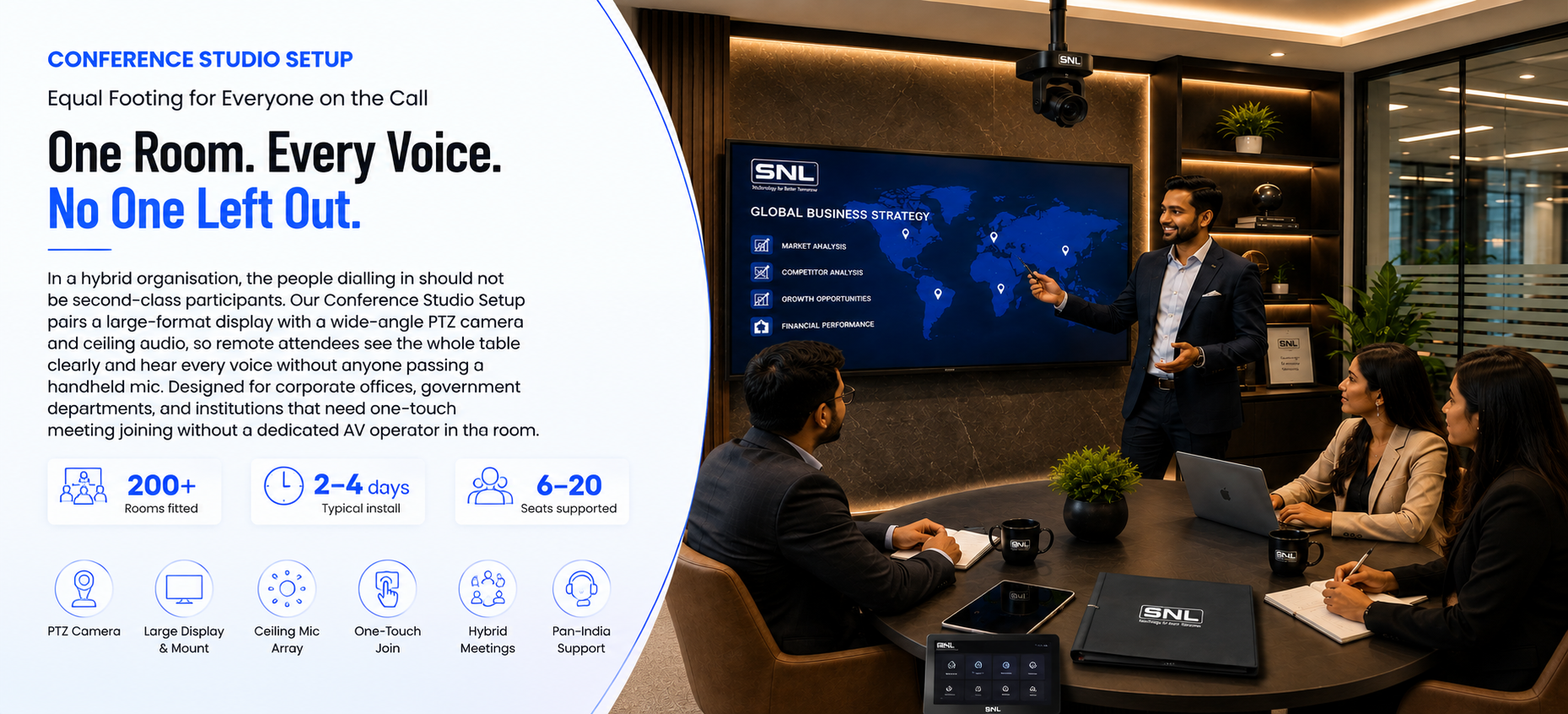
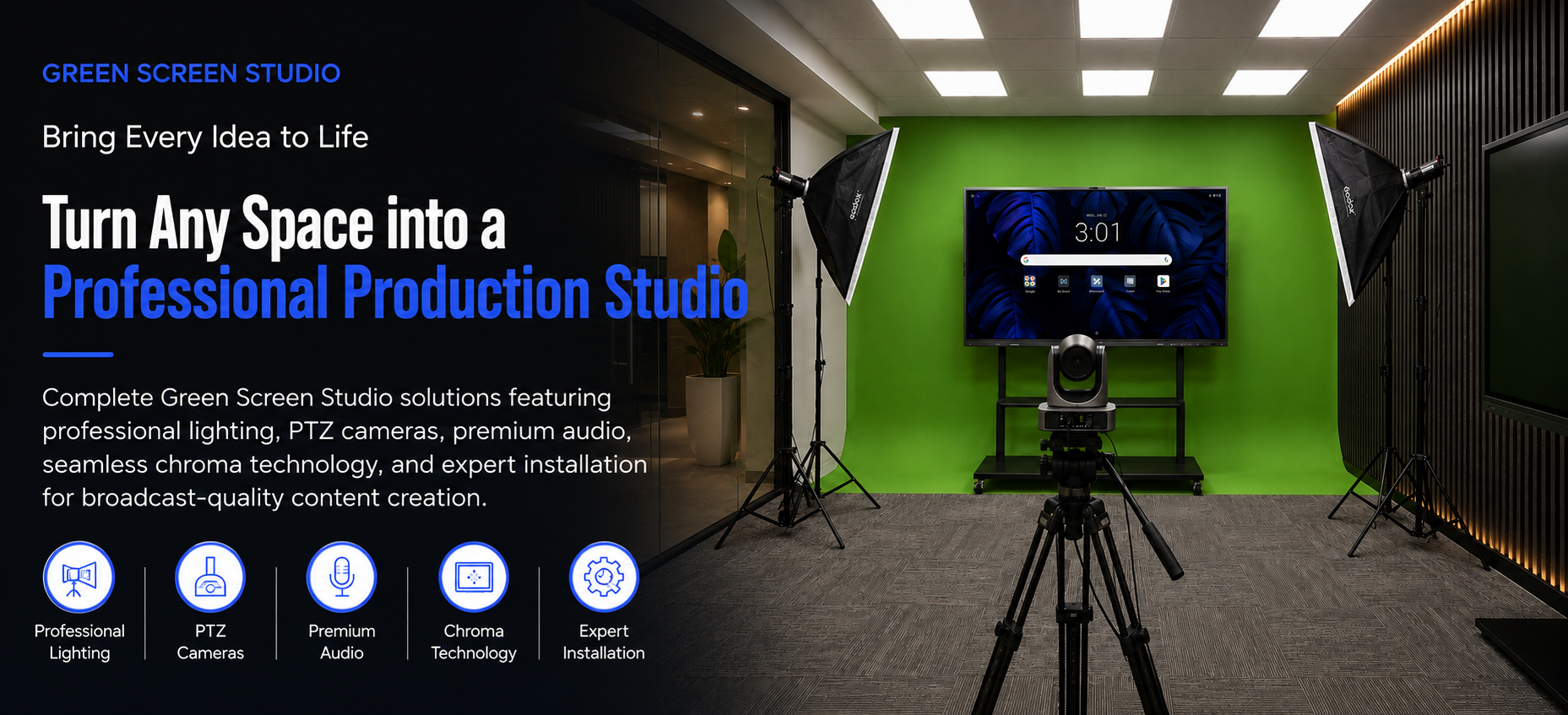
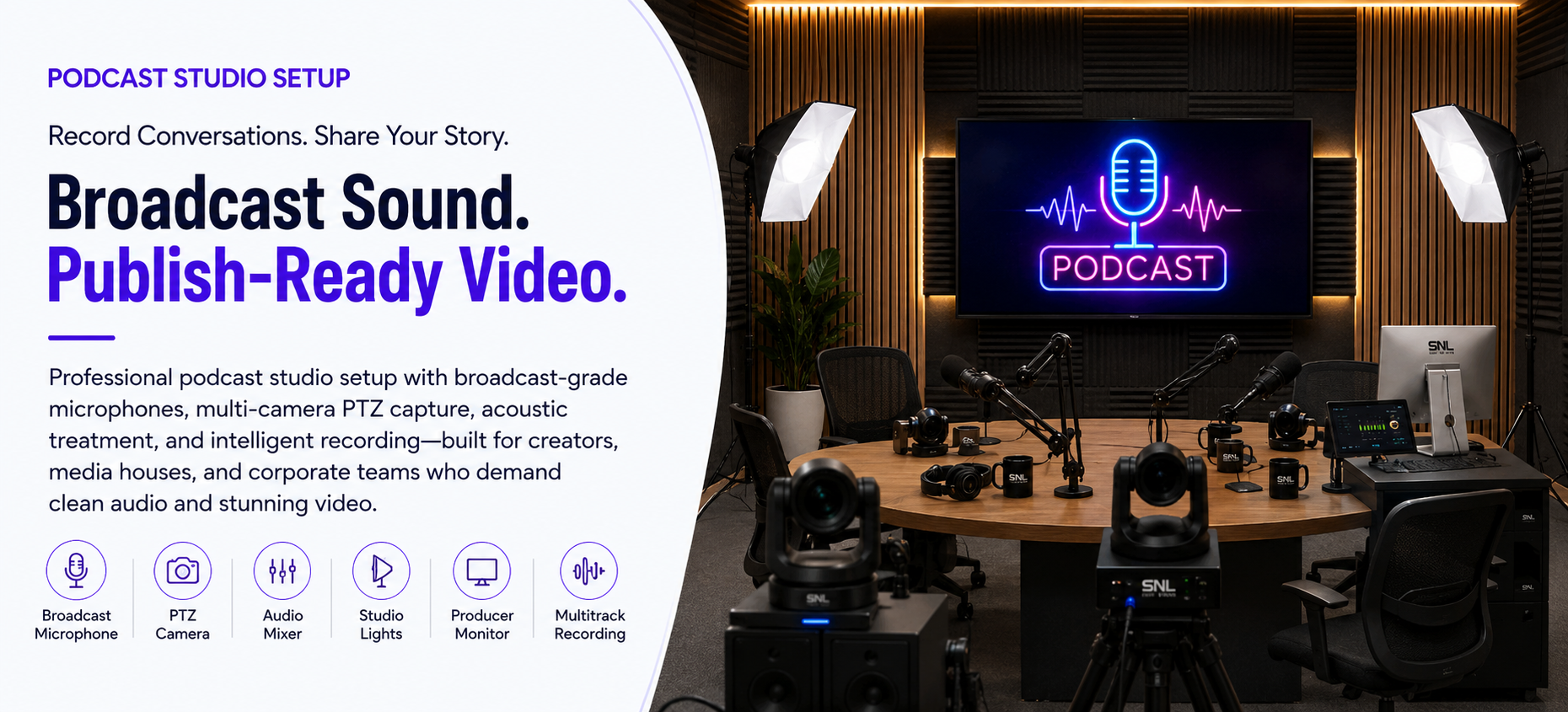
Explore the other studio setups SNL Solutions designs, installs, and supports.